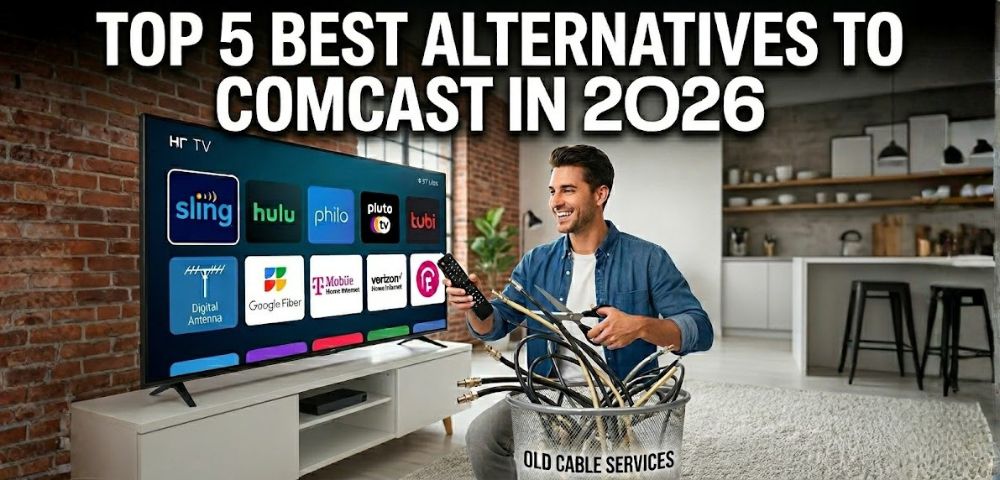
Are you tired of paying over $200 every month for bloated cable TV bundles and hidden broadcast fees? Finding reliable alternatives to Comcast requires replacing your expensive television packages with smarter, highly detailed streaming solutions. This comprehensive 2026 guide breaks down the five most effective strategies, detailing exact costs and setup methods to permanently reclaim your household budget.
Why You Need TV Alternatives to Comcast Now
Understanding the true cost of your current television setup is the very first step toward achieving financial freedom. In reality, traditional TV packages from major providers often exceed $200 per month just for basic channel lineups and rented cable boxes. Consequently, taking the time to explore viable alternatives to Comcast is a necessary and urgent financial decision for your family.
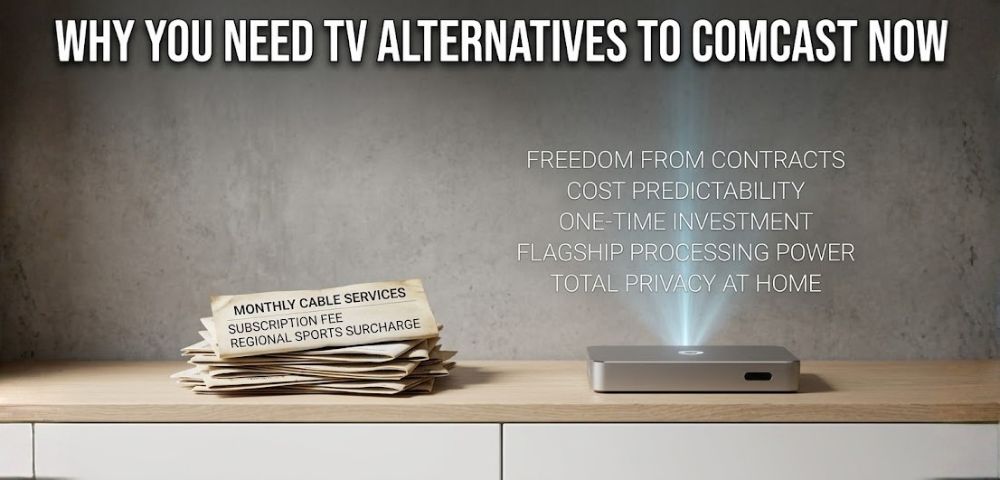
To put this into perspective, an average family spends over $2,400 annually just to maintain standard television programming that they barely watch. Furthermore, this deceptive pricing model is precisely why modern households are desperately seeking transparent entertainment solutions.
Top 5 Best Alternatives to Comcast in 2026
Fortunately, to successfully cut the cord, you must find reliable replacements that perfectly match your family’s viewing habits. To guide your transition, here are the five most detailed alternatives to Comcast based on recent consumer cord-cutting trends and localized 2026 pricing.
Premium Live TV Streaming Services
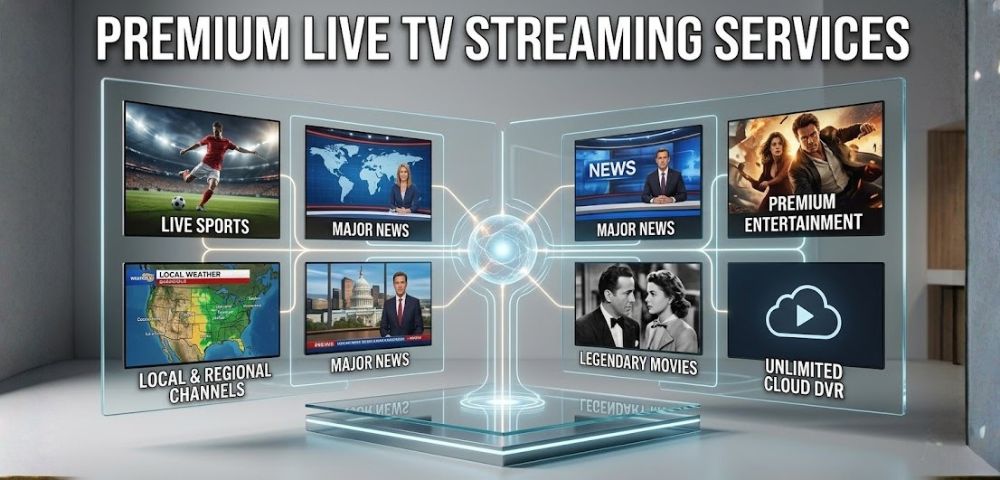
Product Type: These are comprehensive digital applications designed to directly mirror the traditional cable TV experience. To achieve this, platforms like Hulu + Live TV and DirecTV Stream provide extensive grid guides, local broadcast networks, and premium entertainment channels. Consequently, these premium streaming apps serve as top-tier alternatives to Comcast for users who still want a familiar television interface.
Estimated Cost: $76.99 to $99.99 per month.
How to Purchase & Set Up: Visit the official website of providers like Hulu to create your user account and select a monthly billing plan. Next, download their official application directly onto your smart television or mobile viewing device. Finally, log in using your new credentials to instantly access the live channel guide and on-demand libraries.
Pros & Cons: You gain unlimited cloud DVR storage to record your favorite daily broadcasts simultaneously across multiple smart devices. However, stacking multiple premium subscriptions costing $80 to $100 will quickly deplete the massive financial savings you initially gained.
Budget-Friendly “Skinny” Bundles
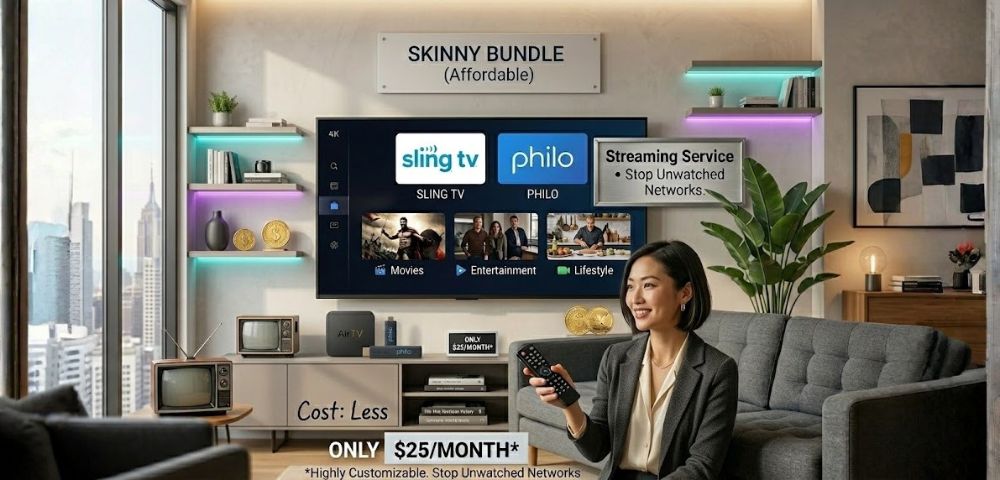
Product Type: Skinny bundles are streamlined live TV streaming services that completely strip away expensive sports and local networks. As a result, platforms like Sling TV and Philo can offer highly customizable channel packages that focus strictly on specific entertainment genres. Ultimately, these budget platforms rank among the most affordable alternatives to Comcast because you permanently stop paying for unwatched networks.
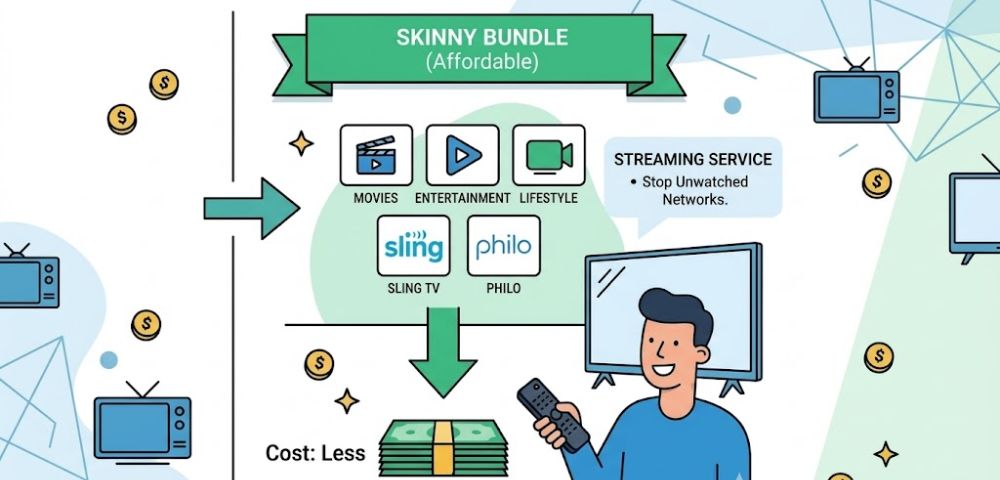
Estimated Cost: $25.00 to $40.00 per month.
How to Purchase & Set Up: Navigate to the Sling TV or Philo website to choose a base package that fits your specific entertainment preferences. Enter your payment details online to activate your subscription without signing any long-term physical contracts. Afterward, install the corresponding application on your viewing device and begin streaming your customized channel lineup immediately.
Pros & Cons: Starting prices are incredibly low, and you have the absolute freedom to add or drop specific channel packages anytime. However, to keep these monthly costs so low, these budget services frequently exclude popular local broadcast stations and regional sports networks.
Free Ad-Supported TV (FAST)
Product Type: FAST platforms are entirely free streaming applications supported exclusively by traditional commercial breaks. Services like Pluto TV and Tubi offer hundreds of live, linear channels featuring classic movies, sitcoms, and localized news. Therefore, FAST platforms remain excellent alternatives to Comcast for casual viewers looking to eliminate their entertainment bills entirely.
Estimated Cost: $0.00 (Completely Free).
How to Purchase & Set Up: No formal registration or credit card information is required to start watching these ad-supported platforms. Simply search for Pluto TV or Tubi in your smart television’s built-in app store and download the software. Once installed, open the application to immediately browse the linear channel guide and begin watching classic content instantly.
Pros & Cons: You can instantly access massive libraries of nostalgic media and 24-hour news networks completely free of charge. However, these free platforms naturally track your viewing habits and force you to watch unskippable, targeted commercial breaks constantly.
Over-The-Air (OTA) Digital Antennas
Product Type: Modern OTA antennas are physical hardware devices that capture uncompressed, high-definition broadcast signals from local television towers. High-end models from brands like Mohu can easily pull in signals from up to 60 miles away. These digital antennas currently serve as popular alternatives to Comcast for families transitioning away from expensive local broadcast fees.
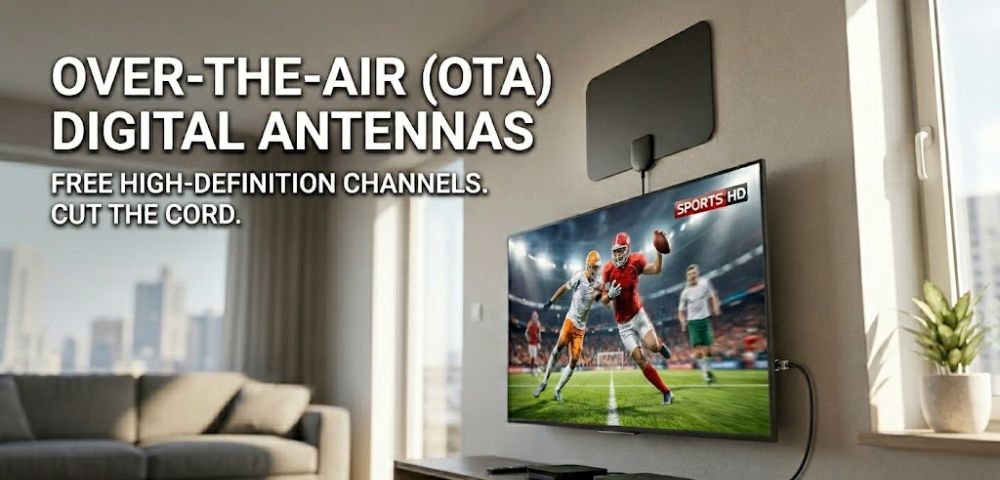
Estimated Cost: $30.00 to $70.00 (Hardware purchase).
How to Purchase & Set Up: Purchase a high-quality digital antenna from reputable online retailers like Amazon or local electronics stores. Mount the physical hardware near a window facing local broadcast towers and connect the coaxial cable directly to your television. Finally, use your television’s remote control settings to scan for available channels and lock in the high-definition frequencies.
Pros & Cons: After a minor hardware purchase, you gain lifetime access to major broadcast networks with absolutely zero monthly fees. Unfortunately, the total number of channels you receive depends entirely on your geographic location and local tower distance.
Dedicated Smart Media Centers (SuperBox)
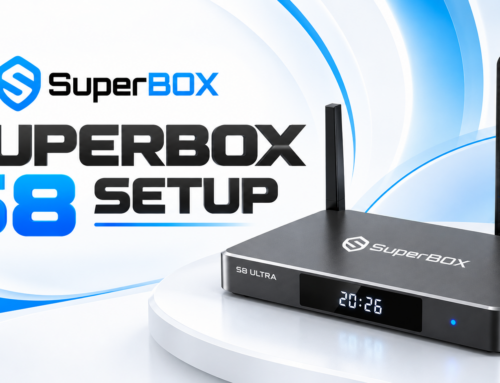
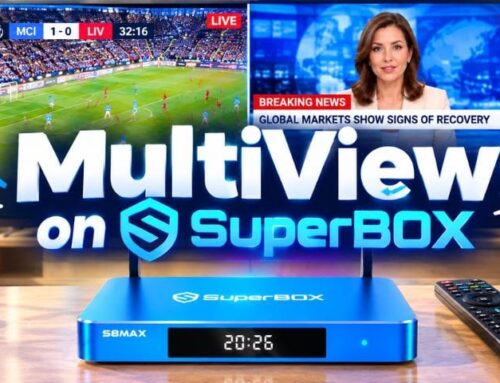
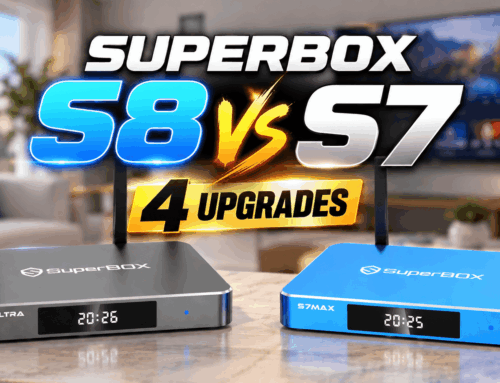
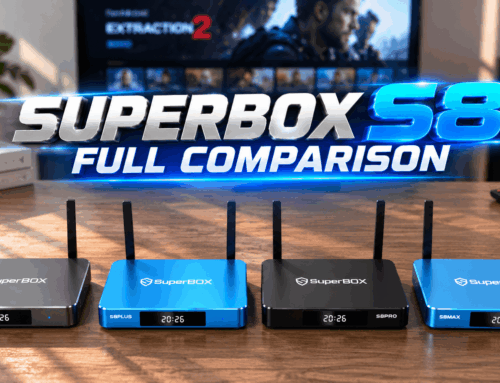
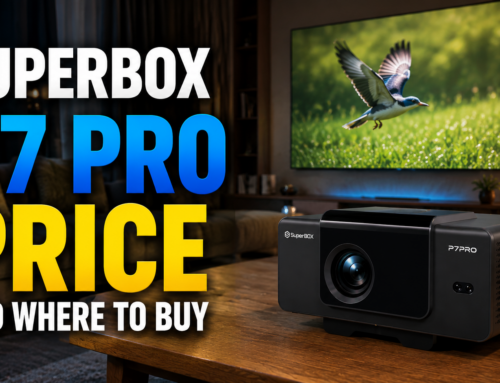
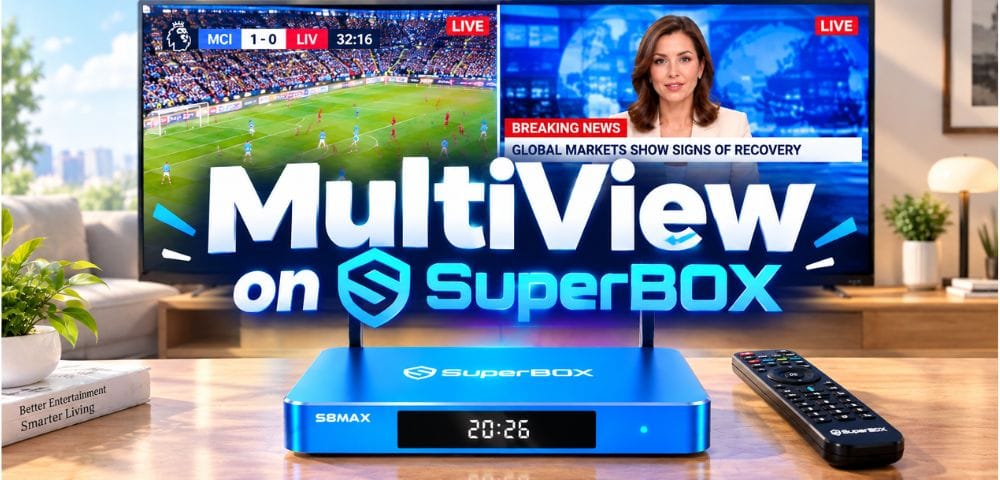
Product Type: Replacing rented cable boxes with a dedicated, standalone smart media center is the ultimate hardware upgrade. When building a dedicated home theater, finding a device that balances high-end processing power with absolute user security is essential. Investing in a premium smart media center like SuperBox provides the ideal foundation for cutting the cord on cable and robust alternatives to Comcast.
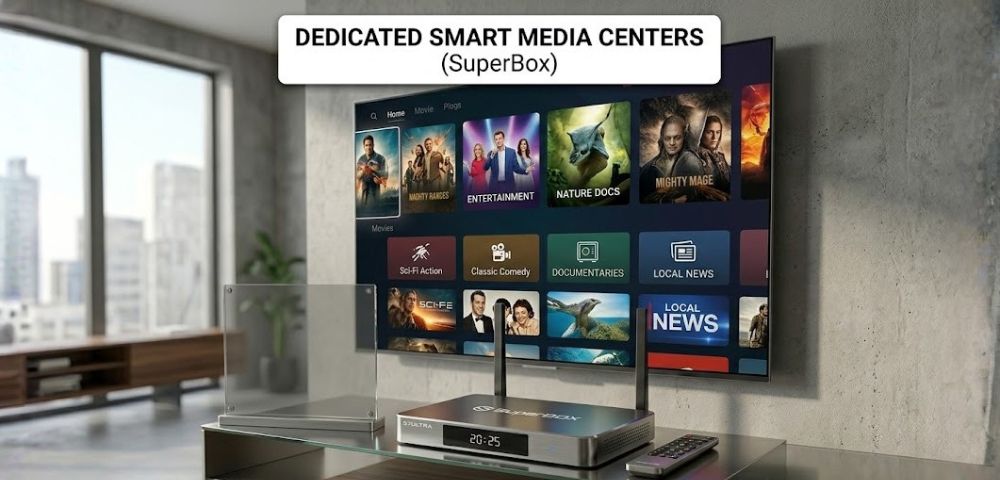
Estimated Cost: Premium hardware investment.
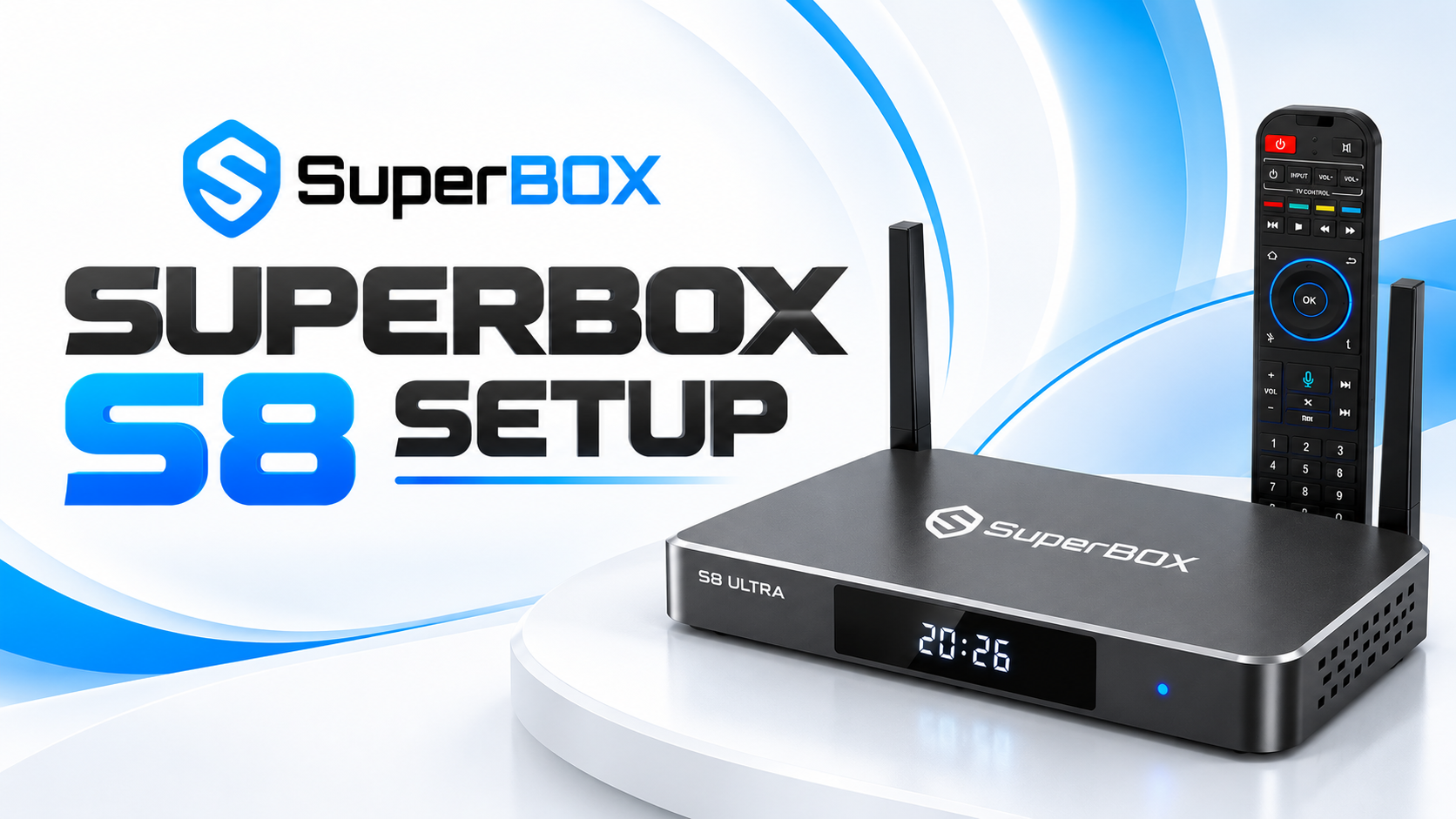
How to Purchase & Set Up: To guarantee authentic hardware and warranty support, order the device exclusively through the official SuperBox website or verified authorized dealers. Once delivered, connect the media center to your television via an HDMI cable and link it to your home Wi-Fi network. Because it requires no login credentials, you can immediately access the customized interface without entering any personal data.
Pros & Cons: These superior solutions offer excellent hardware and software integration to centralize your entire media library perfectly. Unlike generic devices, it requires no login and does not collect personal data, ensuring your digital privacy is strictly protected at home. One technical consideration is that these powerful processing devices require an internet connection >150Mbps to flawlessly decode heavy graphic data streams.
Choosing the Right Setup
Choosing the perfect setup depends entirely on your specific entertainment needs and monthly budget. Premium streaming suits large families wanting traditional grid guides and regional sports without physical contracts. Meanwhile, skinny bundles and FAST platforms are ideal for budget-conscious users prioritizing specific genres or free content.
If local news is your primary focus, a digital antenna provides an excellent, fee-free solution. Finally, privacy-focused households wanting to eliminate rental fees and find reliable ways to watch local TV abroad should invest in premium smart media centers like SuperBox. By assessing your viewing habits, you can confidently build a highly customized, cost-effective home theater system.
Comprehensive Comparison Table
With so many streaming strategies available, finding the ideal setup for your living room can sometimes feel overwhelming. To simplify this process, we have compiled a detailed breakdown of the costs, core benefits, and hardware requirements for each method. Review the comprehensive comparison table below to confidently choose the exact alternatives to Comcast that fit your financial goals.
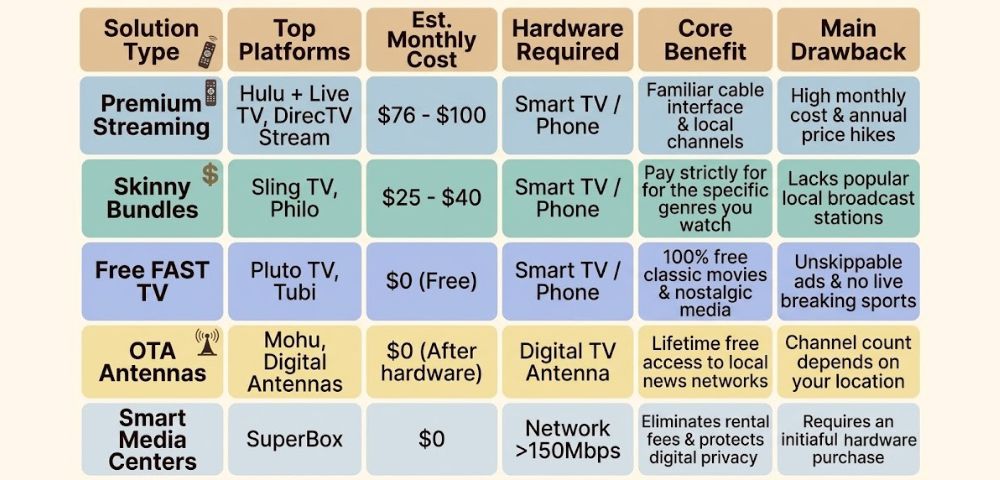
As the comparison shows, smart media centers eliminate monthly bills while keeping your data completely private, as they require no personal logins. However, selecting the right device is only the first step. To truly match the traditional cable experience, you must ensure your new setup can process high-quality visual streams flawlessly.
Elevating Visuals For Your Alternatives to Comcast
Saving money should never mean sacrificing the quality of your family’s daily media consumption and home entertainment. Transitioning from traditional cable boxes to modern hardware can actually improve your living room aesthetic significantly.
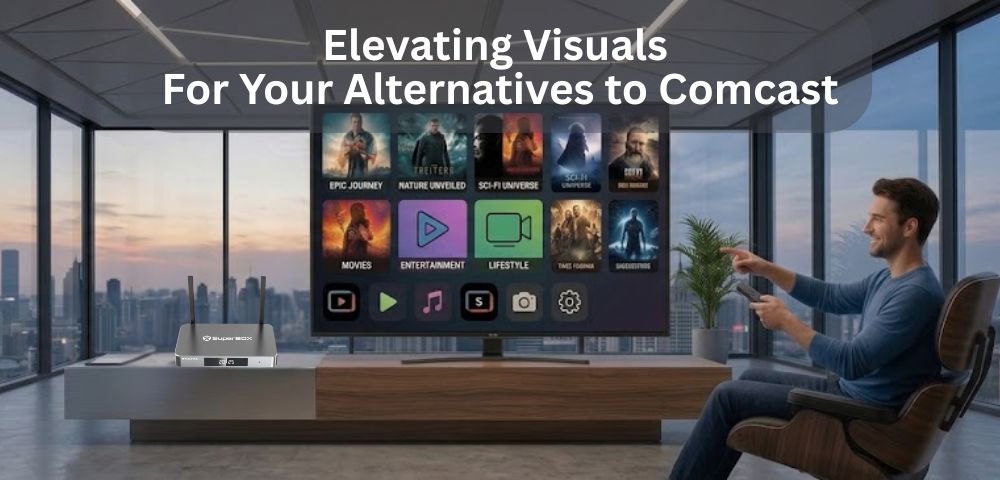
Technical performance remains the most critical factor for success when finalizing your transition to these new alternatives to Comcast. Therefore, investing in powerful hardware ensures you can cut the cord with confidence while maintaining a high standard of home theater performance.
Uncompromising 6K/4K Visual Quality
True 6K/4K visual quality relies entirely on processing power and bandwidth, not expensive traditional cable packages. Flagship models like the SuperBox S7 Ultra feature advanced processors that render high-definition content beautifully without technical interruptions. Your standalone hardware simply requires an internet connection > 150Mbps to flawlessly decode heavy graphic data streams every time.
Reliable Cinematic Performance
A true home theater setup must deliver vibrant visuals without any technical compromise or digital degradation. By ensuring your network exceeds 150Mbps, your hardware can process high-definition signals efficiently and reliably. Consequently, your family can comfortably enjoy spectacular cinematic clarity right from your couch.
Conclusion
Finding the perfect alternatives to Comcast is ultimately about taking permanent control of your household television budget. Therefore, by carefully evaluating the product types, costs, and setup guides above, you can confidently build a customized, cost-effective home theater. As a result, implementing these proven alternatives to Comcast will permanently stop the endless cycle of expensive monthly television rentals.