The debate between smart TV and non smart TV setups has become increasingly relevant as more households cut the cord and shift to streaming. The reality? Over 74% of US households own a smart TV, yet the built-in systems on most smart televisions become frustratingly slow and ad-cluttered within two to three years of purchase. The real winner for cord-cutters is treating any TV as a high-quality display panel while running all your streaming through a dedicated external Android box. This approach dodges planned obsolescence, protects your privacy, and gives you far more content flexibility for a simple one-time investment.
The Real Differences Between a Smart TV and a Non-Smart TV
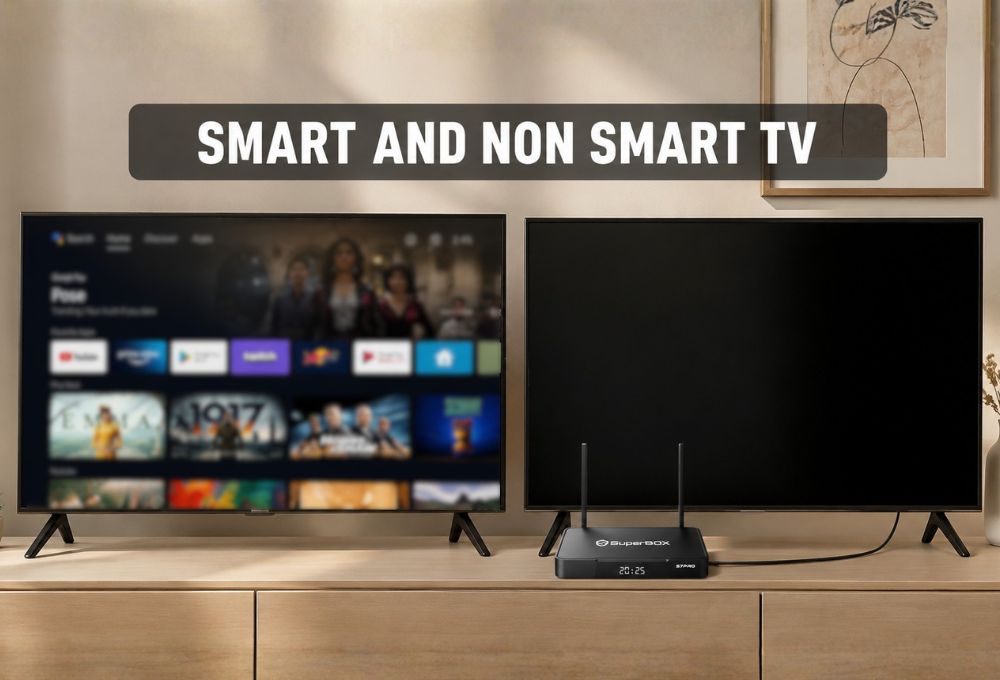
When evaluating smart TV and non smart TV options, the core distinction comes down to built-in internet connectivity and pre-installed software. A smart TV includes WiFi capability, an operating system like Roku TV, Google TV, or Samsung Tizen, and native apps like Netflix or YouTube right out of the box. A non-smart TV functions purely as a display panel with no internet features, requiring external devices for any streaming functionality.
Hardware and Internet Connectivity
Smart TVs ship with integrated WiFi adapters and ethernet ports, allowing direct network connection. Non-smart TVs lack these features entirely, functioning only as monitors that accept input from HDMI cables, antenna signals, or cable boxes. From a hardware perspective, manufacturers typically equip smart TVs with modest processors to keep retail prices competitive. These internal chips handle the operating system and app execution but rarely match the processing power found in dedicated streaming devices.
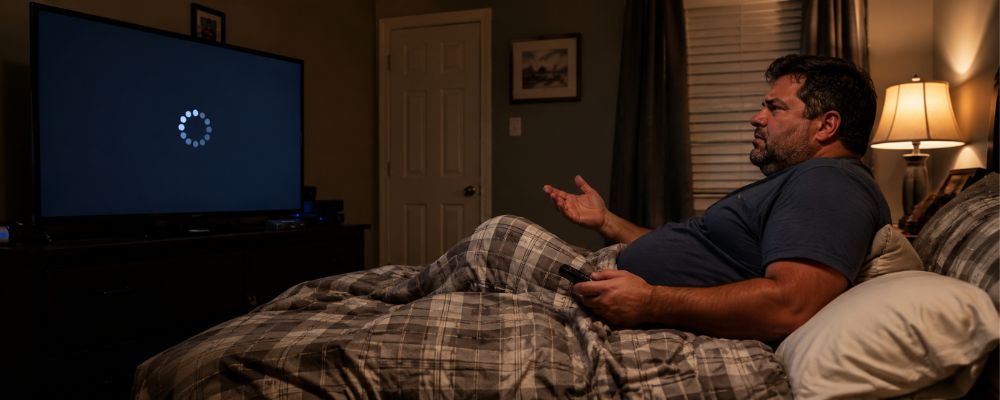
Traditional non-smart TVs prioritize panel quality, backlight technology, and color accuracy without dedicating resources to computing components. In practice, this distinction matters less than most people assume, because even budget external streaming boxes significantly outperform the processors built into premium-priced smart televisions. Understanding this gap is essential when weighing smart TV and non smart TV options for your home setup.
Built-In Apps and Software Upkeep
Smart TVs come with built-in app stores that make it easy to download popular streaming services. However, software support varies by manufacturer and model. While most smart TVs receive updates for several years, support typically becomes less frequent over time, and older operating systems may eventually lose compatibility with certain apps or features.
One advantage of a non-smart TV paired with an external streaming device is flexibility. When streaming software evolves, you can simply upgrade the streaming device instead of replacing the entire television. This often extends the useful life of your TV while keeping your streaming experience up to date.
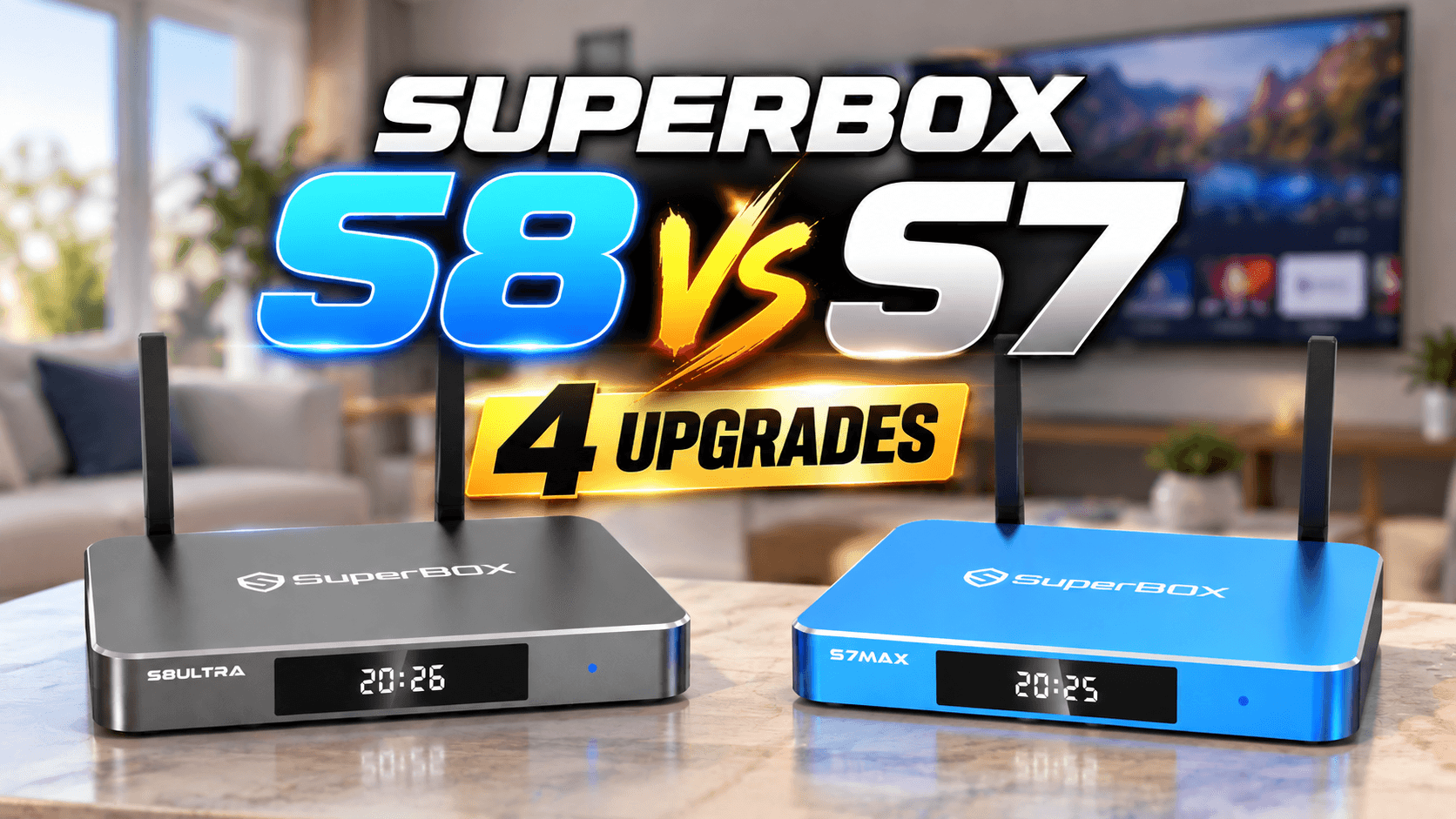
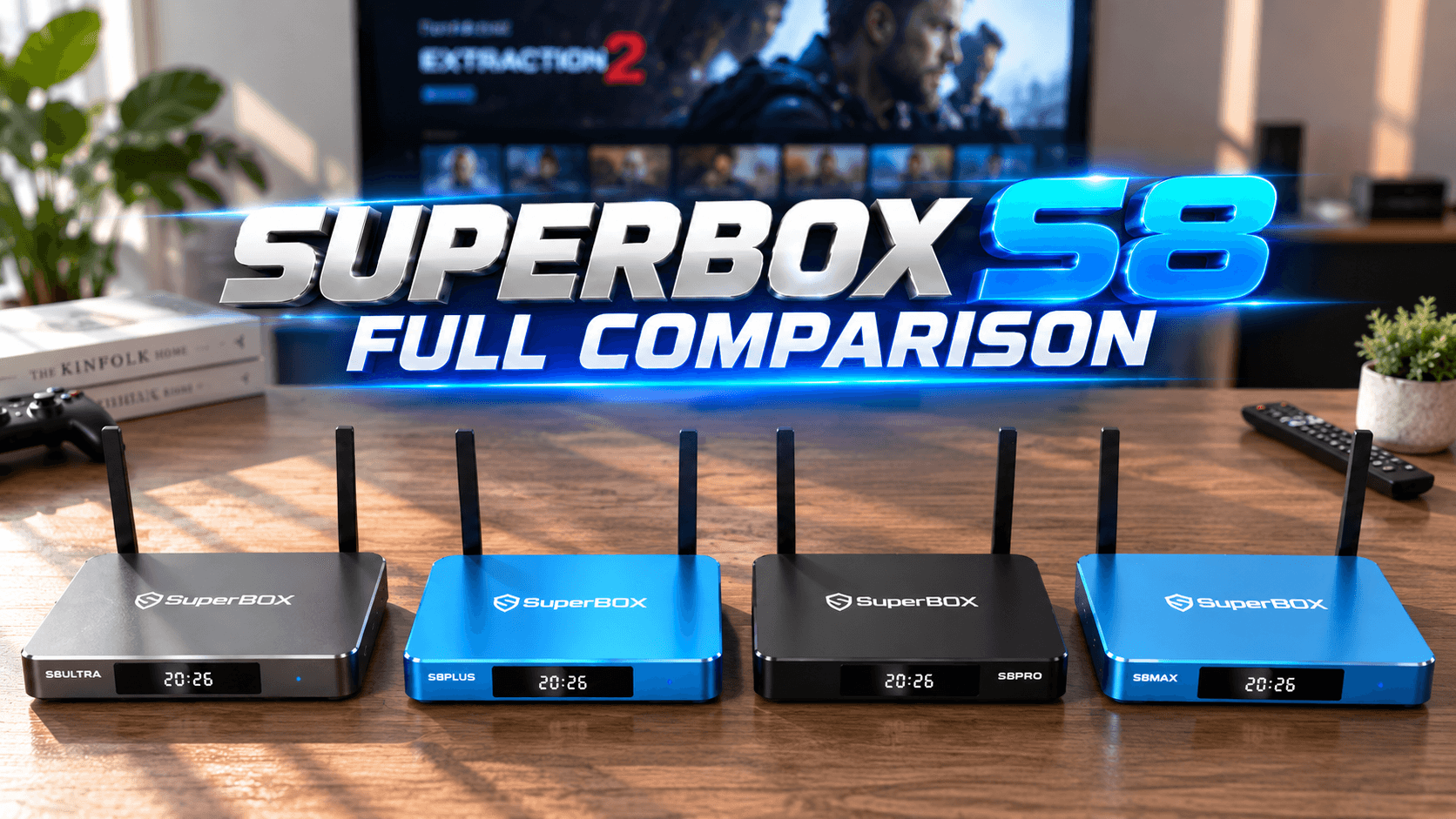
Running streaming apps through an external device like SuperBox TV box also allows you to choose the platform that best fits your needs, rather than being limited to the software ecosystem built into your TV. Unlike many smart TV platforms that eventually receive fewer updates, SuperBox continues to roll out software improvements across its product lineup. In fact, even older models such as the original S1, which was released nearly a decade ago, have continued to receive updates and feature enhancements over the years.
Why Smart TVs Get Dumb Really Fast: The Lifespan Problem
The planned obsolescence built into smart TV platforms creates a predictable cycle that frustrates millions of households.
The Buggy App Update Trap
Most people expect a $700 television to remain fully functional for close to a decade. The display itself usually lasts that long. The smart platform inside it often doesn’t. Users typically start noticing performance issues around the two to three year mark. Apps take longer to load, new installations fail, and streaming becomes inconsistent despite a fast internet connection. By year four or five, the experience can deteriorate significantly.
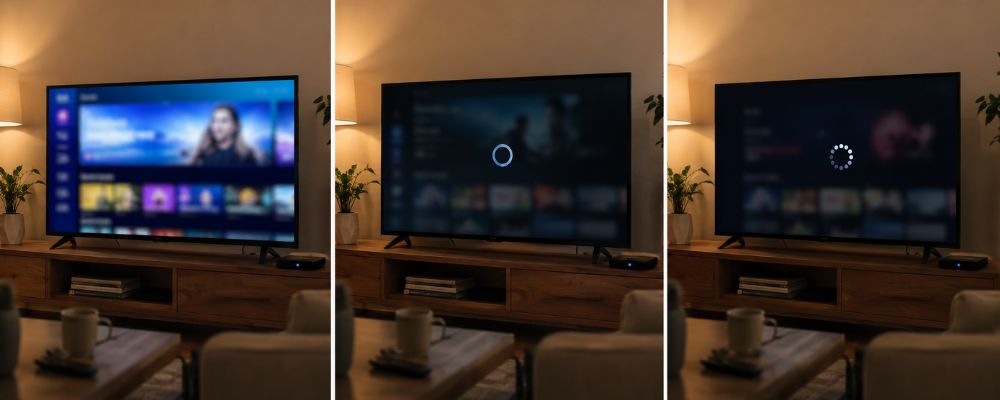
This isn’t accidental. LG officially commits to just two years of software updates. Many other major brands provide no clear timeline at all. According to a 2024 report by NETGEAR and Bitdefender, smart TVs accounted for nearly a third of all vulnerable IoT devices targeted in cyberattacks — partly because manufacturers stop releasing updates while the hardware is still physically working fine. When that happens, the apps keep evolving but the TV can’t keep up, and you’re left with a perfectly good screen attached to a platform that’s quietly falling apart. This is the fundamental flaw that the smart TV and non smart TV debate rarely addresses directly.
Ads, Bloatware, and Privacy Tracking
The slow-down problem is frustrating enough. What’s happening behind the screen is a separate issue entirely. Modern smart TVs aren’t just display devices anymore — they’re advertising platforms that happen to include a screen. Roku reported $3.5 billion in ad revenue for 2024, which made up 85% of its total income that year. The TV you bought is part of that business model whether you agreed to it or not.
The technology behind this is called Automatic Content Recognition, or ACR. It captures snapshots of whatever is on your screen and uses that data to build an advertising profile. A 2024 study from University College London found this tracking happens even when you’re using the TV as an external monitor for a laptop or gaming console, not just when streaming. In December 2024, the Texas Attorney General sued five major TV brands over these practices. Samsung settled in February 2026.
The simplest way around all of this is to keep your smart TV disconnected from Wi-Fi and run everything through an external streaming device instead. You keep the screen quality you paid for, without the tracking that comes bundled with it.
The Secret Hack: Treating Your TV as a Dumb Screen with an External Android Box
The most reliable setup for serious cord-cutters involves buying a TV solely for its panel quality while ignoring the built-in operating system entirely. You get the picture quality you paid for, without the platform problems that come bundled with it.
Better Processing Power and Speed
The processors inside most smart TVs are built to a cost — they’re adequate at launch and struggle within a few years as apps grow heavier. A dedicated streaming box is engineered specifically for one job, and the difference shows. Users who’ve switched from native smart TV apps to external streaming devices consistently report faster load times, more reliable playback, and access to apps that simply aren’t available on their TV’s aging platform. One real-world example: a 55-inch 4K TV from 2018 that had stopped receiving updates by 2020 was given a second life with a $50 external box — apps launched faster, voice search worked reliably, and services that the TV’s native platform never supported became available overnight.
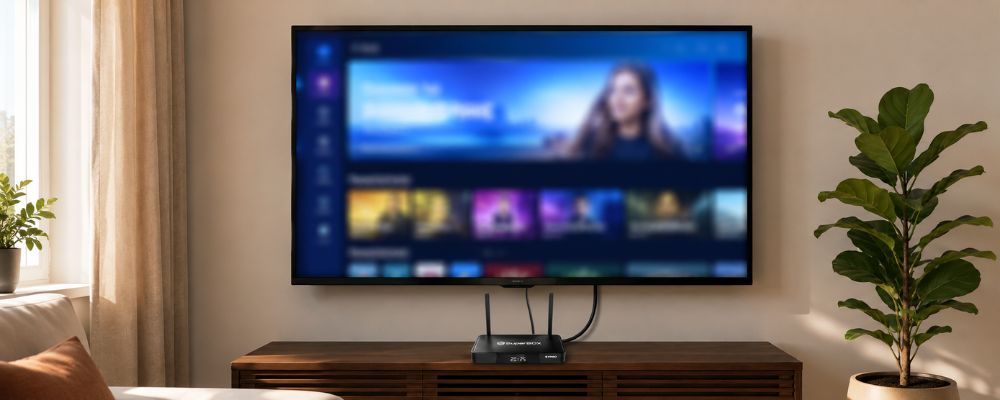
The other advantage is upgradeability. When a streaming box becomes outdated, you replace a $200 device, not a $1,000 screen. The TV itself becomes infrastructure — a display that can last a decade while the computing layer above it keeps pace with the times.
Accessing International Content Without the Platform Restrictions
Most smart TV platforms restrict which apps are available based on regional licensing agreements. Families wanting content from their home countries often discover the built-in app store simply doesn’t carry what they need. External Android boxes operate outside those manufacturer-controlled ecosystems, giving users access to a broader range of apps and streaming services without the geographic limitations that built-in platforms impose.
One option is sideloading — manually installing apps that aren’t available through official app stores. It works, but it comes with trade-offs worth knowing. Apps installed this way don’t go through the same security review process as store-approved software, which means the risk of encountering malware or unstable builds is meaningfully higher. There’s also the maintenance side: sideloaded apps don’t update automatically, links break, and when something stops working, troubleshooting falls entirely on the user. For anyone curious about how this plays out in practice, the pros and cons of jailbreaking a Firestick covers the trade-offs in detail.
For households that want international content without the technical upkeep, the SuperBox S7 Ultra streaming box is one option worth considering . It’s a dedicated streaming box built around a wide ecosystem that covers diverse international markets through compatible apps (both paid and free), without the regional restrictions that come with manufacturer-controlled smart TV platforms.
How to Turn Any Regular or Sluggish Smart TV Into a Streaming Powerhouse
Converting your existing television into a high-performance streaming center requires minimal technical knowledge and takes less than ten minutes to complete properly.
Steps to Set Up a Dedicated Android Box
First, identify an available HDMI port on your television. Most modern TVs include three to four HDMI inputs clearly labeled on the back or side panel. Connect your Android streaming box to one of these ports using the included HDMI cable. Next, plug the box’s power adapter into a nearby electrical outlet. Turn on your television and use the remote to select the corresponding HDMI input source.
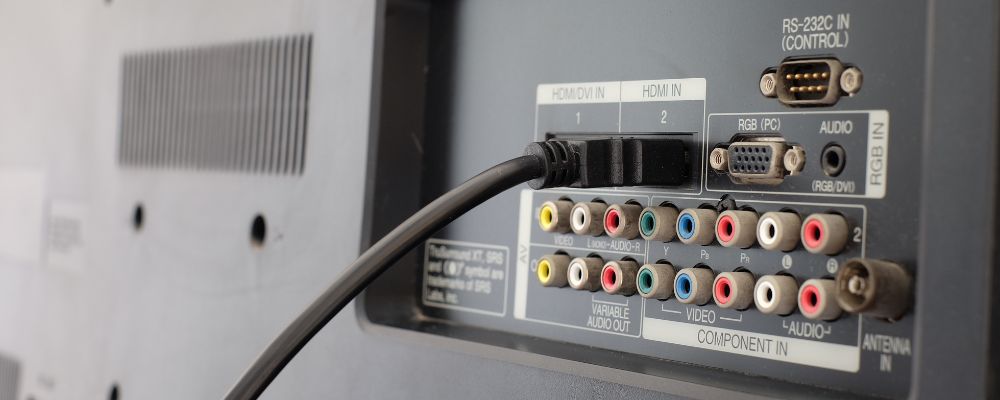
The streaming box will power up and walk you through initial setup, which typically involves selecting your language preference and connecting to your home WiFi network. If your television previously operated as a smart TV, simply avoid connecting the TV itself to WiFi, allowing it to function purely as a display while the external box handles all internet connectivity. This configuration gives you complete control over which device accesses your network and manages your streaming.
For older non-smart TVs, the process remains identical since these displays were designed to work with external input sources from the start. The practical difference between smart TV and non smart TV disappears completely once you rely on a dedicated external device for all streaming functionality.
Choosing the Right Streaming Device for One-Time Purchase Value
Navigating the smart TV and non smart TV decision comes down to one practical question: which setup gives you the most control over your entertainment long-term? The streaming device market offers countless options ranging from bargain-basement sticks to premium boxes. The critical factor involves identifying devices that provide extensive content access, reliable performance, and genuine one-time purchase models without hidden subscription requirements. Many mainstream streaming sticks lock users into specific app ecosystems while demanding ongoing subscription fees for meaningful content access.
Experienced cord-cutters gravitate toward Android-based platforms that combine powerful hardware specifications with flexible content options. The best android tv boxes for TV feature intuitive interfaces accessible to all age groups, parental controls for family viewing safety, and features like Time Shift that let you pause and rewind live content just like traditional DVR systems.
A platform like SuperBox delivers all top-tier features with nearly ten years of proven market presence in the US and Canada. The company built its reputation specifically around serving cord-cutters who want a straightforward and powerful streaming experience. This matters because countless streaming devices promise great features but trap users in costly ecosystems that quickly become more expensive than cable itself.
Finding the Ultimate Setup for Your Home Theater
The ideal smart TV and non smart TV configuration for most households isn’t really a choice between the two — it’s about using each for what it does best. The ideal home entertainment configuration combines a quality display panel with a powerful external streaming solution. When shopping for new televisions, evaluate screens purely based on panel technology, size, brightness, color accuracy, and build quality. Completely ignore marketing language about smart platforms, built-in apps, or AI features that manufacturers use to justify premium pricing.
Many retailers still sell non-smart TVs marketed as commercial displays or monitors, though these have become increasingly rare in the consumer space. For most buyers, purchasing a smart TV while planning to keep it permanently offline offers the best value since manufacturers subsidize smart TV pricing through anticipated advertising and data revenue they never collect from offline devices.
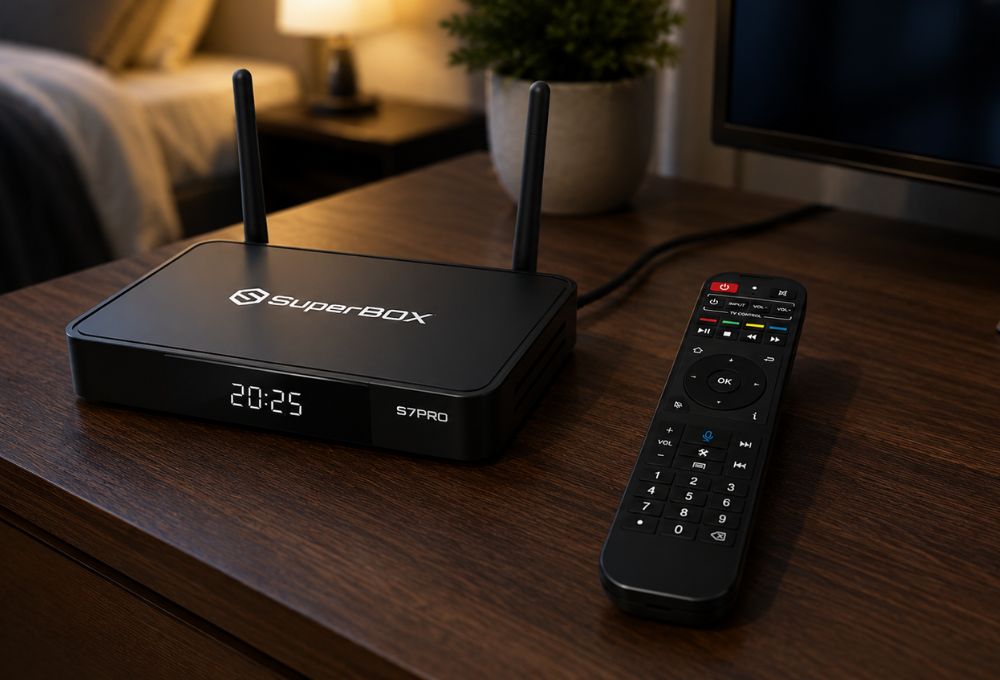
Once you have a quality display, pair it with a dedicated streaming box that matches your household needs. Families requiring robust parental controls, elderly users who value simple interfaces, and cord-cutters seeking international content all benefit from best streaming tv box platforms that prioritize user experience over corporate upselling. The recurring theme among successful cord-cutting setups involves separating display hardware from streaming software, giving you upgrade flexibility and avoiding planned obsolescence that plagues integrated smart TV systems.
Voice command functionality, multiple user profiles, and seamless HDMI-CEC integration allow external streaming boxes to control TV power and volume just like native smart TV systems. The practical experience feels identical to built-in platforms but without the performance degradation, privacy concerns, and software abandonment that make smart TVs frustrating within their first few years of ownership.
Frequently Asked Questions About Smart TV and Non Smart TV Options
Can I make my non-smart TV smart?
Yes, you can plug a dedicated Android TV box, streaming stick, or game console into your TV’s HDMI port to instantly add smart capabilities. This approach actually provides better performance and more content flexibility than most built-in smart TV platforms.
Does a smart TV work without the internet?
Yes, a smart TV can still work as a regular display without an internet connection, allowing you to watch cable, use antennas, or connect external media boxes. The “smart” features simply remain inactive when WiFi is disabled.
Why is my smart TV running so slow?
Smart TVs use low-cost internal processors that struggle over time as apps get bigger and more resource-heavy. Manufacturers prioritize keeping TV prices competitive over including powerful computing components. External streaming devices solve this problem completely.
Is it better to buy a non-smart TV and a streaming box?
Since high-end non-smart TVs are rare today, the best option is to buy a smart TV, keep it disconnected from WiFi, and connect a dedicated streaming box for the best performance and privacy. This gives you premium display quality without the downsides of smart TV platforms.
Do smart TVs have a monthly fee?
No, the smart TV system itself is free, but you must pay for individual streaming subscriptions unless you use free apps or a one-time purchase box. The hardware costs nothing extra monthly, but content access typically requires ongoing subscription payments.
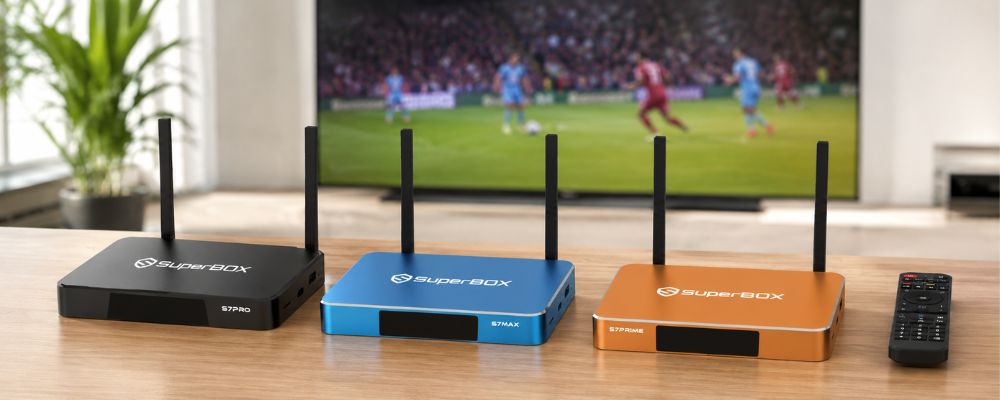
The conversation around smart TV and non smart TV setups ultimately misses the fundamental point that display quality and streaming capability should remain separate concerns. The most future-proof and budget-friendly approach involves investing in a high-quality screen while running all your content through powerful external hardware that you can upgrade independently as technology evolves. This strategy has served millions of cord-cutters well for over a decade and continues to represent the smartest path forward as streaming technology advances and content options expand.
Explore SuperBox and find out why hundreds of thousands of households across the US and Canada have made the switch and never looked back.