If you’ve been hunting around online wondering if SuperBox is worth it, you’re probably tired of cable bills eating up hundreds of dollars every month. You’re not alone. After years in the streaming industry watching market shifts and hearing thousands of customer stories, I can tell you this: most people hesitate because they don’t know what they’re actually paying for, and they’re afraid of buyer’s remorse after spending a few hundred bucks upfront. But here’s the thing, the math almost always works in your favor once you do it right.
Is SuperBox worth it? Yes, SuperBox is worth it for most households. A one-time hardware purchase replaces monthly cable bills averaging $100 to $200, paying for itself within just a few months. With nearly 10 years in the market, easy setup, and no recurring fees, it’s a practical solution for families, seniors, and international content lovers looking to cut cable permanently.
What Is SuperBox and How Does It Work?
For folks unfamiliar with streaming, I like to explain it this way: it’s like owning a computer built specifically for your TV, except you don’t need to know anything about computers to use it.
How the Device Works
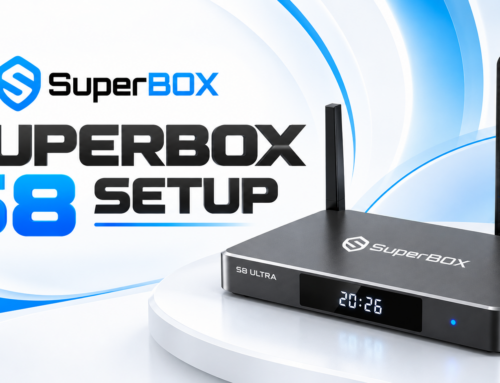
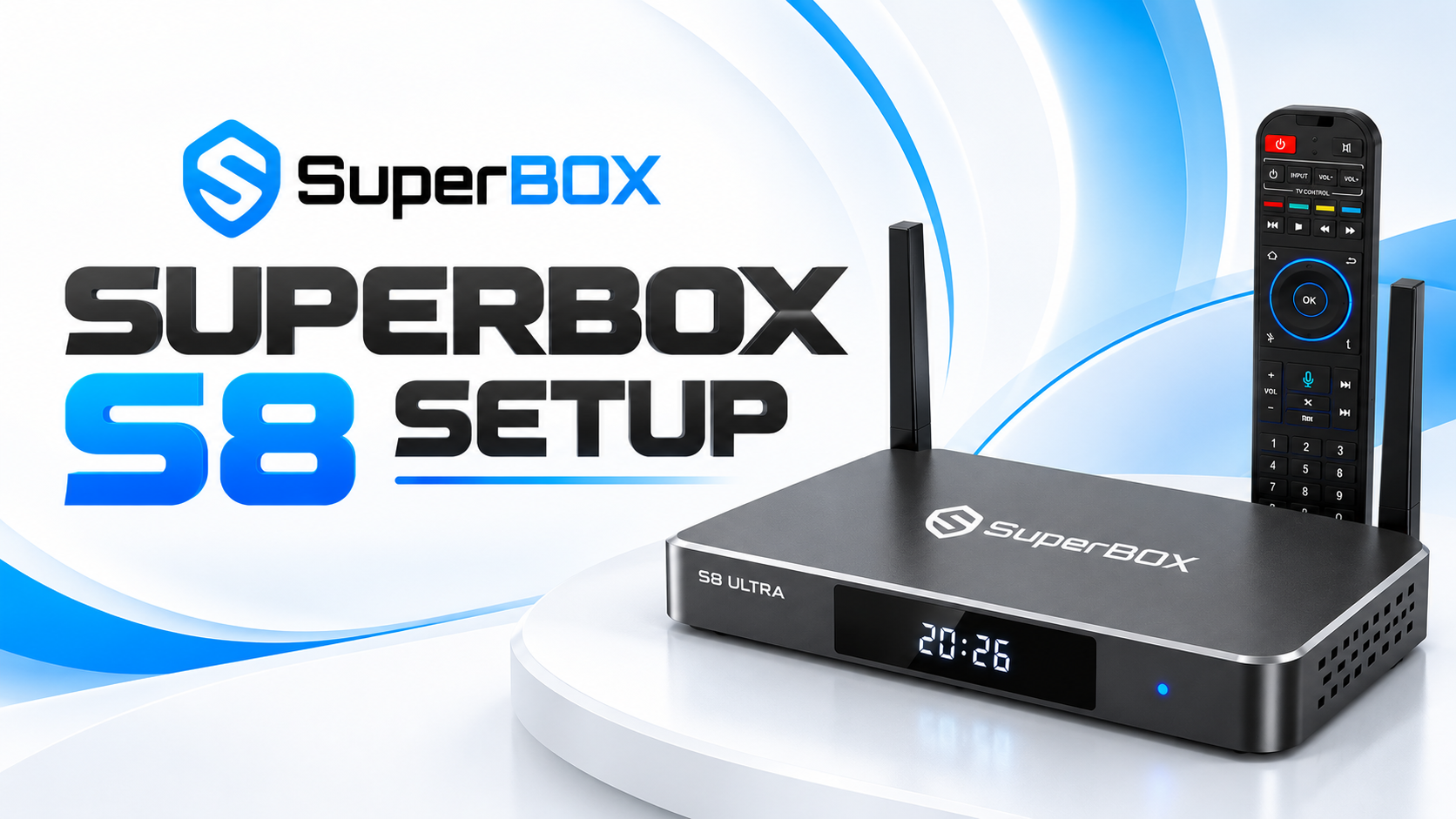
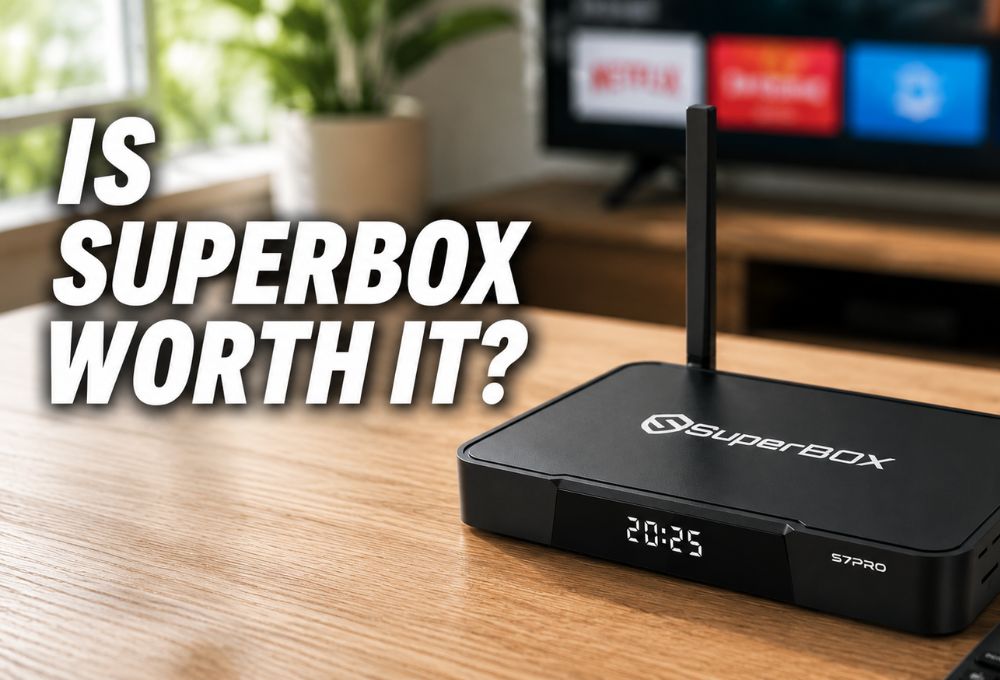
SuperBox is an Android-based streaming TV box that connects to your TV via HDMI, just like a cable box but without the monthly fees. You plug it in, connect to your home WiFi, and you’re ready to go. Instead of paying ongoing cable equipment rental fees, users own the hardware and control their viewing experience through compatible apps and streaming services. The device runs on Android, so it behaves like a powerful smartphone attached to your television. You can browse, search, and stream through a simple remote control that even non-tech-savvy users find easy to navigate.
Understanding the Hardware of This 10-Year-Old Android Brand
SuperBox has been around for nearly a decade, and that longevity speaks volumes in an industry full of fly-by-night clones. The build quality, customer support, and consistent software updates set it apart from cheaper knockoffs flooding the market. From what I’ve seen tracking consumer behavior, people who buy authentic units from certified dealers rarely regret it, while those who grab discounted fakes off sketchy third-party sites end up frustrated within weeks.
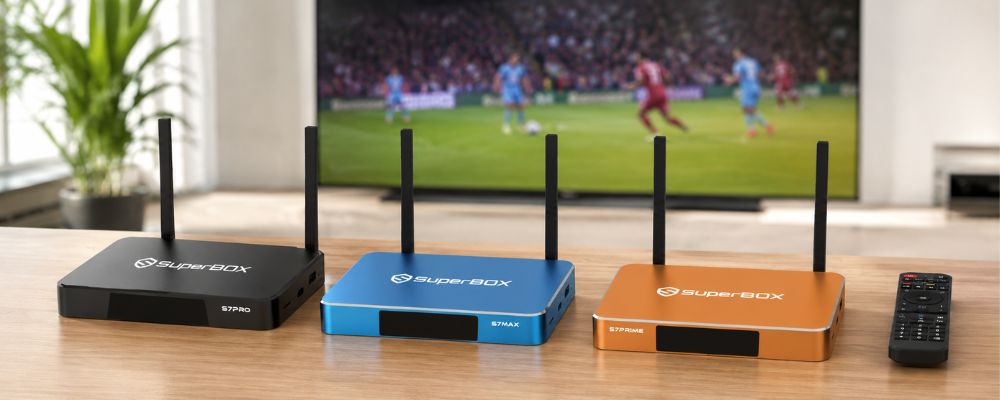
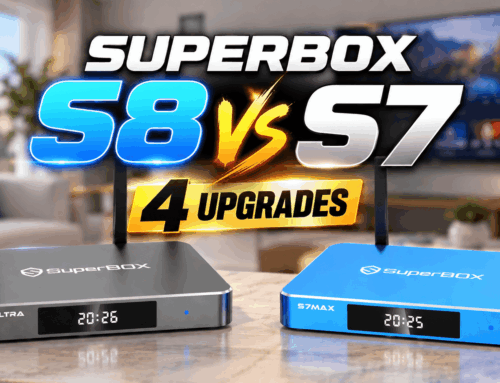
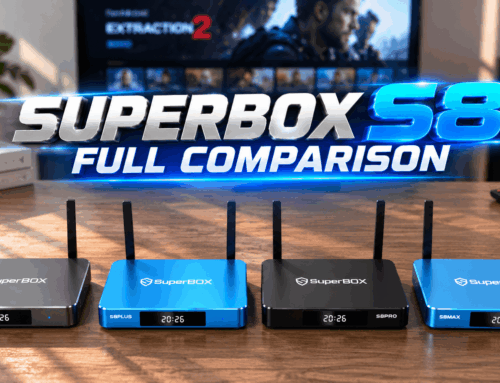
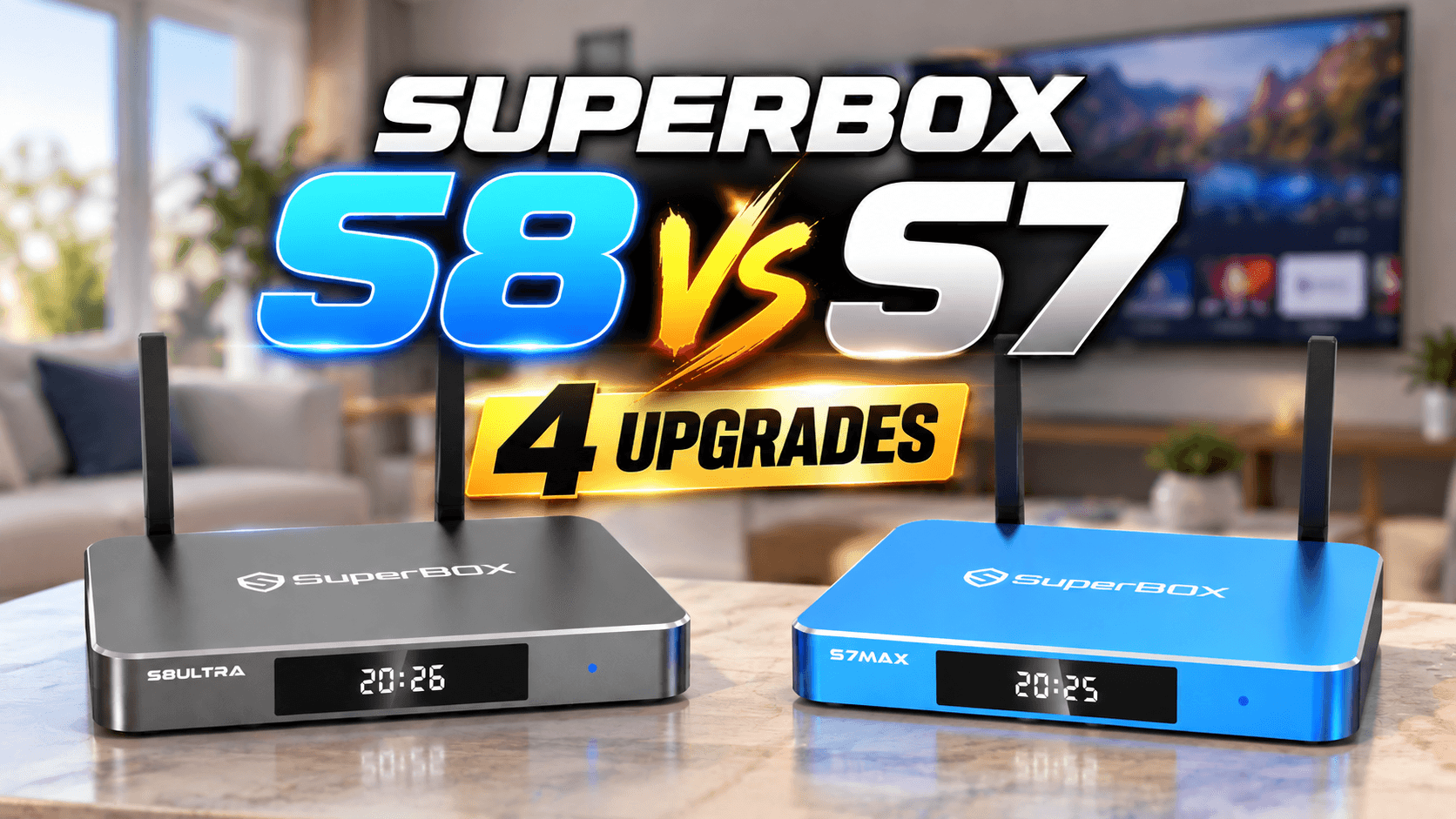
The current S7 series models feature upgraded processors, better RAM, backlit remotes, and USB-C power cords. The S6 lineup, still popular among budget-conscious buyers, offers solid performance at a lower price point. Both run smoothly for everyday streaming, but the S7 models handle 4K content and multitasking more efficiently. If you’re seriously asking yourself “is SuperBox worth it,” understanding these hardware differences helps you pick the right model for your household.
What real users say about longevity: YouTube comment sections are full of long-term owners sharing surprisingly positive updates. One user noted their S2 Pro was still running smoother after five years than when they first bought it — rare in the Android world, where devices typically slow down over time. Another confirmed their S3 Pro was still working like a charm years later. These aren’t marketing claims; they’re organic community validations of build quality and software optimization.
Let’s Do the Math: SuperBox vs. Cable and Subscriptions
Here’s where things get real. Just make sure you buy from a certified dealer, set up your network properly, and you’ll wonder why you didn’t make the switch years ago.
The One-Time Purchase ROI Timeline
The average American cable bill hovers around $100 to $200 per month. Let’s use $150 as a conservative middle ground. Over one year, that’s $1,800. Over five years, you’re looking at $9,000. Now compare that to a SuperBox official website purchase that typically runs between $200 and $400 depending on the model. Even if you pick the top-tier S7 model at around $400, you break even in under three months. After that, every single month is pure savings. No activation fees, no surprise rate hikes, no haggling with customer service reps trying to upsell you premium sports packages you’ll never watch.
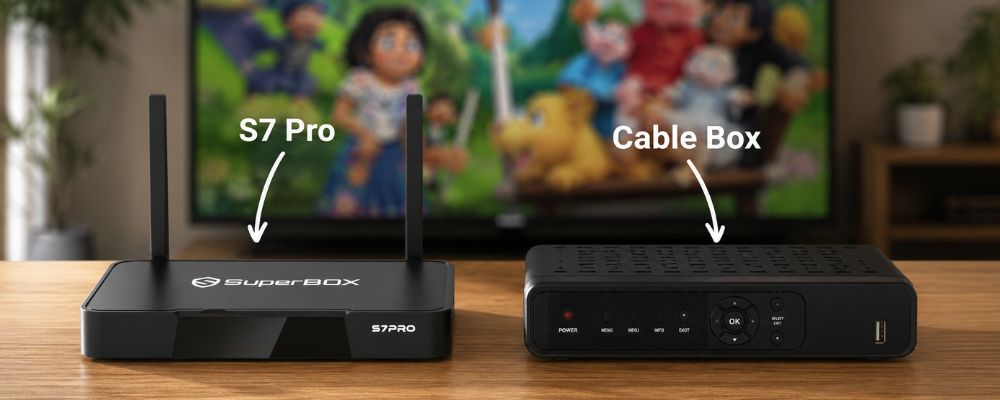
Let’s break it down month by month. Say you currently pay $150 for cable. You buy a SuperBox for $400. Month one: you’re $400 in the hole. Month two: you’ve saved $150, so you’re only $250 behind. Month three: another $150 saved, now you’re just $100 short. By the end of month four, you’ve officially broken even. From month five onward, you’re pocketing $150 every single month that used to vanish into your cable provider’s pocket.
Over five years, that’s nearly $9,000 saved minus your initial $400 investment, a net gain of $8,600. That’s a family vacation, a down payment on a car, or a serious chunk of retirement savings. When you look at it that way, asking is SuperBox worth it feels almost rhetorical.
What Real Users Are Actually Saving
The numbers above aren’t hypothetical for most buyers. One Facebook user, Mark K., calculated over $1,400 saved in his first year alone and noted his previous provider had been raising prices every few months. Sports fan John M. pointed out that NFL Sunday Ticket and an MLB season package combined can cover the cost of the box in a single season. And Johnny P. confirmed his unit from 2021 was still running strong, making the one-time investment look even smarter in hindsight.
Features That Make Your Entertainment Seamless
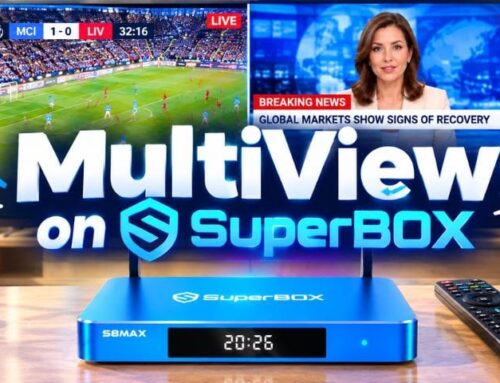
SuperBox isn’t just about saving money. It’s about convenience and control. You can watch what you want, when you want, without logging into eight different accounts. I hear from skeptical buyers is whether they’ll actually get the variety they need to replace cable. The short answer: YES. You’re not stuck with a limited library. You can install additional apps, browse categories, and customize your experience.
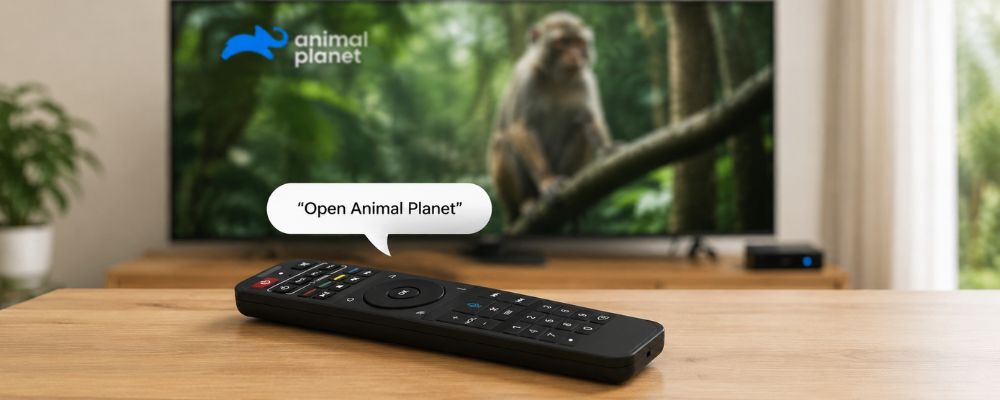
The voice command feature lets you search by simply speaking into the remote. No more hunting and pecking through an on-screen keyboard. Parental controls let you lock down content for younger viewers, giving parents peace of mind. Time Shift allows you to pause, rewind, and fast-forward live content, so you never miss a moment.
Time Shift is one of those features that sounds boring on paper but becomes essential once you use it. Imagine your kid interrupts you during the final quarter, or your doorbell rings during overtime. With Time Shift, you pause live TV, handle what you need to handle, and pick up right where you left off. This feature alone makes SuperBox worth it for sports fans and busy families who can’t plan their lives around broadcast schedules. You control the content, not the other way around.
How SuperBox Compares to DIY Alternatives
Cheaper streaming boxes exist. Some cost $50 or less, and on paper the specs can look surprisingly similar. Same RAM, same Android OS, same HDMI port. So why does SuperBox cost more? Because you’re not buying hardware. You’re buying a platform.
A generic box is an empty shell. You get the chip, the remote, and a blank Android interface. What you do with it from there is entirely on you: hunting for apps, troubleshooting broken streams, figuring out why something that worked last week suddenly doesn’t. When things go wrong, there’s no one to call.

SuperBox works with the streaming apps and services you already use. The difference is in how smoothly and reliably everything runs together. The software is built specifically for the device, maintained by a team that’s been in this market for nearly a decade. When something breaks, it gets fixed. When the system needs an update, it gets one. There’s also no advertising built into the experience. No pop-ups, no promoted content pushing you toward channels you didn’t ask for, no banner ads cluttering the interface. You open it, you watch what you want, and that’s it.
Two devices can share the same specs on a product listing and deliver completely different experiences in your living room. That gap is software, support, and longevity. And that’s what the price difference reflects.
Who Is SuperBox Perfect For?
Not every product fits every person, and I’m not here to oversell. But after years watching who buys these devices and who stays happy, certain profiles stand out.
Seniors Who Want Simple, Reliable Entertainment
Seniors love SuperBox because it’s simple. No complex menus, no constant software updates breaking the interface, no surprise bills. You hand them the remote, show them the power button and the voice search, and they’re off to the races. Families appreciate the parental controls and the ability to stream on multiple TVs throughout the house using different units.
I’ve heard from countless adult children who bought a S7 Ultra for their parents and were shocked at how quickly they adapted. The combination of a physical remote and a straightforward interface removes the intimidation factor that scares older folks away from complicated smart TV platforms.
Families Looking for Control and Value
Families appreciate the parental controls and the ability to stream on multiple TVs throughout the house using different units. No more fighting over one screen or worrying about what the kids are watching unsupervised. You set the limits once and let everyone enjoy their own content in their own space.
For a deeper look at what real customers have experienced, check out our SuperBox honest review for more detailed feedback.
Singles and Young Professionals Cutting the Cord
For people living alone, the math is even more straightforward. You’re not splitting a cable bill with anyone — every dollar saved goes straight back into your pocket. No roommate negotiations, no shared account headaches.
Vacation Rental and Airbnb Hosts
If you run a short-term rental, SuperBox is one of the smartest property investments you can make. The simple interface works for guests of all ages without any setup required on their end. No confusing menus, no calls asking how to find the remote. It just works, which is exactly what hosts need when they’re managing multiple properties and can’t be on-site for every check-in.
Tips for a Flawless, Buffer-Free Streaming Experience
Here’s where a lot of people stumble. They buy the box, plug it in, and then blame the device when their streaming buffers. But buffering is almost always a network issue, not a hardware problem. Let me save you some frustration.
Why a Strong Internet Connection Matters Most
Before asking ‘is SuperBox worth it,’ it’s worth asking whether your internet is ready. You need at least 150 Mbps for smooth, high-definition streaming. If you’re on a slower plan, or if you’re trying to stream over a weak WiFi signal from the opposite end of the house, you’re going to have problems. This isn’t unique to SuperBox, it applies to every streaming device on the market.
I always recommend hardwiring your box via Ethernet cable if possible. WiFi is convenient, but wired connections deliver faster, more stable speeds. If Ethernet isn’t an option, make sure your router is modern, supports WiFi 5 or WiFi 6, and isn’t buried in a closet behind a stack of old board games.
Simple Settings Tweaks to Clear Cache and Adjust Decode Speed
Buffering can also result from app cache buildup or incorrect decoding settings. Clearing your cache regularly keeps things running smooth. Most apps have a cache-clearing option buried in their settings menu. Do this once a month, and you’ll notice performance improvements.
Adjusting decode speed settings can also help. Some apps let you switch between hardware and software decoding. If you’re experiencing stuttering or freezing, toggle that setting and see if it resolves the issue. These are simple fixes that take two minutes and save hours of headache.
The Final Verdict: Is It Worth Your Money?
So, is SuperBox worth it? If you’re tired of cable bills, want access to a wide variety of content, and you have a decent internet connection, the answer is a resounding yes. The math is clear, the features are solid, and the user experience is genuinely accessible for all ages.
From a business owner’s perspective, I’ve watched this market evolve. The brands that survive are the ones that deliver real value, not gimmicks. SuperBox has lasted nearly a decade because it works, because the hardware is reliable, and because cutting the cord is no longer a fringe movement—it’s mainstream. You’re not just buying a box. You’re buying freedom from monthly bills, control over your content, and access to entertainment that fits your life, not the other way around.
Is SuperBox worth it? For most households, absolutely. The ROI timeline is short, the features are practical, and the freedom from recurring fees is genuinely life-changing.
Frequently Asked Questions
Is SuperBox legal and safe to use?
Yes, SuperBox is a legitimate, open-source Android streaming TV box brand that has successfully served customers in the US and Canada for nearly a decade.
Are there any monthly fees or hidden costs?
No, it is a hardware-only, one-time purchase with absolutely no ongoing subscriptions or hidden charges.
What internet speed do I need?
A stable connection of at least 150 Mbps is ideal for smooth, high-definition streaming.
What is the difference between SuperBox S6 and S7?
The S7 is faster, runs on an updated interface, features a convenient USB-C power cord and extended 7-day Time Shift, and comes with a backlit remote.
Is SuperBox worth it compared to other streaming boxes on the market?
On paper, some devices may share similar specs. But hardware alone doesn’t tell the full story — software optimization, system stability, ongoing updates, and dedicated support are what set SuperBox apart. You’re investing in a platform built to work from day one and hold up for years.
What if my SuperBox stops working?
Every unit purchased from an authorized dealer comes with a one-year warranty and lifetime technical support. If something goes wrong, you’re covered.