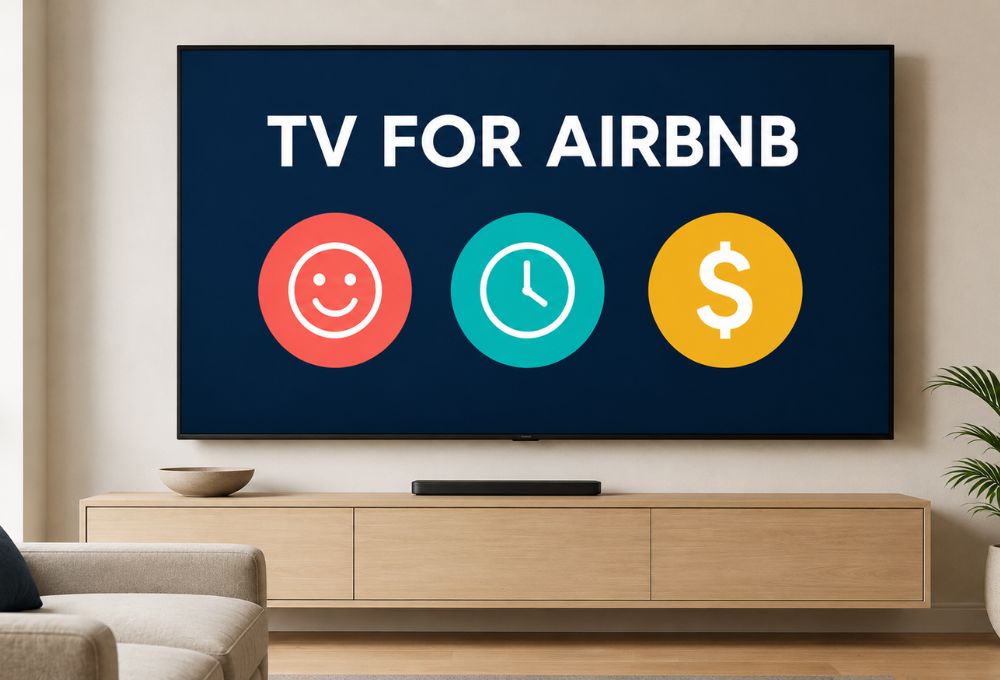
Choosing the best TV for Airbnb properties requires balancing guest expectations with operational simplicity and long-term cost savings. Short-term rental hosts need a durable, user-friendly display that minimizes tech support requests while delivering access to the live sports, local news, and international programming guests increasingly expect. The ideal Airbnb TV setup combines a reliable 4K smart display with a dedicated streaming solution that eliminates password-sharing headaches and provides instant, hassle-free entertainment without recurring monthly subscription fees.
What Actually Makes a TV Great for a Short-Term Rental?
The best TV for Airbnb hosting differs significantly from a personal home entertainment system. Hosts face unique challenges that typical consumer reviews rarely address, from guest confusion over complicated interfaces to damage concerns and login security issues. According to AirDNA research, properties with quality entertainment systems see higher booking rates and better reviews, but only when those systems are simple enough for any guest to use immediately.
Simplicity Over Everything
Guest frustration with complicated TV setups ranks among the top sources of negative reviews for rental properties. Most travelers arrive tired and simply want to relax with familiar content without reading instruction manuals or troubleshooting remote controls. The best TV for Airbnb purposes features intuitive navigation, clear labeling, and preferably a single remote that controls everything. Industry data shows that properties receiving tech support requests from guests experience 23% lower satisfaction scores compared to those with truly plug-and-play entertainment systems.
The Login Nightmare: How to Handle Streaming Accounts
Smart TVs create a persistent headache for Airbnb hosts: the streaming account login problem. Guests either expect access to Netflix, Hulu, and other services without providing their own credentials, or they log into their personal accounts and forget to sign out, creating privacy concerns for subsequent visitors. Some hosts pay for multiple subscriptions across properties, turning what should be a one-time hardware investment into an ongoing operational expense. This problem has fueled increasing interest in alternatives that provide content access without requiring individual account logins for each platform.
Durability and Mounting: Protect Your Investment
Airbnb TVs face far more wear than TVs in a typical home — different guests handling remotes, adjusting settings, and using the screen every few days adds up fast. That’s why wall mounting is considered essential for rental properties: it prevents theft, eliminates the risk of accidental tip-overs, and gives the room a cleaner, more professional look. Most experts recommend using a fixed or tilting mount rather than a full-motion one, since full-motion mounts are easier for guests to accidentally break.
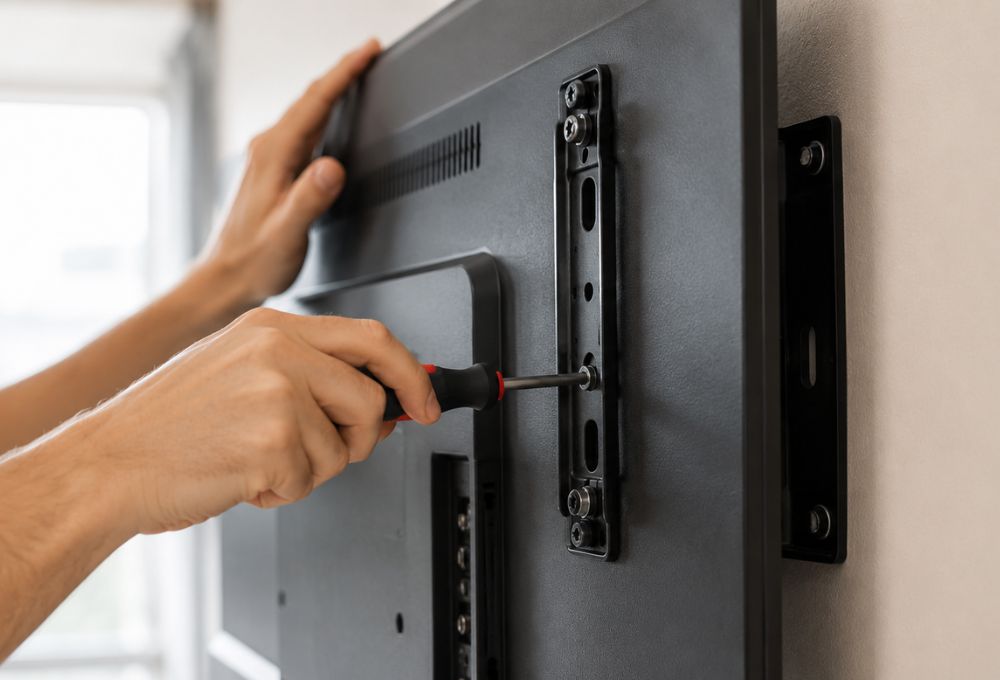
On the TV itself, durability matters more than flashy specs. The smartest approach is avoiding both extremes: skip unknown bargain-bin brands that may fail within a year, and skip premium OLED/QLED models whose extra features most guests won’t even notice. Sticking with recognizable, reliable brands pays off here — LG OLED panels, for example, are known for holding picture quality over years of heavy guest use, and LG’s webOS is praised for rarely crashing, which matters for a TV that runs unattended between stays. Realistically, most hosts should plan on a 4–6 year replacement cycle rather than expecting a TV to last indefinitely.
Top TVs to Buy for Your Airbnb in 2026
Market analysis reveals three distinct tiers of television displays that meet different hosting strategies and property price points. Each offers specific advantages for short-term rental applications when paired with the right streaming solution.
Best Overall Value: TCL S4 4K Smart TV
The TCL S4 series delivers exceptional value for hosts managing multiple properties or operating on tight budgets. These displays typically cost between $250-$400 depending on size, feature built-in Roku functionality, and provide solid 4K picture quality that satisfies most guests. However, many smart hosts choose to pair even budget TVs with a dedicated Android streaming solution rather than relying solely on the built-in smart features, which can become outdated or develop connectivity issues over time. The platform experts who follow the the best tv box on the market note that combining a basic display with a robust external streaming device often delivers better long-term reliability than expensive all-in-one smart TV solutions.
Best Budget Pick: Hisense Roku TV
Hisense Roku TVs represent the absolute lowest entry point for acceptable guest entertainment, with 43-inch models frequently available under $200 during sales. These displays work adequately for bedroom installations where guests primarily use them for background noise or late-night viewing. The integrated Roku Guest Mode theoretically addresses the login security problem, though real-world performance often disappoints, as discussed in later sections. For hosts prioritizing initial purchase price over long-term performance, these models serve basic needs when expectations remain modest.
Best Luxury Option: Samsung The Frame
Premium properties targeting business travelers and luxury vacation renters justify higher-end displays like Samsung’s The Frame series, which doubles as wall art when not actively in use. These models command $800-$1,500 depending on size but elevate property aesthetics and support marketing efforts for high-nightly-rate listings. Even in luxury contexts, however, hosts still face the fundamental streaming account and content access challenges that plague all smart TV platforms, making supplementary streaming hardware increasingly common even in upscale installations.
The Hidden Problem: Why Smart TVs Fail at Live Sports and International Content
Competitive analysis of guest reviews reveals a consistent complaint that traditional smart TV setups fail to address: the lack of accessible live programming. Cutting cable saves hosts significant money, but guests, particularly sports fans traveling during major events or international visitors seeking news and channels from their home country, express frustration when they cannot access the content they expect.
International guests in particular often assume a TV will include at least a few familiar channels from home, not just Netflix and local content. When it doesn’t, the gap feels like a missing amenity rather than a minor inconvenience. Statista data shows that 67% of streaming viewers still watch live television regularly, yet most Airbnb TV setups force guests to navigate multiple apps, create trial accounts, or simply go without.
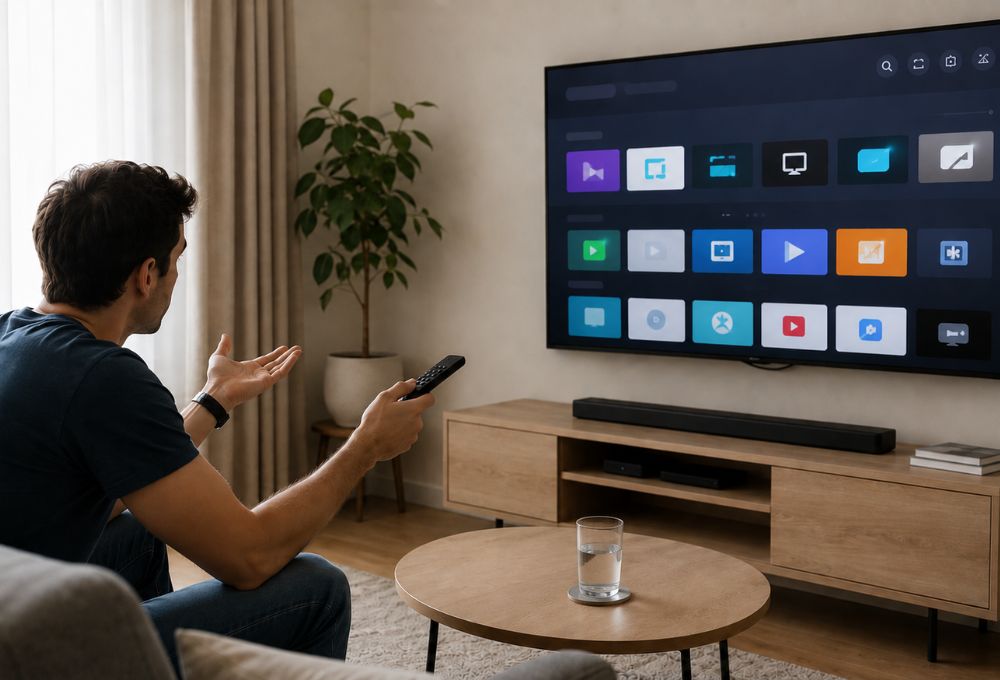
In reality, very few Airbnb properties offer actual live TV channels at all. Most rely entirely on streaming apps like Netflix, Disney+, or YouTube, which cover on-demand content well but leave live programming, especially international channels, almost entirely unaddressed.
This gap represents the most significant opportunity for hosts to differentiate their properties and reduce negative reviews. The challenge lies in providing broad content access without creating ongoing subscription costs or complicated login procedures. Traditional cable contracts remain prohibitively expensive for short-term rental economics, while individual streaming service subscriptions quickly add up when multiplied across multiple properties.
The Ultimate Upgrade: Why Pairing Your TV with a Dedicated Streaming Box is the Best Move
Industry observers increasingly recommend a two-component approach for the best TV for Airbnb setups: a reliable display paired with a dedicated Android streaming device. This configuration separates the screen technology from the content platform, allowing hosts to upgrade or replace components independently while providing guests with a consistent, familiar interface across all stays.
Meet SuperBox: The Set-and-Forget Streaming Companion
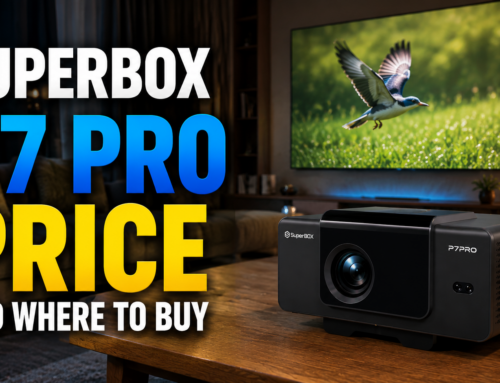
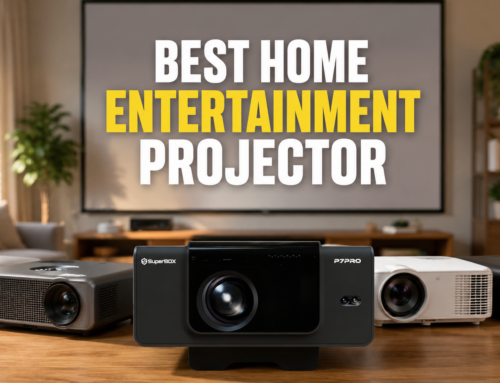
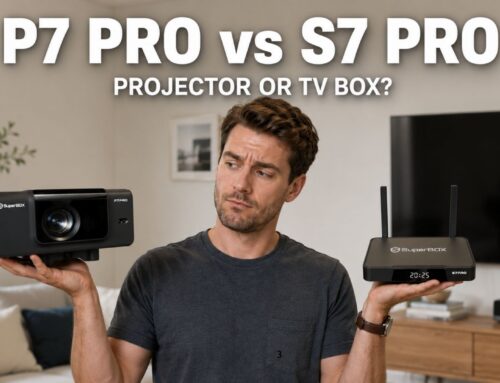
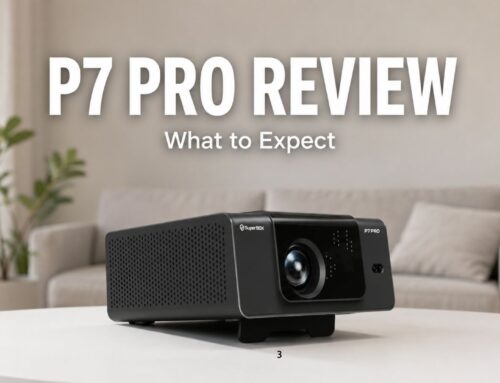
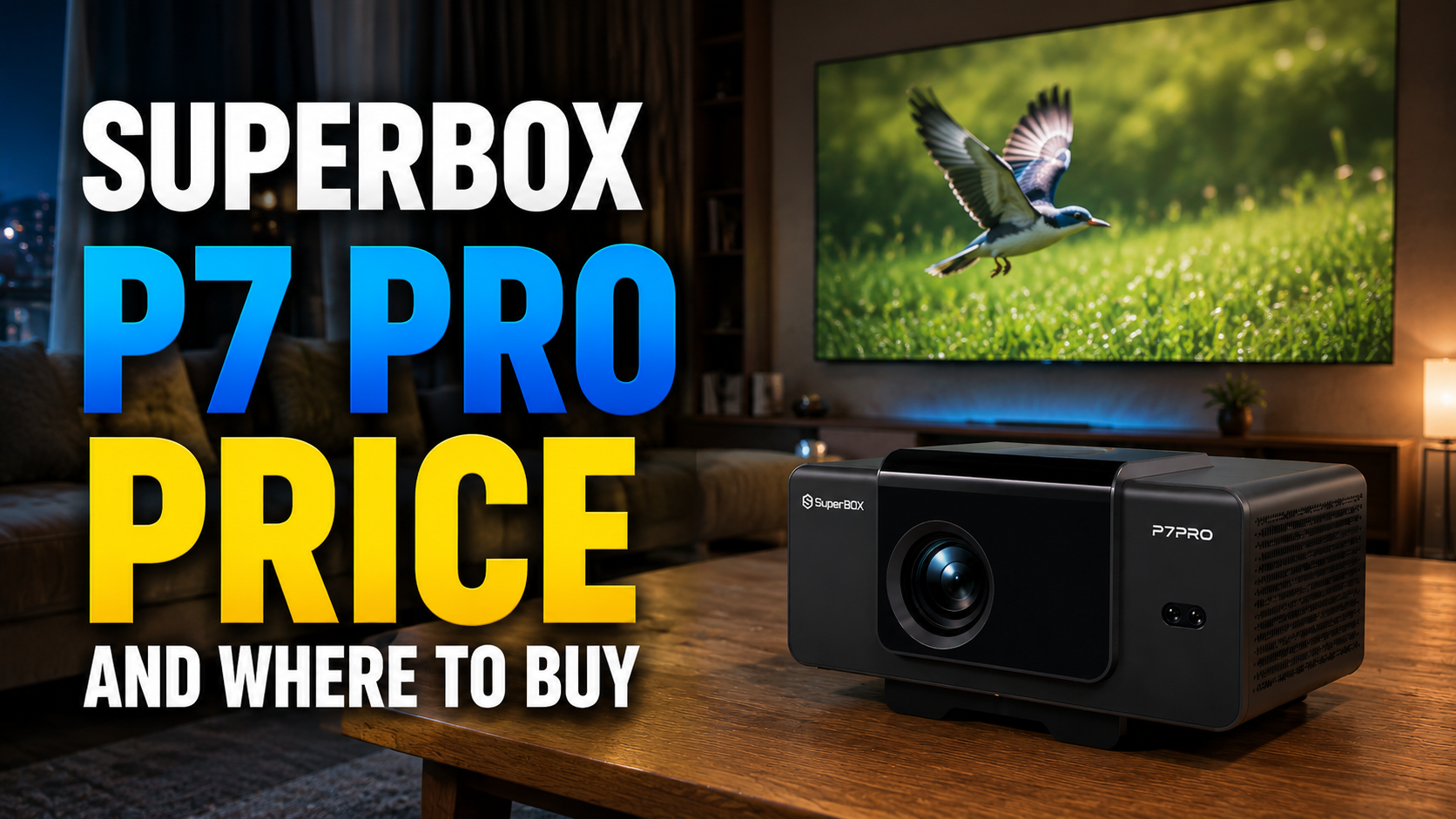
For hosts looking to simplify the guest entertainment setup, pairing any quality display with a SuperBox S7 Ultra streaming box creates an easy, low-maintenance system. SuperBox runs on an intuitive Android interface, connects via standard HDMI, works with any modern TV, and only requires basic WiFi connectivity to run.
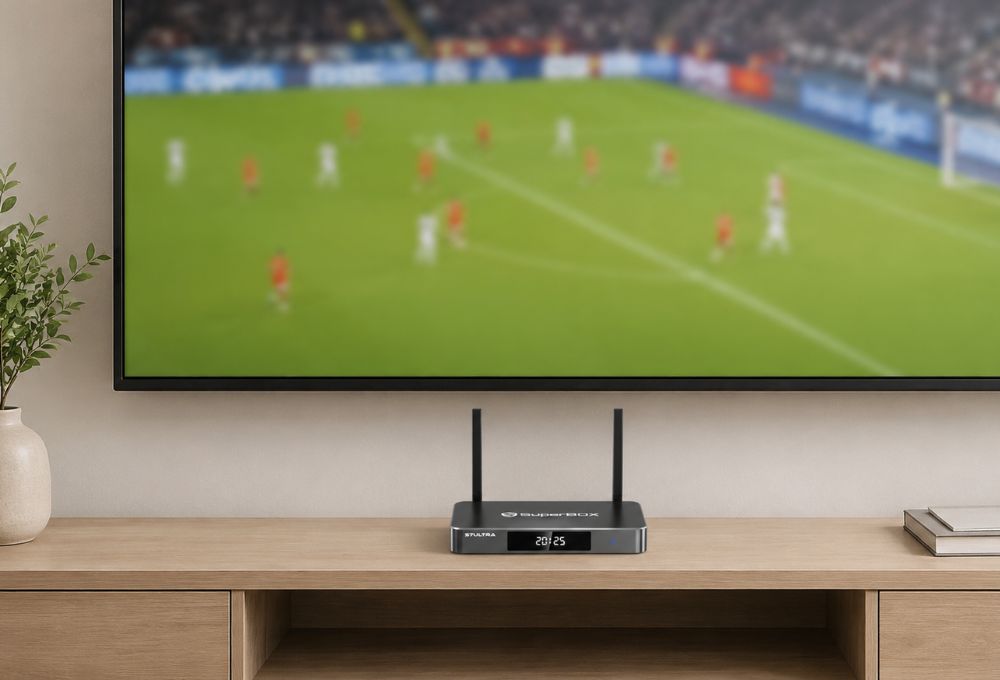
What makes this approach useful for rental properties is the single, consistent interface guests see every time they turn on the TV, without needing to remember which remote controls what or dig through settings menus. This straightforward setup can reduce the tech support requests that come with more complicated smart TV configurations. Features like Time Shift, which lets viewers pause, rewind, or replay content within supported apps, add a layer of convenience guests are used to from traditional cable DVR systems.
Why Guests Love Having Access to Their Favorite Apps
The streaming landscape has shifted significantly, with travelers now expecting quick, hassle-free access to their favorite apps rather than juggling multiple remotes or devices. Sports fans want to catch games through their usual subscriptions, international guests look for apps from home, and families appreciate a simple interface that doesn’t require digging through settings.
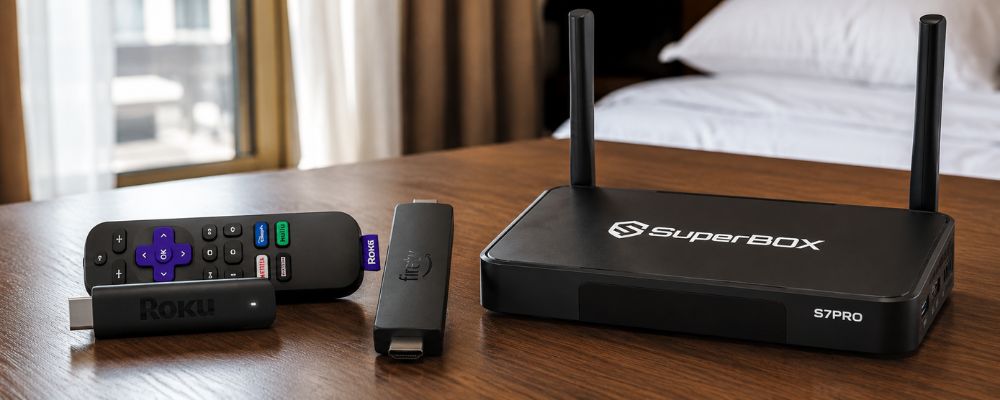
For hosts, providing this kind of access usually means choosing a streaming box that supports a wide range of apps through one interface, rather than requiring guests to hunt for separate devices or logins. An Android-based streaming box like SuperBox works similarly to other streaming hardware such as Fire TV or Roku, giving guests a single home screen where they can open the apps they already use.
For hosts managing the best streaming device for hotels or short-term rentals, having one device that supports a broad range of streaming apps in a simple, guest-friendly interface can be a meaningful upgrade over juggling multiple remotes or devices.
Quick Guide to Setting Up Your Airbnb TV Setup
Proper installation determines whether your entertainment system becomes a guest amenity or a maintenance headache. Following industry best practices during initial setup prevents the majority of common problems hosts encounter.
Cable Management and Wall Mounting
Professional-looking cable management significantly elevates property presentation while also protecting equipment from damage. In-wall cable routing creates the cleanest appearance but requires more extensive installation work. Surface-mounted cable raceways offer a practical middle ground for most properties, hiding wires while remaining accessible for troubleshooting. Wall mounting should use studs or appropriate anchors rated for at least three times the display weight, positioned at comfortable viewing heights between 42-55 inches from floor to screen center depending on seating arrangements.
Guest Wi-Fi and Parental Controls
Separating guest Wi-Fi networks from primary property networks protects security while simplifying bandwidth management. Many modern routers support guest network creation with customizable access restrictions and usage limits. For entertainment systems, ensuring adequate bandwidth allocation prevents buffering complaints while usage caps guard against excessive data consumption. Implementing PIN-protected parental controls on both the TV and any streaming devices prevents unwanted purchases, setting changes, or inappropriate content access, giving hosts peace of mind across different guest demographics.
Final Verdict: Keep It Simple and Seamless
The best TV for Airbnb hosting prioritizes guest satisfaction through simplicity rather than pursuing the latest smart features or premium price points. A mid-range 4K display from a reliable manufacturer like TCL or Hisense, securely wall-mounted and paired with a SuperBox streaming device, delivers superior results compared to expensive smart TVs alone. This combination gives guests a simple, single-interface way to access their favorite apps, avoids the login and account-switching issues that come with juggling multiple devices, and dramatically reduces tech support requests that consume valuable hosting time.
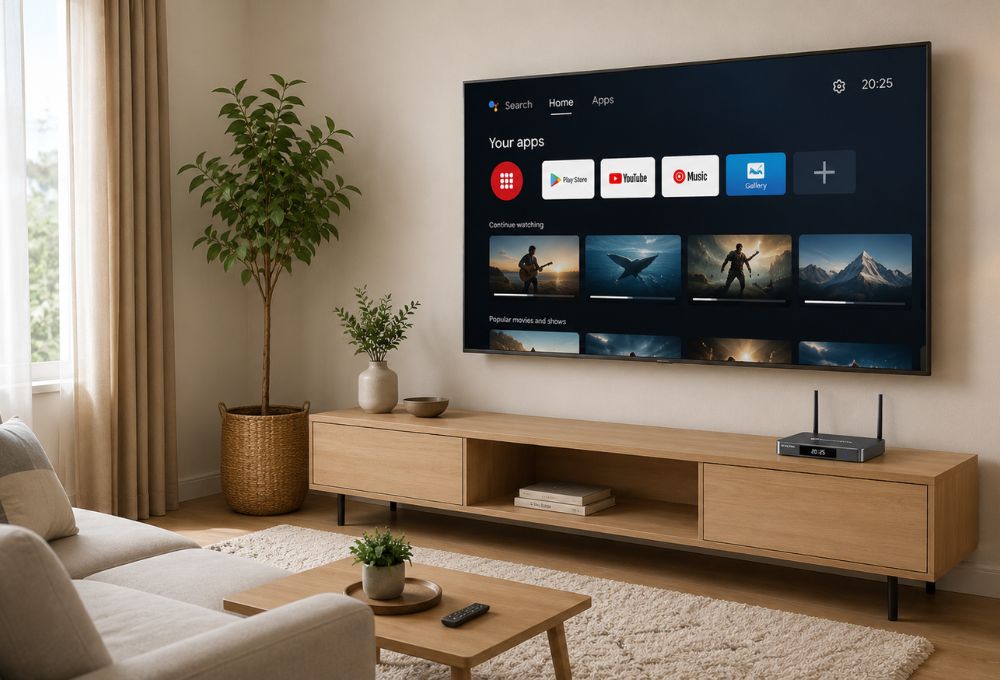
Hosts operating multiple properties particularly benefit from this standardized approach, which creates consistency across all units while simplifying equipment replacement and troubleshooting. The total investment remains comparable to a single premium smart TV, but the operational advantages and guest satisfaction improvements justify the dual-component strategy. As the short-term rental market becomes increasingly competitive, providing truly hassle-free entertainment separates exceptional properties from merely adequate ones.
Frequently Asked Questions
Do I need to provide cable for my Airbnb guests?
No, most guests today prefer streaming over traditional cable. A smart TV or streaming device that gives quick access to popular apps like Netflix, YouTube, and Disney+ covers what the vast majority of guests expect. A dedicated streaming device is often more cost-effective than maintaining cable subscriptions across multiple properties, and it avoids locking guests into a single provider’s channel lineup.
How does Roku Guest Mode work, and what are its drawbacks?
Roku Guest Mode allows guests to set a checkout date that automatically wipes their login information from the device when their stay ends. While this theoretically solves the account security problem, real-world implementation can create new issues: Guest Mode sometimes causes Wi-Fi connectivity hiccups, confuses guests who expect a simpler, cable-like interface, and occasionally fails to fully clear credentials, requiring manual intervention. It also still requires guests to have their own subscriptions or trial accounts for most services.
What is the best TV size for an Airbnb living room and bedroom?
For main living areas, a 55-inch or 65-inch 4K display creates an impressive focal point suited to group viewing, with the exact size depending on room dimensions and seating distance. Bedrooms typically work better with a more modest 32-inch to 43-inch display, which fits smaller rooms without overwhelming the space or requiring guests to view from an uncomfortable distance. Screen size should balance visual impact with practical considerations like mounting logistics and replacement costs.
How do I prevent guests from changing my TV settings or ordering premium channels?
Most TVs and streaming devices include PIN protection features accessible through their settings menus. Enabling these locks prevents unauthorized purchases, app downloads, factory resets, and major setting changes. Document the guest-accessible PIN separately from your administrative PIN, and include only the guest code in your property’s welcome materials. For full protection, set PIN requirements on both the TV and the streaming device rather than relying on one alone.
Is a smart TV enough, or should I use an external streaming box?
While smart TVs work fine on their own, pairing a basic display with an external Android streaming box often works better long-term for rental properties. This setup gives guests a single, simple interface for the apps they already use, stays inexpensive to replace if damaged, avoids the risk of a built-in smart platform becoming outdated, and gives hosts more control over the interface and parental restrictions. It also lets hosts upgrade the streaming device down the line without replacing the whole display.
What’s the best TV setup for an Airbnb?
For most hosts, the ideal setup is a mid-range 4K display from a reliable brand like TCL or Hisense, securely wall-mounted, paired with an external streaming device like SuperBox. This combination gives guests a simple, single interface for the apps they already use, keeps replacement costs low if the device is damaged, and lets hosts upgrade the streaming device independently as technology changes, without needing to replace the entire TV.