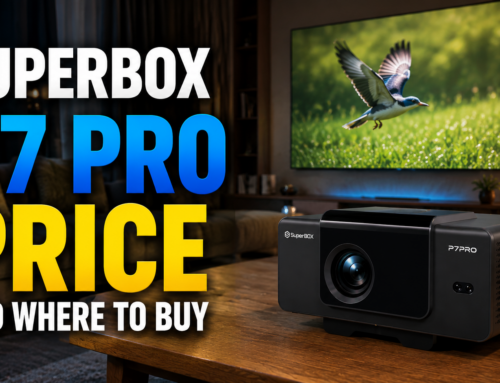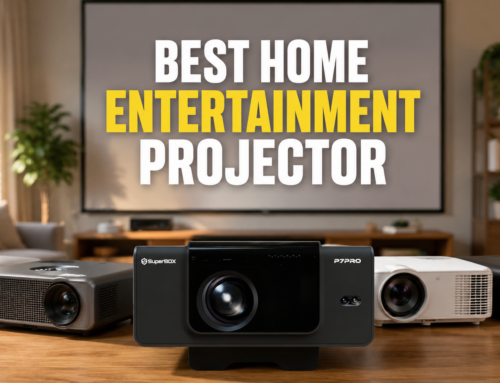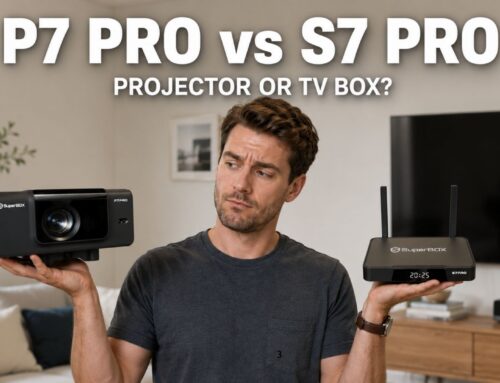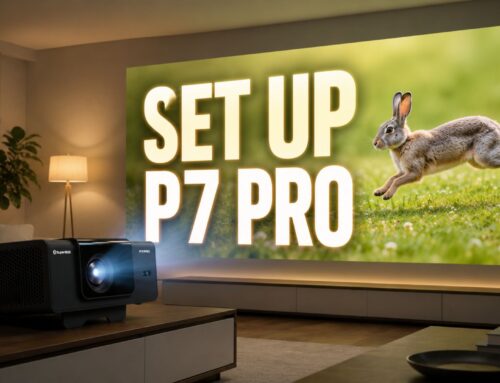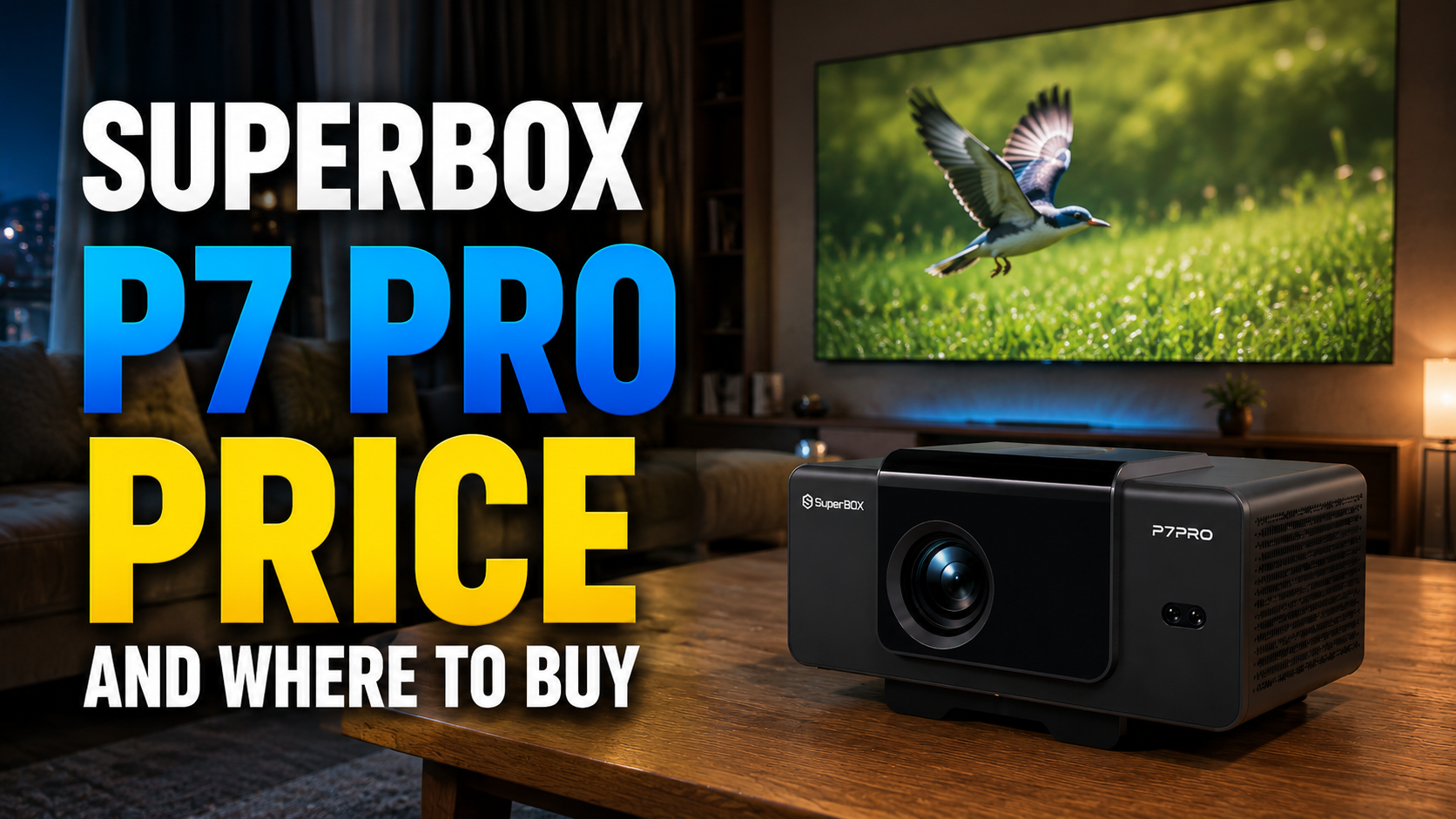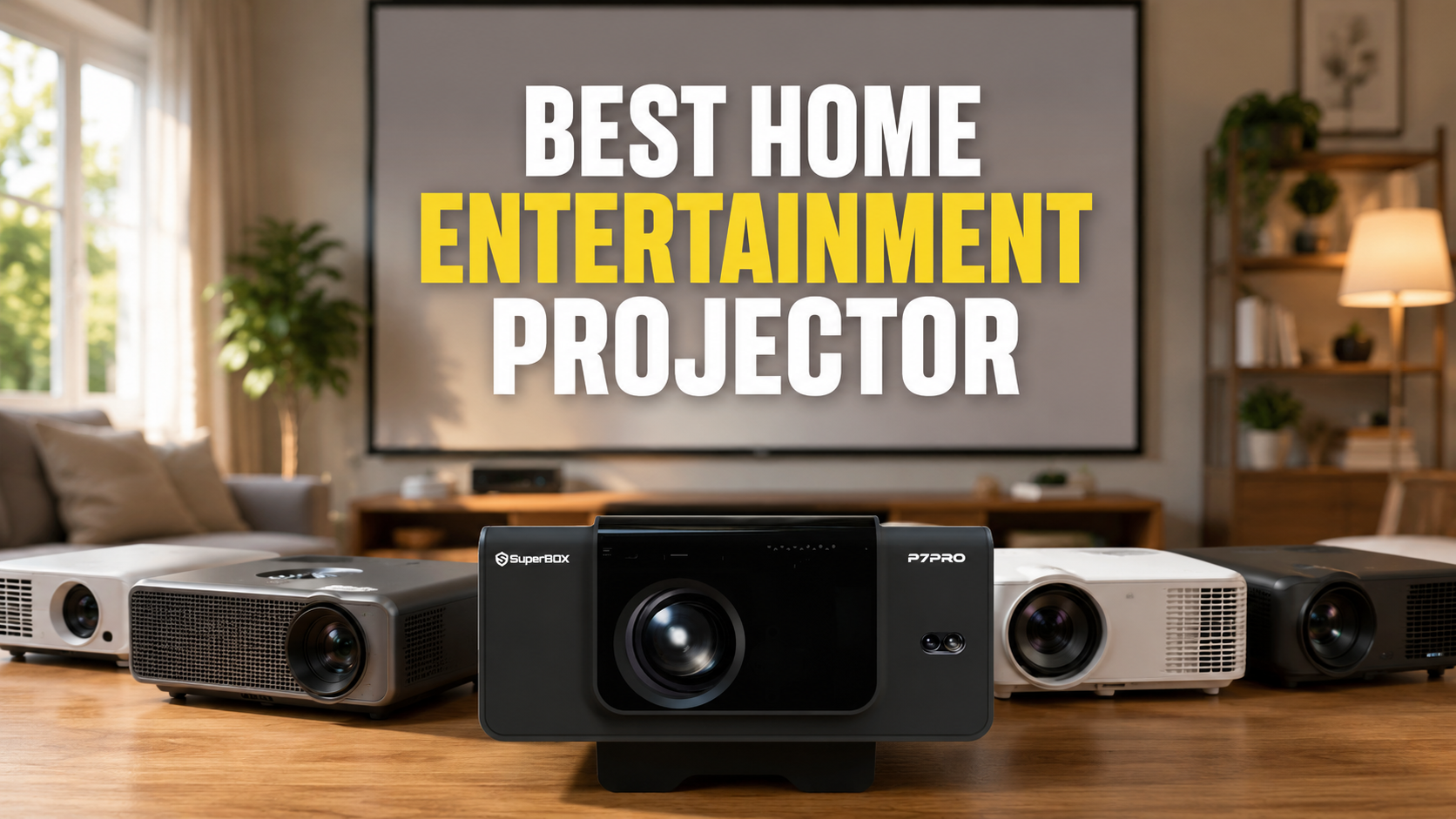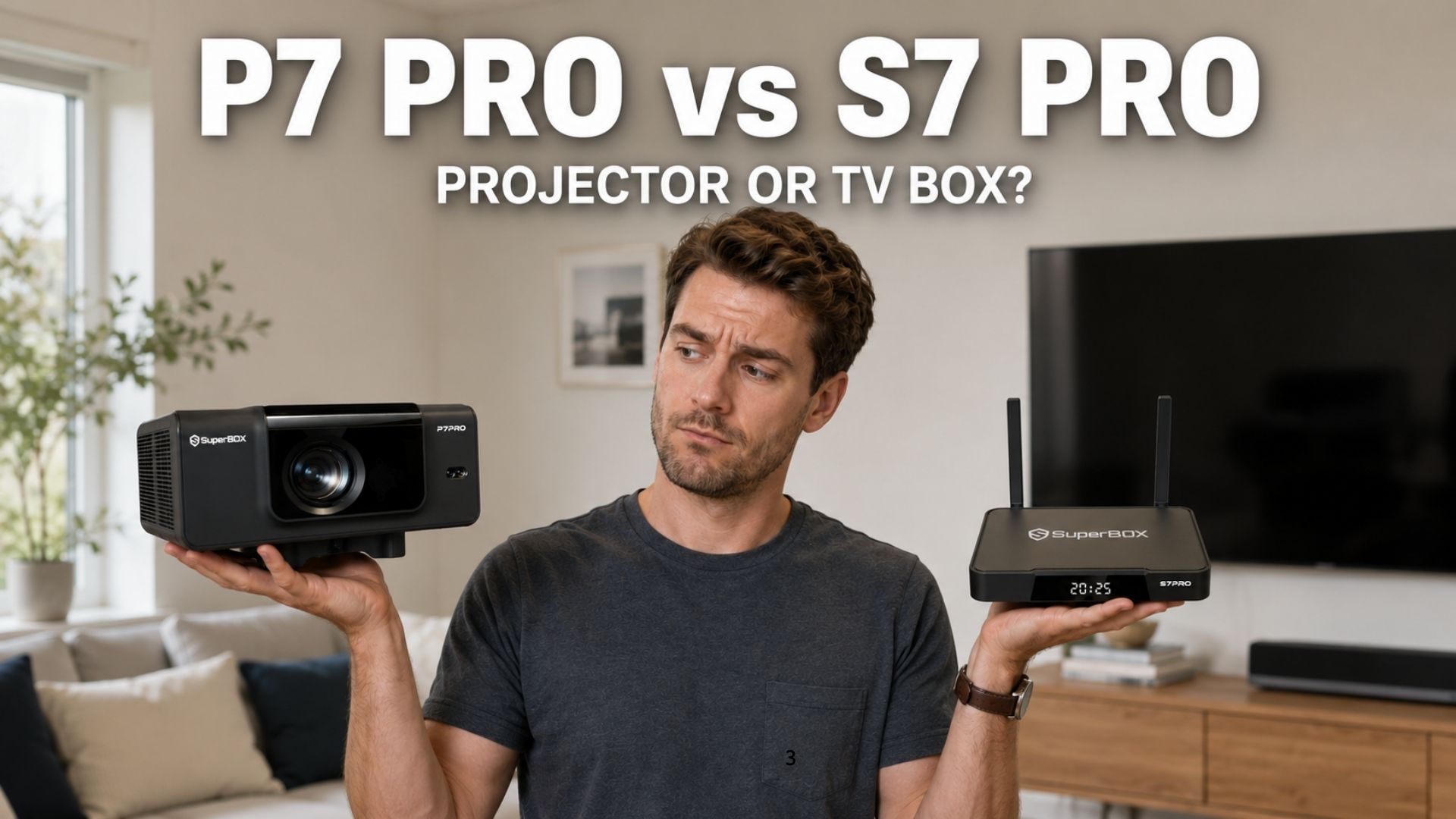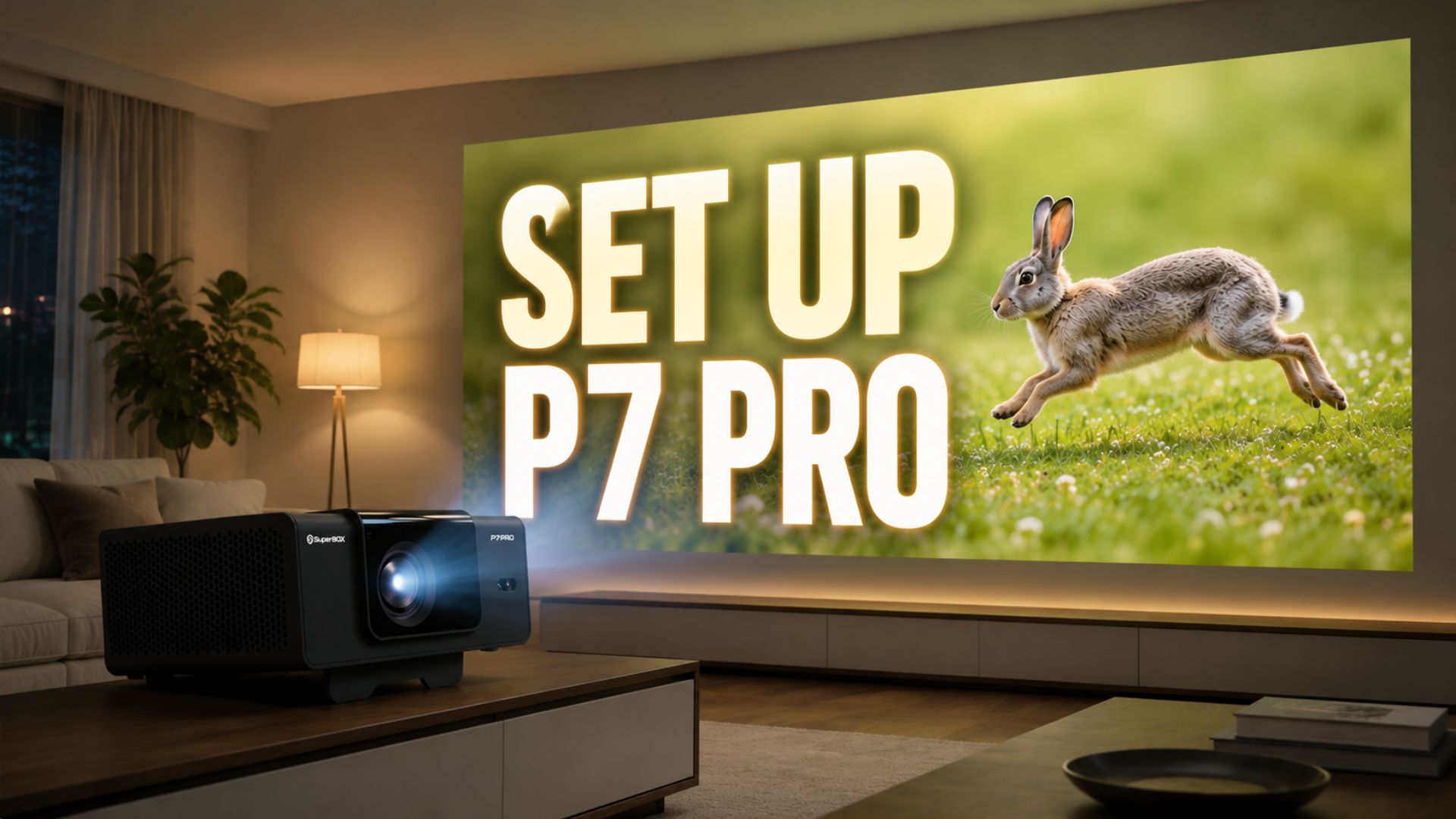
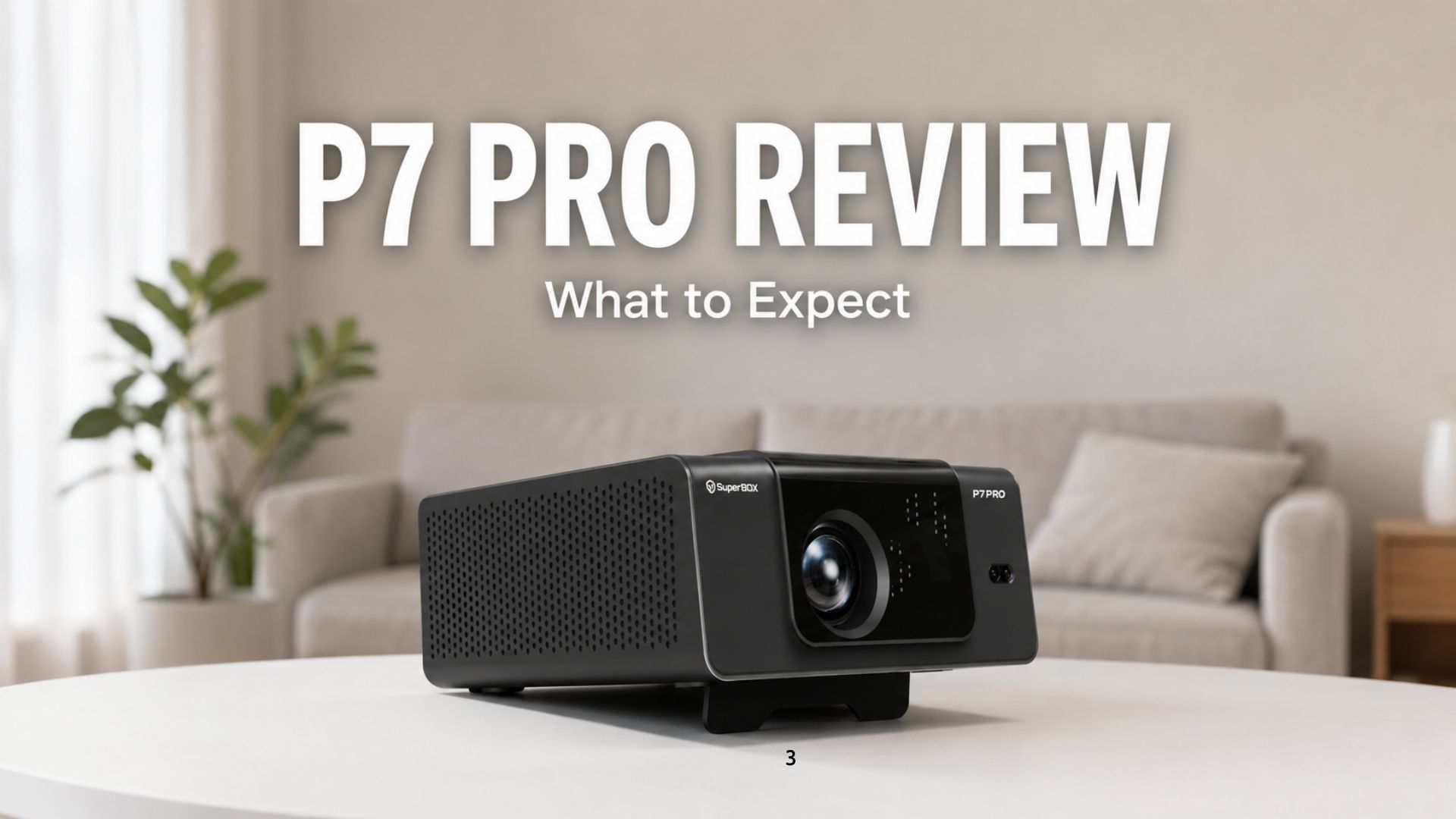
Since SuperBox P7 Pro just launched, this SuperBox P7 Pro review shares a detailed look at what to expect, based on its actual engineering specs and the design decisions behind it, straight from the team that built it. Think of it as an inside look at what you’re actually getting, backed by real numbers instead of marketing adjectives.
First Impressions: Design & Build Quality
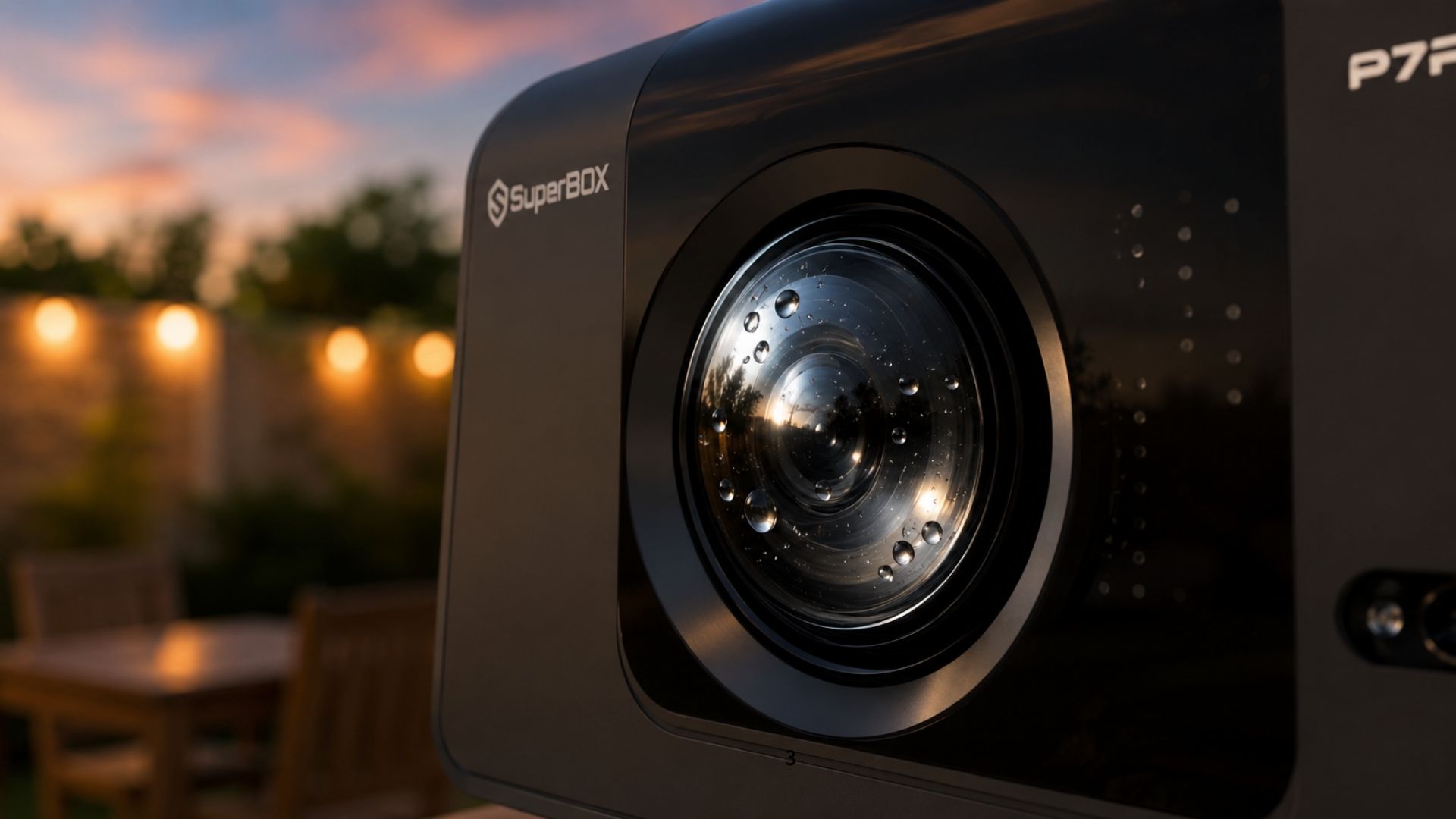
P7 Pro has a solid, sturdy build with a built-in stand. It feels dense rather than hollow or cheap when you pick it up, and it sits directly on a table or shelf without needing a separate mount. The lens itself is water-resistant, which matters if you’re using P7 Pro outdoors for a backyard movie night and don’t want a light splash or evening dew to be a concern. There’s also a ventilation system on the sides to help dissipate heat from the light engine during longer sessions. Projector light sources run hot, and that’s a common reason cheaper projectors dim or shut off mid-use.
For connections, the back panel has six things worth knowing: an HD-IN port to plug in a separate streaming stick, gaming console, or laptop and project their screen directly; a TF card slot for reading files off a memory card; two USB ports: USB1 (standard Type-A) for playing movies or photos straight off a flash drive without needing an app, and USB2 (Type-C) for newer drives or accessories; and a LAN port for a wired internet connection when you want a more stable signal than Wi-Fi, especially useful for 4K streaming or live TV without buffering. There’s also a physical RESTORE button next to the ports, so you can factory reset the device directly from the back panel without digging through on-screen menus.
Picture Quality: What You’ll Actually See on the Wall
P7 Pro is rated at 350 real ANSI lumens, using an LCD light engine with a 3.5-inch LCD panel. ANSI lumens is a standardized brightness measurement, stricter than the inflated numbers some budget projectors advertise, so 350 real ANSI lumens is a solid, honest figure, and it’s genuinely enough for a good picture as long as the room is dark or dimly lit. In a properly darkened room, curtains closed or lights off, 350 lumens gives you a bright, clear image. It’s not built for daylight or a room full of overhead lights. Direct sunlight will wash it out, same as almost any projector in this class. What actually makes P7 Pro worth it isn’t the lumens number on its own, it’s the built-in SuperBox system running behind that image, giving you everything without needing a separate box or app to make the picture worth looking at.
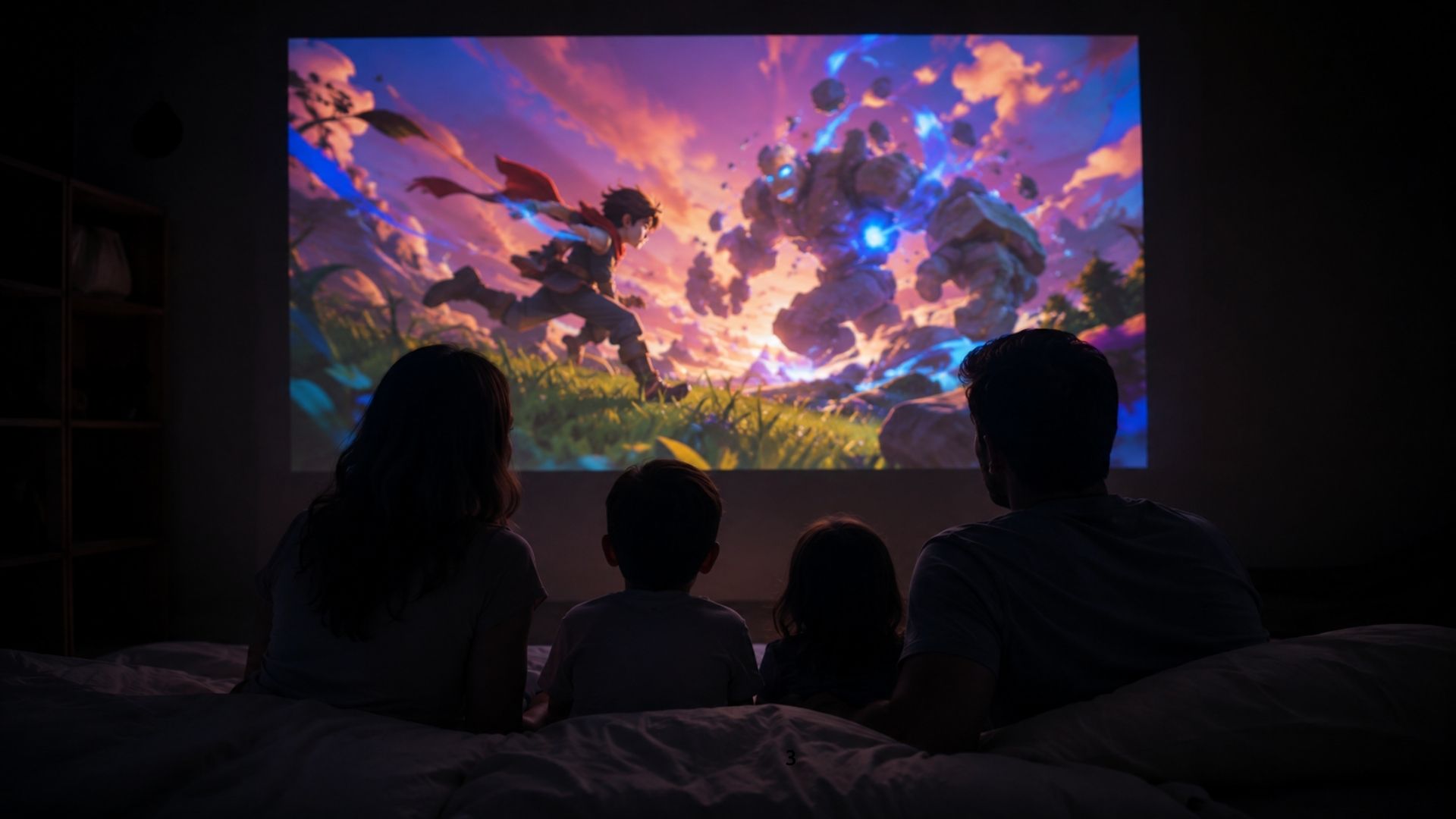
The throw ratio is 1.35, with an effective projection distance of 1.5m to 4.5m. At 2 meters, the image measures 1.45m x 0.82m, about 64 inches diagonal. This is also why our setup guide recommends placing P7 Pro roughly 1.5 meters from the wall, that’s the distance where the lens produces its sharpest, most evenly lit image. Too close and the picture shrinks below its optimal range; too far past 4.5m and brightness starts dropping off.
Auto-Focus & Auto-Keystone: The Part That Usually Frustrates People
If you’ve ever used a projector before, you know the most annoying five minutes of setup is almost always focus and keystone correction. Twisting a ring back and forth while the image swims in and out of clarity, then fighting a trapezoid-shaped picture that never quite squares up.
P7 Pro handles both automatically by default. Behind the scenes, the projector uses a sensor system paired with motor-driven lens control: the sensor reads the projection angle in real time, and a small motor adjusts focus and keystone correction to match, without you touching a dial. The system also includes obstacle avoidance, which factors in nearby objects when calculating the projection area so the image doesn’t awkwardly wrap around furniture or wall décor.
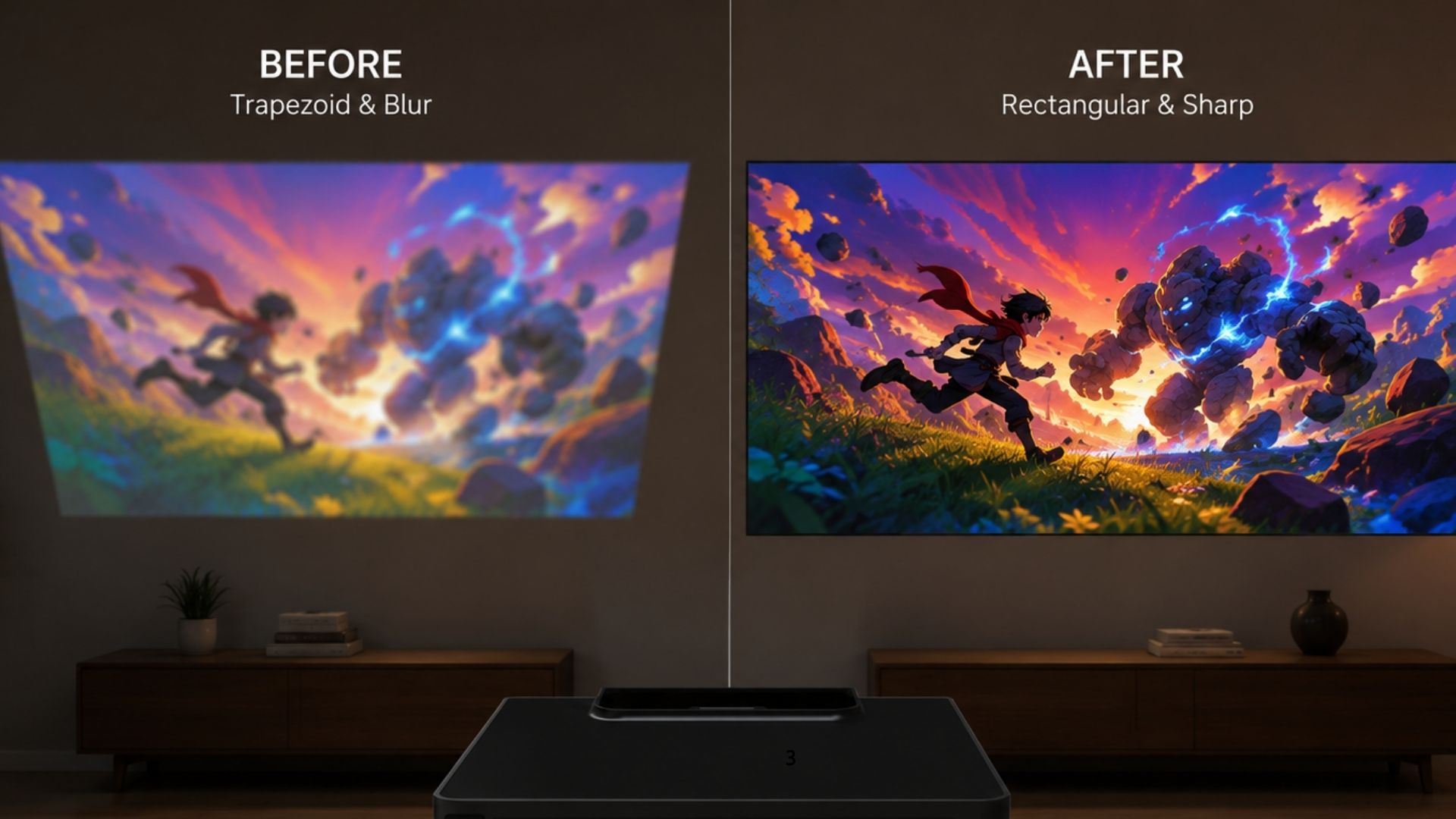
If you’d rather adjust it yourself, that’s still an option. Auto Focus can be switched off, and from there you can fine-tune the picture manually using the remote. For most people, though, placing the projector down and letting it self-correct is enough, you’d only need the manual option if you’re mounting it at an unusual angle or want to fine-tune beyond what auto-focus settles on.
Smart Controls: Remote, Voice Command, and Time Shift
P7 Pro ships with a backlit voice command remote, which pairs over Bluetooth (see our setup guide for the exact pairing steps) and lets you search for content or jump to settings by speaking instead of scrolling through on-screen keyboards.
A few controls worth calling out specifically:
- Time Shift — pause and rewind live TV, so a phone call or doorbell doesn’t mean missing part of a show.
- Parental Control — lock specific channels behind a password, useful if kids share the same screen.
- Built-in Recording & Playback — record content directly through the system for later viewing, without a separate DVR box.
None of these are unique to P7 Pro specifically. They run on the same built-in SuperBox System used across the lineup, but bundling them into a projector, rather than a box that needs a separate TV with its own remote and settings, is what changes the day-to-day experience.
Software & Interface: The Same System You Might Already Know
Under the hood, P7 Pro runs the same built-in SuperBox System as the rest of the lineup, with 4GB of RAM and 32GB of onboard storage handling the interface and installed apps. If you’ve used a SuperBox TV box before, the menus, app layout, and navigation will feel identical — nothing to relearn. For a full walkthrough of the shared interface, apps, and settings menu, our how to set up SuperBox guide covers it in detail, and since P7 Pro runs on the same software, those steps carry over directly.
Setup Experience: Plug, Internet, Play
P7 Pro is built around the idea that you shouldn’t need a second device to get it running. There’s no external streaming box to pair, no separate TV to configure. You plug it in, power it on, and the auto-focus and auto-keystone systems handle the visual calibration on their own. From there, it’s the same remote-pairing and Wi-Fi steps as any other SuperBox device.
Durability: Built for Long Sessions, Not Just Demos
One thing that’s easy to overlook until you actually live with a projector day-to-day is how it holds up under real, extended use, not a 20-minute demo, but hours of continuous playback. P7 Pro has been tested running continuously over multiple days straight, and it kept performing the way it’s supposed to: no overheating, no shutdowns mid-session, no buffering or lag creeping in as the hours added up. That matters because the ventilation system covered earlier isn’t just a spec on paper. It’s what keeps the light engine cool enough to avoid the dimming and auto-shutoff issues that show up in cheaper projectors after a few hours of continuous use.
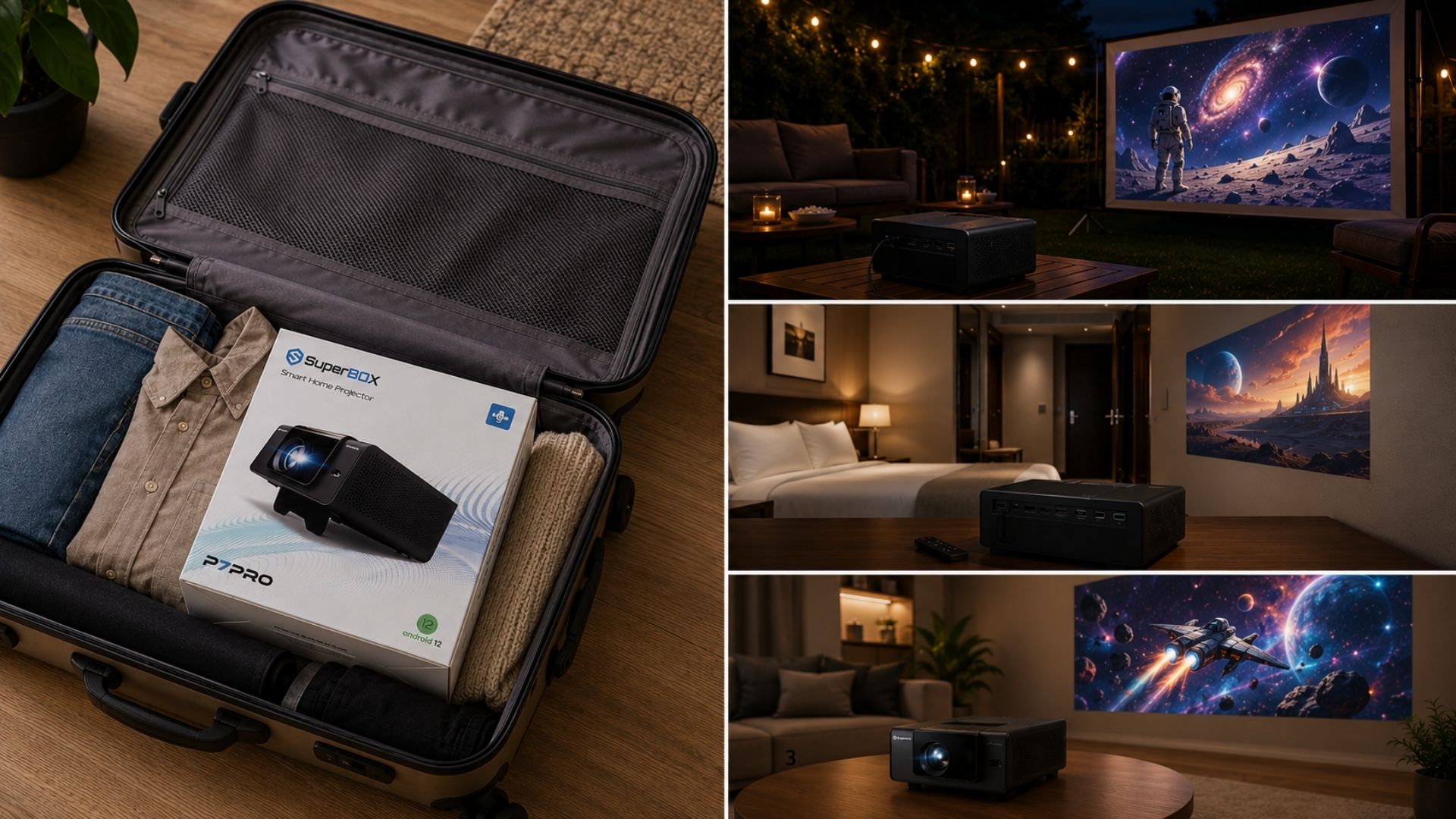
It’s also been used across different locations and countries without issues. So if you’re traveling with it, relocating, or just moving it between rooms with different outlets and networks, it’s built to handle that kind of real-world variability rather than being tuned for one specific setup.
Who Is SuperBox P7 Pro Best For?
Because P7 Pro doesn’t depend on an external TV, it’s genuinely flexible about where it lives — a permanent fixture in a living room or bedroom, or something you move to a different room, or take outside for a backyard movie night after dark. Based on the specs and design above, it makes the most sense for:
- Bedrooms or media rooms without a mounted TV
- Small to mid-sized apartments where a projector doubles as a space-saving alternative to a large television
- Movie nights where you want a big-screen feel without buying and mounting an actual big-screen TV
- Backyard or patio setups for evening viewing after dark
- Anyone who already uses SuperBox and wants the same content library and interface on a bigger, more flexible screen
It’s a weaker fit for a room with strong daytime light and no way to dim it, or if you need a screen size well beyond the 1.5m–4.5m effective projection range. A traditional TV or a SuperBox TV box would serve those situations better.
What’s in the Box
Every P7 Pro ships with the projector itself, the voice command remote, a user guide, and the power cable — everything needed to get from unboxing to your first movie without ordering anything extra.
SuperBox P7 Pro Review: Still Deciding?
If this SuperBox P7 Pro review has answered most of your questions but you’re weighing P7 Pro against SuperBox’s TV box lineup or want the full spec sheet in one place, the official SuperBox P7 Pro Projector page has complete details. If you’re ready to reserve a unit, you can submit your order inquiry directly from this page.
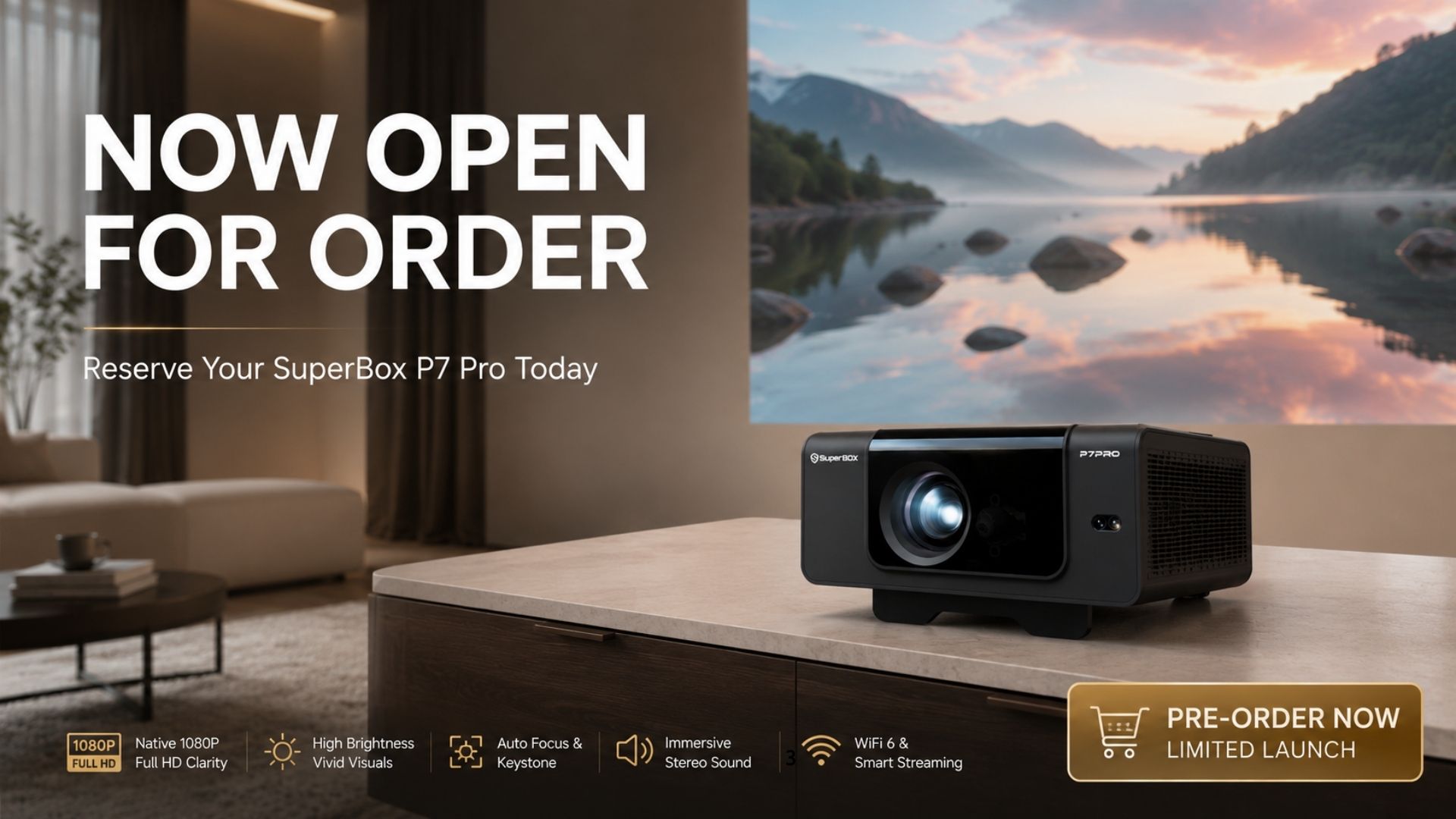
P7 Pro is built around a simple idea: cinema-quality viewing shouldn’t require a TV, a mounting bracket, or twenty minutes of manual focus adjustment. Based on the hardware and software behind it, that’s exactly what it’s designed to deliver.