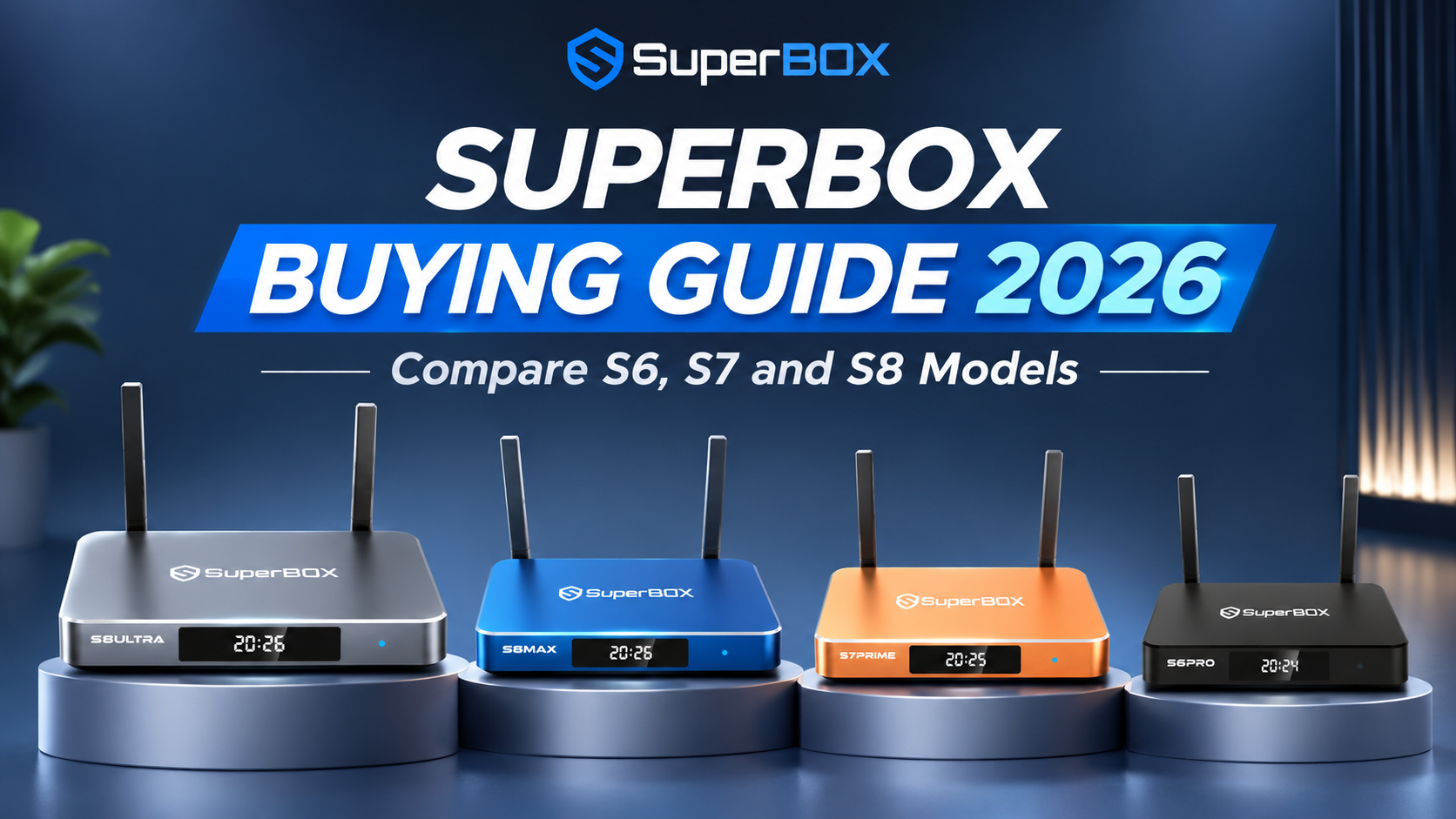
Buying your first SuperBox should not take hours of research. Every SuperBox in the S6, S7 and S8 series runs the same core hardware, so the real question is which features you want and how much you want to spend. This SuperBox Buying Guide breaks down the differences between models, compares their features and prices, and helps you find the best SuperBox to buy for your needs.
The quick answer: Which SuperBox should you buy?
If you just want to know which SuperBox to buy, start here:
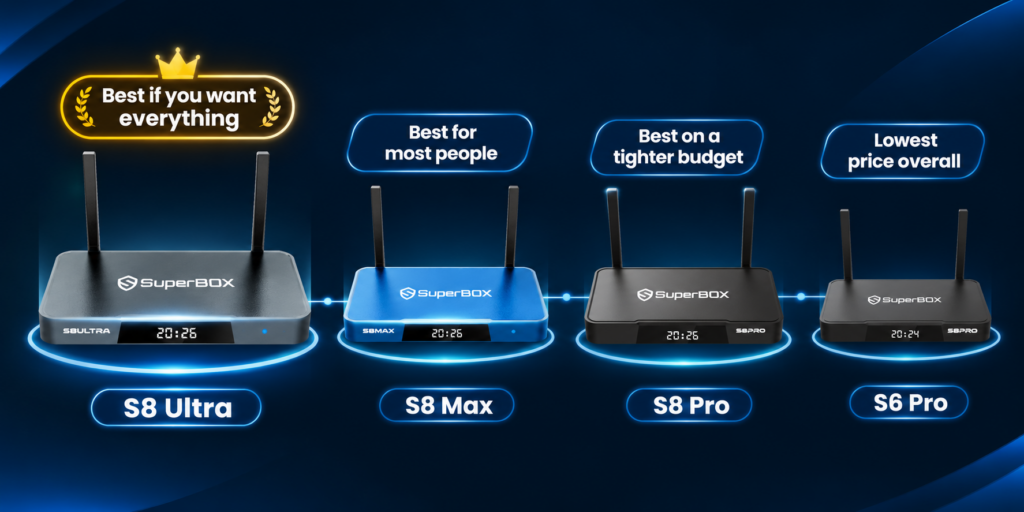
- Best for most people: SuperBox S8 Max ($399). The newest series, full Multi-Viewing & PiP, built-in recording, and only $10 more than the S8 Plus.
- Best on a tighter budget: SuperBox S8 Pro ($359). All the core S8 features at the lowest S8 price.
- Best if you want everything: SuperBox S8 Ultra ($449). The most storage (128GB), the backlit remote and every S8 feature.
- Lowest price overall: SuperBox S6 Pro ($299). A no-frills box for basic movies and live TV, if you can still find one.
Not sure which one fits you? Keep reading. The rest of this guide explains what actually changes from model to model.
How the SuperBox lineup works
SuperBox names have two parts: the series (S6, S7, S8) and the tier (Pro, Plus, Max, Ultra, Prime). Once you understand that, choosing gets easy.
- The series decides the features. S6 is the oldest, S7 came next, and S8 is the newest. Each new series adds features the older ones don’t have, such as longer Time Shift, recording or watching two channels at once.
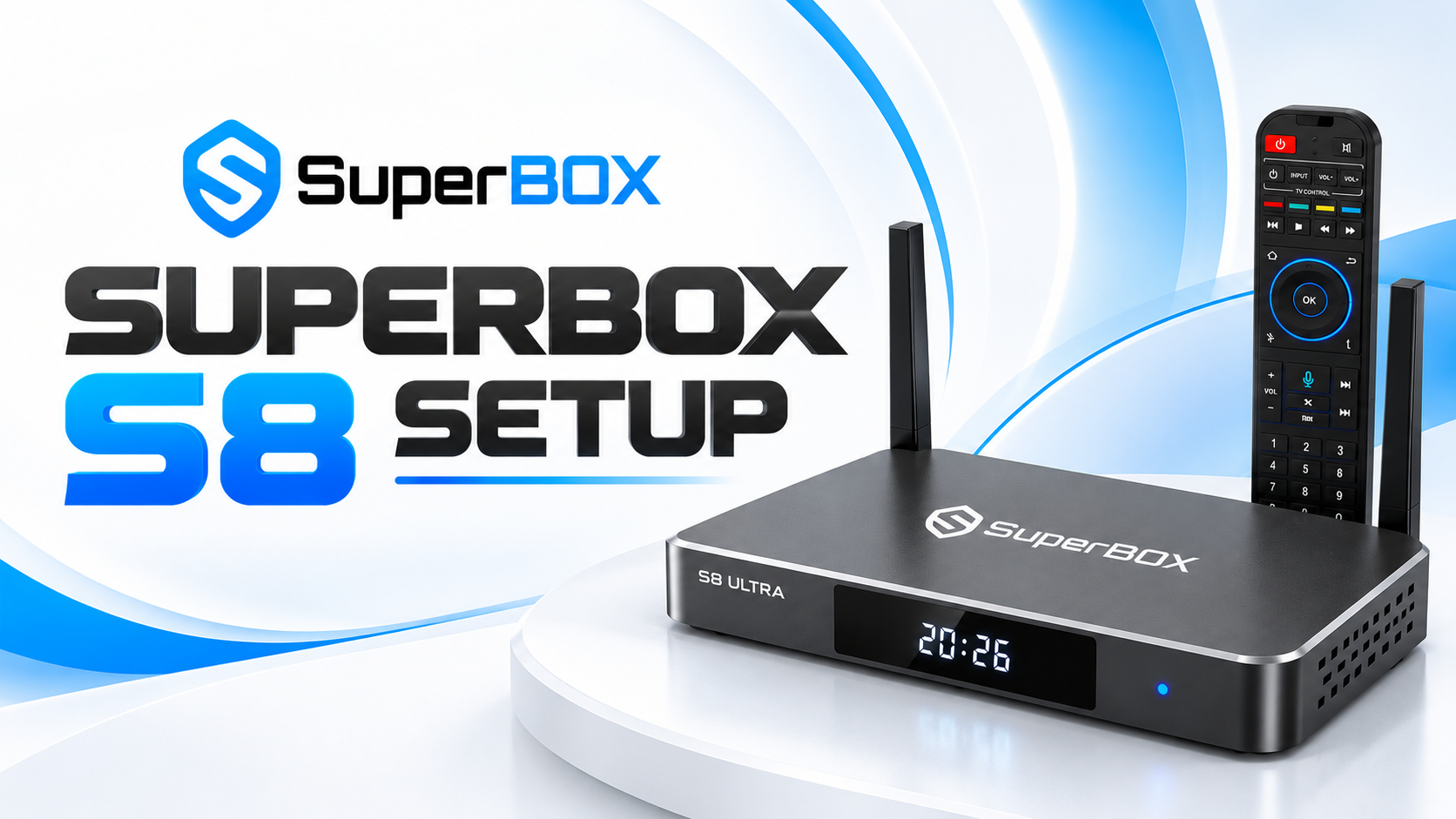
- The tier mostly decides storage and looks. Within the same series, Pro, Max and Ultra are close to identical in daily use. The main differences are storage (32GB, 64GB or 128GB), box color and, on some higher tiers, a backlit remote.
- The core hardware is the same everywhere. Every S6, S7 and S8 model runs Android 12 with a quad-core processor and 4GB of RAM. A Pro won’t feel slower than an Ultra for everyday watching.
So the smart way to choose is: pick your series first, then pick your tier.
One more thing to know: SuperBox has stopped producing the S6 and older models. You can still find them online, but the S8 is the newest lineup and the one getting the newest features.
SuperBox S6 vs S7 vs S8: Feature comparison
An important part of this SuperBox buying guide is understanding how the S6, S7 and S8 compare. The S8 is the only series with built-in recording and Multi-Viewing & PiP. The S7 introduced 7-day Time Shift and a new interface compared with the S6.
Feature | S6 | S7 | S8 |
Voice command | Yes | Yes | Yes |
Time Shift | Up to 8 hours | Up to 7 days | Up to 7 days |
Parental control | Yes | Yes | Yes |
New UI | No | Yes | Yes |
Core apps | Yes | ||
Bonus apps | Yes | ||
Multi-Viewing & PiP (2 screens) | No | No | Yes |
Built-in recording | No | No | Yes |
Backlit remote | No | Ultra and Prime | Ultra |
Exclusive sports app | No | No | Max and Ultra |
Storage options | 32GB, 64GB, 128GB | ||
Box colors | Black, blue, silver | Black, blue, silver, orange | Black, blue, silver |
Each series keeps everything from the one before and adds to it. That’s why the series you pick matters more than the tier.
For the full S8 model-by-model breakdown, see the SuperBox S8 comparison.
Each Series explained: Who it’s for
SuperBox S8: the one to buy in 2026
The S8 is the newest SuperBox series and the biggest feature jump so far. It keeps everything the S7 has (voice command, 7-day Time Shift, parental control, the new UI and bonus apps) and adds two features you’ll notice right away:
- Built-in recording. Save what you’re watching and come back to it later.
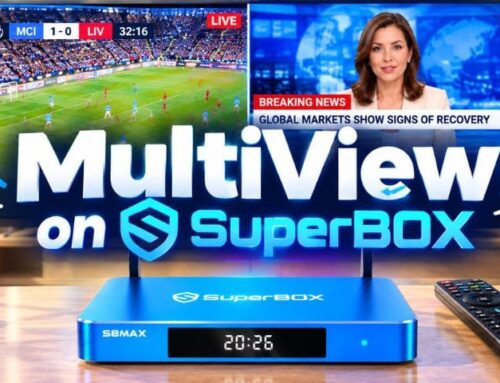
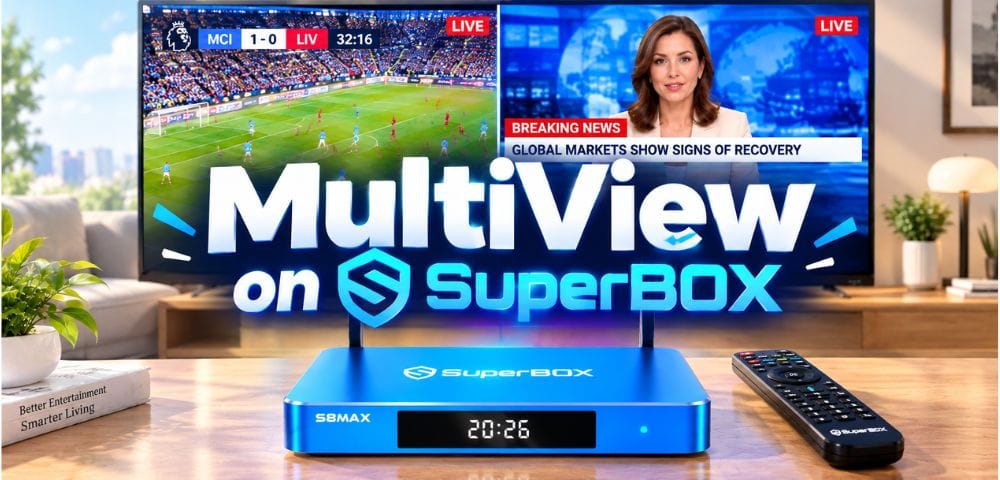
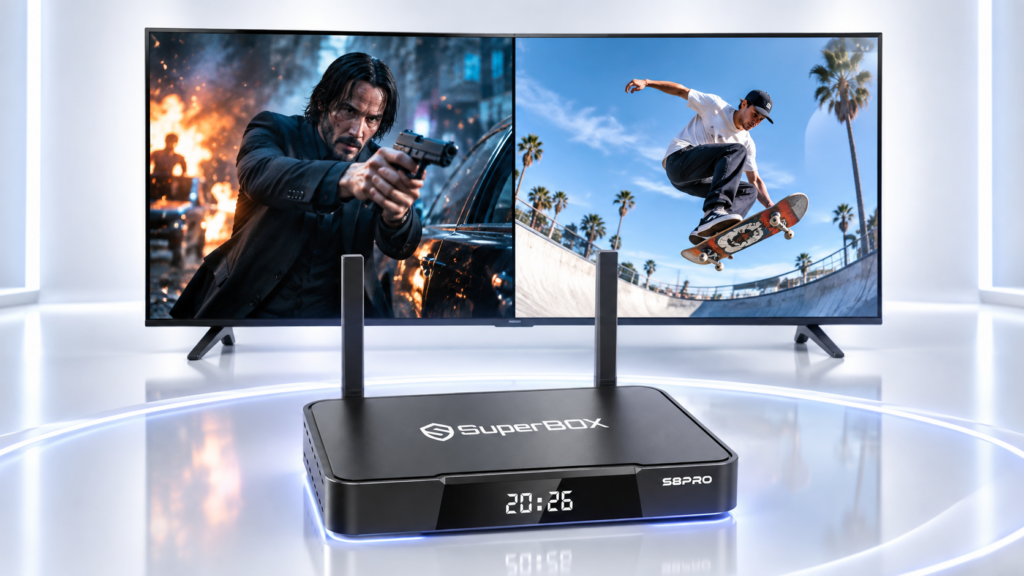
- Multi-Viewing & PiP (2 screens). Watch two channels at once, either side by side or with one in a small window. Handy for following two games or checking another channel during commercials. It’s full on Max and Ultra, and limited on Pro and Plus.
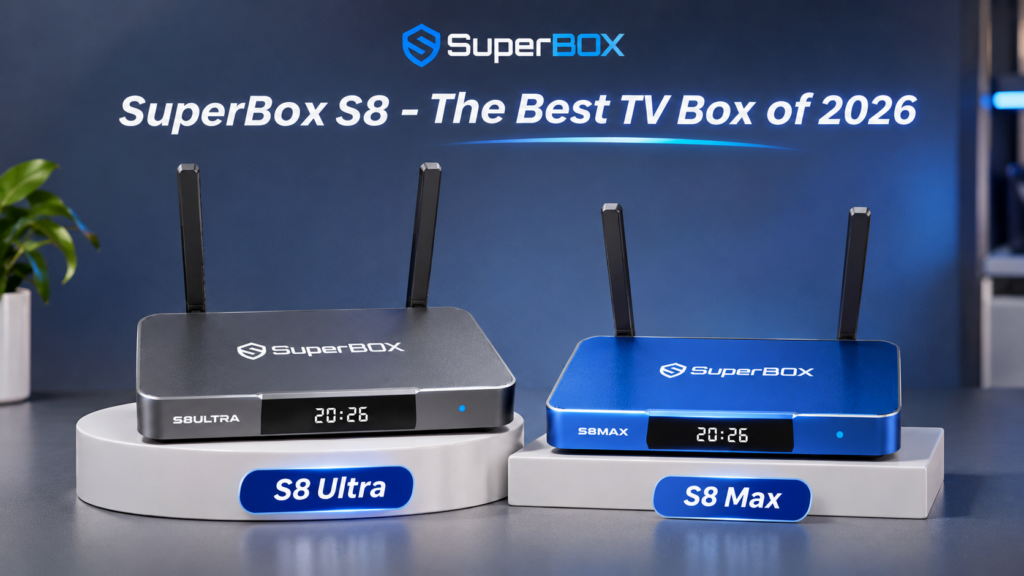
The S8 Max and S8 Ultra also come with exclusive sports app, that you won’t find on any other SuperBox.
Who it’s for: almost everyone, especially sports fans, families who watch at different times, and anyone who wants the box to stay current for years.
SuperBox S7: a solid step down
The S7 was the 2025 flagship. Its big upgrade over the S6 was Time Shift: up to 7 days instead of 8 hours, so you can rewind and replay programs from earlier in the week. It also brought the new UI. The S7 Ultra and S7 Prime include a backlit remote.
What it doesn’t have: built-in recording or Multi-Viewing & PiP.
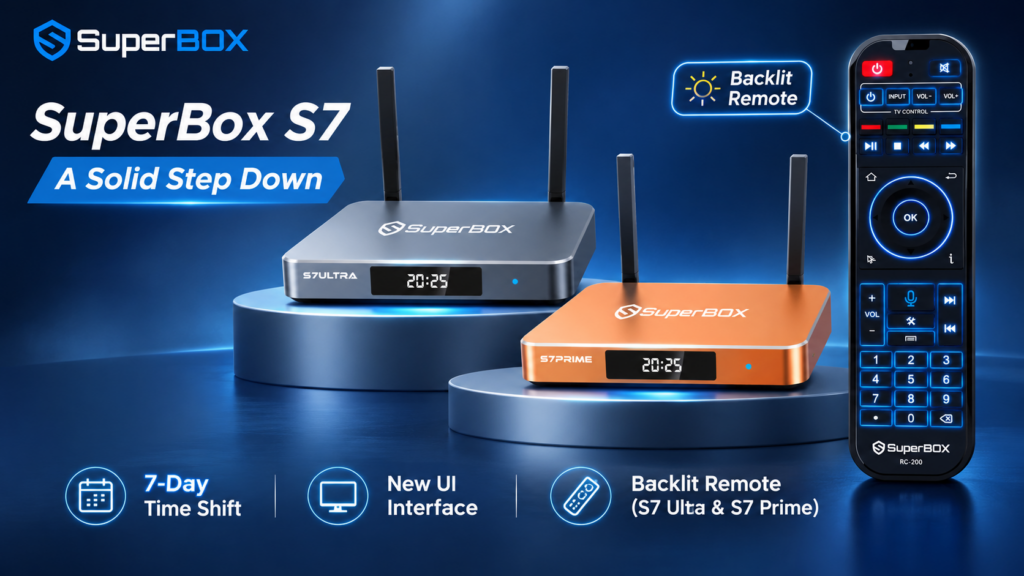
Who it’s for: buyers who want 7-day Time Shift and the new interface, and are happy to skip the S8’s new viewing features to save $20 to $70.
SuperBox S6: basic and cheap
The S6 covers the essentials: voice command, parental control and Time Shift up to 8 hours. It includes the bonus apps but uses the older interface.
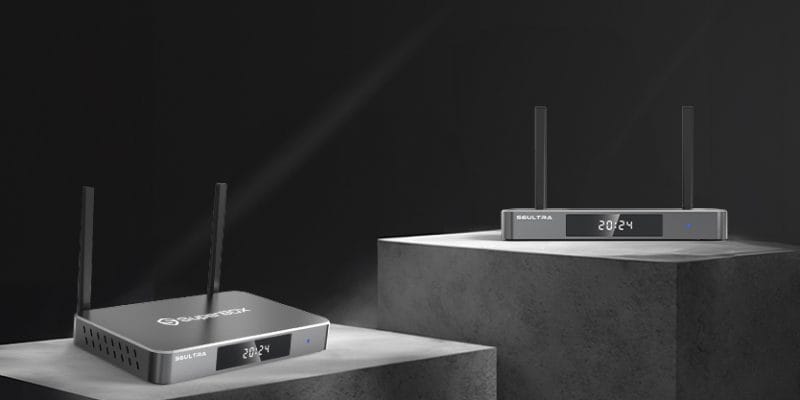
Who it’s for: someone who only needs simple, everyday watching and wants a low price. Since the S6 is discontinued, make sure you buy from an authorized seller.
Pro vs Plus vs Max vs Ultra vs Prime: picking the tier
Once you’ve picked a series, the tier comes down to storage, box color and a few extras.
Tier | Storage | What you get on top |
Pro | 32GB | The full feature set of its series, at the lowest price. On S8: Limited Multi-Viewing & PiP |
Plus (S8 only) | 64GB | Same storage as the S8 Max, but Limited Multi-Viewing & PiP and no exclusive sports app |
Max | 64GB | Double the Pro's storage. On S8: Full Multi-Viewing & PiP and the exclusive sports app |
Ultra | 128GB | The most storage. On S7 and S8: backlit remote. On S8: Full Multi-Viewing & PiP and the exclusive sports app |
Prime (S7 only) | 128GB | Same as the S7 Ultra, including the backlit remote, in orange |
How much storage do you need?
Storage holds apps, updates and, on the S8, your recordings.
- 32GB (Pro): enough if you mostly use the built-in apps and rarely install extras.
- 64GB (Plus, Max): the comfortable middle. Room for more apps and some recordings without managing space.
- 128GB (Ultra, Prime): for heavy recorders, big app collections, or anyone who never wants to think about space.
Is the backlit remote worth it?
If you watch in a dark room or are buying for older parents, yes. The buttons light up, so you’re not guessing in the dark. It comes with the S7 Ultra, S7 Prime and S8 Ultra.
What about color?
Color is purely personal and doesn’t change performance. S6 and S8 come in black, blue or silver depending on the model. S7 adds orange with the S7 Prime (limited edition of Christmas 2025).
Which SuperBox should you buy? Pick by need
Not sure which model to choose? This SuperBox Buying Guide includes recommendations based on different budgets, viewing habits and feature preferences. Find the line that sounds most like you.
If you... | Buy this | Why |
Are buying your first SuperBox and want the safe pick | S8 Max | Newest features, Full Multi-Viewing & PiP, the exclusive sports app, 64GB, and the best value in the S8 range |
Watch a lot of sports | S8 Max or S8 Ultra | Full Multi-Viewing & PiP lets you follow two games at once, plus the exclusive sports app |
Want to record shows and keep them | S8 Ultra | Recording is S8-only, and 128GB gives recordings the most room |
Want S8 features for the least money | S8 Pro | Recording, Multi-Viewing & PiP (limited) and 7-day Time Shift for $359 |
Are buying for parents or grandparents | S8 Ultra or S7 Ultra | The backlit remote and voice command make it easy for older users |
Mostly watch movies and catch up on missed shows | S7 Max | 7-day Time Shift, new UI and 64GB |
Have a strict budget and simple needs | S6 Pro | The cheapest way into SuperBox at $299, with 8-hour Time Shift and parental control |
Are setting up a second TV in the house | S8 Pro or S7 Pro | Lower price, same core experience as your main box |
SuperBox prices at a glance
Prices below are as of November 2, 2026. The S6 and older models are no longer in production, but you can still find them online. We recommend the newer models because they come with more features. If saving money matters most, an older model is still a fine choice. This guide covers only the S6, S7 and S8.
Model | Storage | Price (USD) |
S6 Pro | 32GB | $299 |
S6 Max | 64GB | $309 |
S6 Ultra | 128GB | $329 |
S7 Pro | 32GB | $305 |
S7 Max | 64GB | $339 |
S7 Ultra | 128GB | $381 |
S7 Prime | 128GB | $381 |
S8 Pro | 32GB | $359 |
S8 Plus | 64GB | $389 |
S8 Max | 64GB | $399 |
S8 Ultra | 128GB | $449 |
The full range spans only $150. Moving from the cheapest S6 to the best-value S8 (the Max) costs $100, and that buys you recording, Multi-Viewing & PiP, the new UI and 7-day Time Shift. SuperBox is a one-time hardware purchase, so that difference is spread over years of use.
Before you buy: a quick checklist
- Check your TV has a free HDMI port. Every SuperBox connects through HDMI, so any HDMI TV works. You don’t need a smart TV.
- Check your internet. A stable connection matters more than the box. If your router is close, use Ethernet; otherwise put the box where WiFi is strong.
- Decide if you need recording. If yes, only the S8 series has it.
- Decide if you’ll watch two channels at once. If yes, choose the S8 Max or S8 Ultra for Full Multi-Viewing & PiP.
- Buy from an authorized seller. Cheap listings for discontinued models are a common source of fake boxes. Verify your seller and device on the SuperBox verification page.
SuperBox Buying Guide FAQ: Common Questions Before You Buy
Which SuperBox is the best?
The SuperBox S8 Ultra is the most complete model, with every S8 feature, 128GB of storage and a backlit remote. For most buyers, the S8 Max is the better value: it has the same Full Multi-Viewing & PiP and exclusive sports app for $50 less.
Is the S8 faster than the S7 or S6?
All S6, S7 and S8 models use the same processor and 4GB of RAM. The difference between series is features, not raw speed.
Is a SuperBox Ultra faster than a Pro?
No. Within the same series, tiers share the same hardware. Ultra gives you more storage and extras like the backlit remote, not more speed.
What’s the difference between Time Shift and recording?
Time Shift lets you pause, rewind and replay programs from the past 7 days (S7 and S8) without doing anything in advance. Recording, on the S8 only, saves something you choose so you can keep it.
Should I buy an S6 or S7 because they’re cheaper?
Only if price is your top concern. The S6 is discontinued, and both miss the S8’s recording and Multi-Viewing & PiP. The S8 Pro costs $20 more than the S7 Max and gives you those features.
Do I need a smart TV?
No. Any TV with an HDMI port works. SuperBox turns a regular TV into a smart one.
Are there monthly fees?
SuperBox is a one-time hardware purchase with no required device subscription. You’ll need your own internet connection, and some third-party apps may have their own accounts or fees.
SuperBox buying guide: Final verdict
If you’re still unsure, buy the SuperBox S8 Max. It has every feature most households will use, costs $50 less than the Ultra, and is only $10 more than the Plus.

Go S8 Ultra if you want the most storage, record a lot, or need the backlit remote. Go S8 Pro if you want the newest features at the lowest S8 price. Choose an S7 or S6 only if saving $20 to $100 matters more than recording and Multi-Viewing & PiP.
Use this SuperBox purchase guide to compare your options, or want the full S8 breakdown? See the SuperBox S8 comparison. Still not sure which box fits you? Leave your details in the purchase form below or email us, and our team will help you choose.