Watching US TV in the UK no longer requires complicated workarounds or constant subscription juggling. If you are looking for how to watch us tv in uk without dealing with geo-blocks, payment restrictions, or unreliable software solutions, direct access to American programming is now much simpler. The most practical approach combines hardware-based streaming devices with straightforward network configurations that work on your main television without technical headaches. This guide compares proven methods from simple plug-and-play devices to software workarounds, focusing on what actually delivers consistent results on big-screen TVs.
Why US TV Content is Region-Locked in the UK
Content distribution agreements create the foundation for regional streaming restrictions. Studios license programming to different broadcasters and platforms in separate geographic markets, and these contracts prohibit services from showing content outside designated territories. When someone in the UK tries accessing a US streaming platform, the service checks their internet protocol address to determine location and blocks access accordingly.
How Geo-Blocking and IP Tracking Work
Every device connecting to the internet receives an IP address that reveals its geographic location. According to IPInfo research, commercial geo-location databases can pinpoint a user’s country with over 99% accuracy. Streaming platforms cross-reference these databases against incoming connection requests, automatically rejecting traffic from unauthorized regions. This system operates invisibly in the background, triggering error messages like “This content is not available in your region” before video playback begins.
The US Credit Card Payment Barrier Explained
Payment restrictions create an additional obstacle beyond geographic blocking. Most major US streaming services including Hulu, Peacock, and HBO Max require payment cards issued by American banks with US billing addresses.

These platforms verify the issuing country of credit cards during account registration, rejecting international payment methods even when users successfully mask their IP addresses. This dual-layer restriction system forces viewers to solve both location detection and payment verification simultaneously when figuring out how to watch US TV in the UK.
Option 1: Hardware-Based Streaming with Android TV Boxes
Dedicated streaming hardware offers the most straightforward path to accessing American content on television screens. These devices connect directly via HDMI cable and provide complete Android operating systems optimized for TV viewing, allowing users to install streaming applications and configure network settings from a familiar interface designed for remote control navigation.
Why Dedicated Hardware Offers the Easiest Big-Screen Setup
Software solutions like VPN applications work well on computers and mobile devices but create friction on televisions. Most smart TVs lack native VPN support, forcing users to configure settings at the router level or use workarounds like screen mirroring that degrade video quality. Android TV boxes eliminate these complications by running VPN software directly on the streaming device itself, processing all network traffic before sending video to the television. The best streaming box devices include pre-configured app stores, voice command functionality, and parental control features that make household streaming management significantly simpler than juggling multiple software subscriptions across different devices.
How One-Time Purchase TV Devices Eliminate Subscription Friction
Cost calculations reveal significant long-term savings with hardware investments. A typical cord-cutting setup using only software requires combining Netflix ($15.49/month), Hulu ($17.99/month for ad-free), and a premium VPN service ($12.95/month) totaling $46.43 monthly or $557.16 annually.
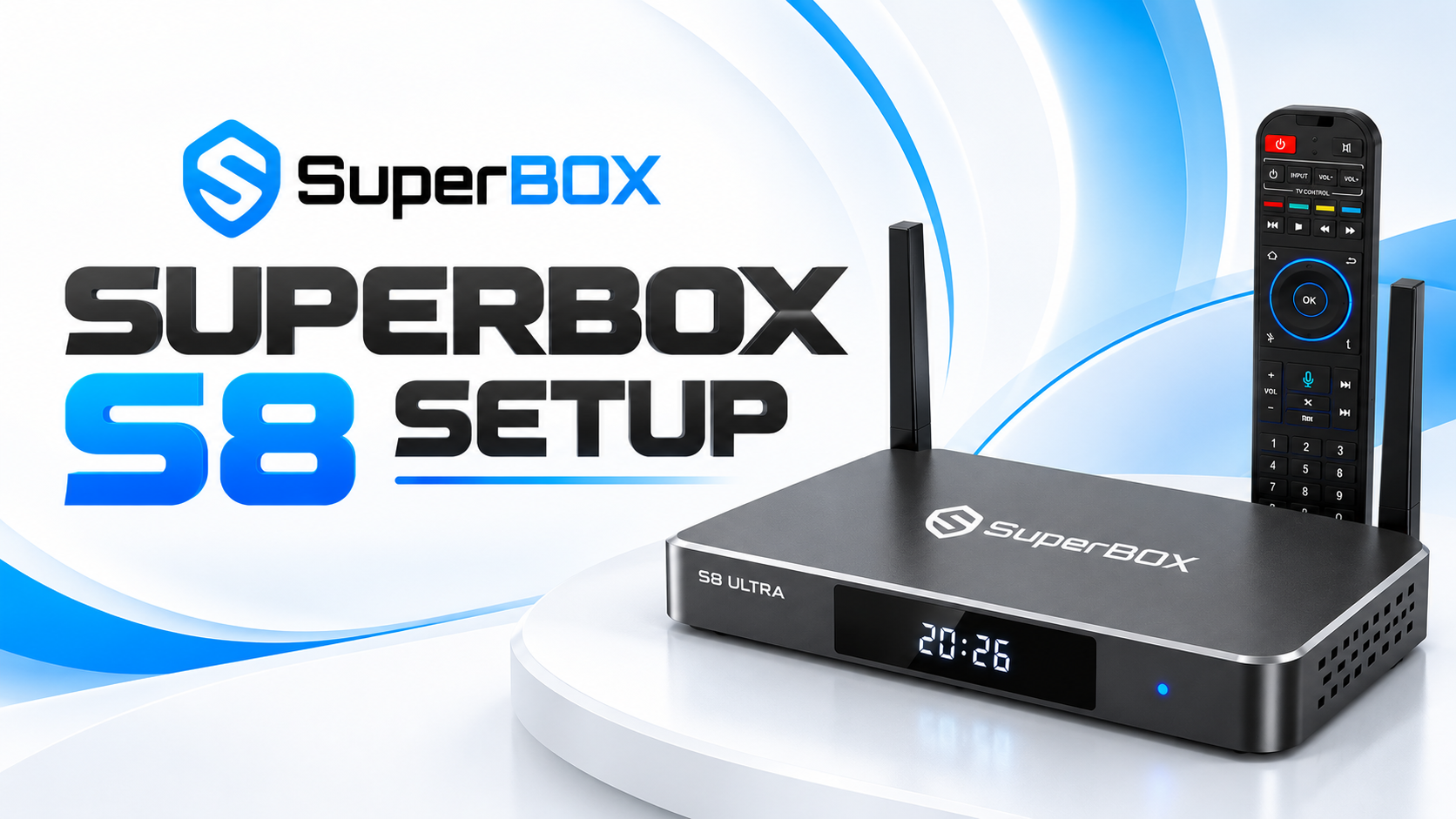
After just two years, subscription costs exceed $1,114 compared to a one-time hardware purchase. Devices like the S8 Ultra streaming box eliminate recurring VPN fees while providing access to app stores where users install their preferred streaming applications without geographic restrictions on app availability itself.
Option 2: Streaming US Content Using a VPN
Virtual private networks remain the most widely discussed solution for accessing geo-restricted content. These services route internet traffic through servers located in different countries, making it appear as though users are browsing from American IP addresses even while physically located in the UK.
How to Choose a VPN that Unblocks US Streaming Platforms
Not all VPN providers successfully bypass streaming platform detection systems. According to Comparitech research, major streaming services maintain databases of known VPN server IP addresses and block them proactively. Services that work reliably share several characteristics: they maintain large US server networks with frequently rotated IP addresses, offer dedicated streaming-optimized servers, and provide 24/7 customer support for troubleshooting blocked connections. Industry observers note that free VPN services almost never work for streaming access, as platforms blacklist their limited IP pools within days of deployment.
Option 3: Smart DNS and Router Network Setup
Smart DNS services offer an alternative to VPNs by redirecting only the traffic related to geographic detection while leaving the rest of your connection untouched. This approach typically delivers faster streaming speeds since it doesn’t encrypt all data traffic like VPN services do.
Configuring Smart DNS Settings Directly on Smart TVs
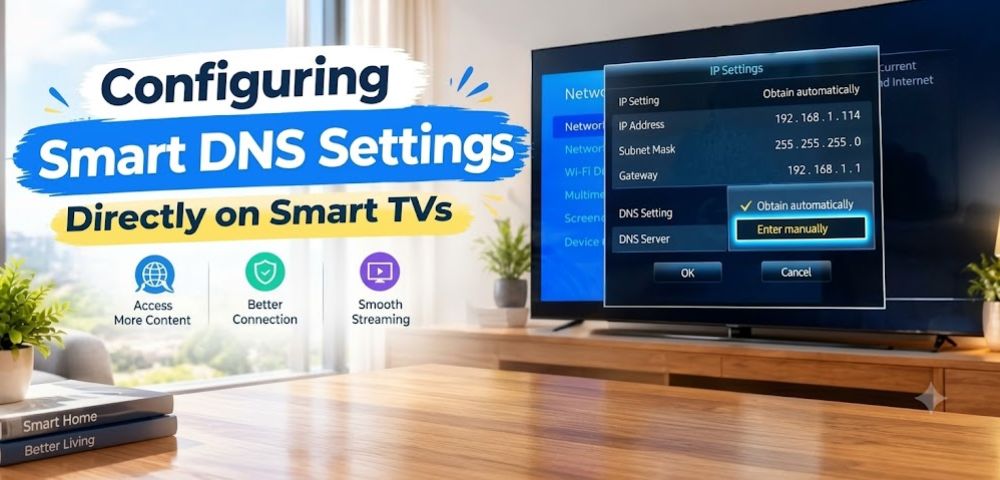
Smart DNS configuration requires changing network settings in your television’s system menu. Users navigate to network settings, switch from automatic DNS to manual configuration, then enter DNS server addresses provided by their Smart DNS service.
Popular services like Unlocator and SmartDNSProxy provide detailed setup guides for major TV brands. The main advantage involves avoiding additional hardware or software installations, making this method particularly appealing for technically confident users. However, Smart DNS services cannot bypass all detection methods, and streaming platforms increasingly identify and block these services similar to VPN networks.
Creating Router-Level Connections for All Home Devices
Router configuration extends VPN or Smart DNS protection to every device on a home network simultaneously. This setup involves accessing router admin panels and either installing VPN firmware like DD-WRT or configuring custom DNS servers at the router level. According to network security experts, router-level configurations solve the smart TV limitation problem by processing all traffic before it reaches individual devices. The tradeoff involves technical complexity during initial setup and potential performance impacts on non-streaming traffic like video calls or gaming that don’t benefit from routing through distant servers.
Free Ways to Stream American TV Channels in the UK
Several legitimate platforms offer free access to American programming without requiring VPN workarounds or payment restrictions. These ad-supported services provide legal streaming options for viewers exploring how to watch US TV in the UK on limited budgets.
Ad-Supported Free Services like Tubi and Pluto TV
Tubi and Pluto TV operate on advertising revenue models, offering thousands of movies and TV shows without subscription fees. Tubi hosts over 50,000 titles including classic American series and films, while Pluto TV streams over 250 live channels mimicking traditional cable programming. Both platforms work internationally without geographic restrictions, though content libraries vary by region. The viewing experience includes commercial breaks similar to traditional broadcast television, which some viewers find acceptable given the zero-cost access to substantial content catalogs.
Broadcaster Websites with Free On-Demand Episodes
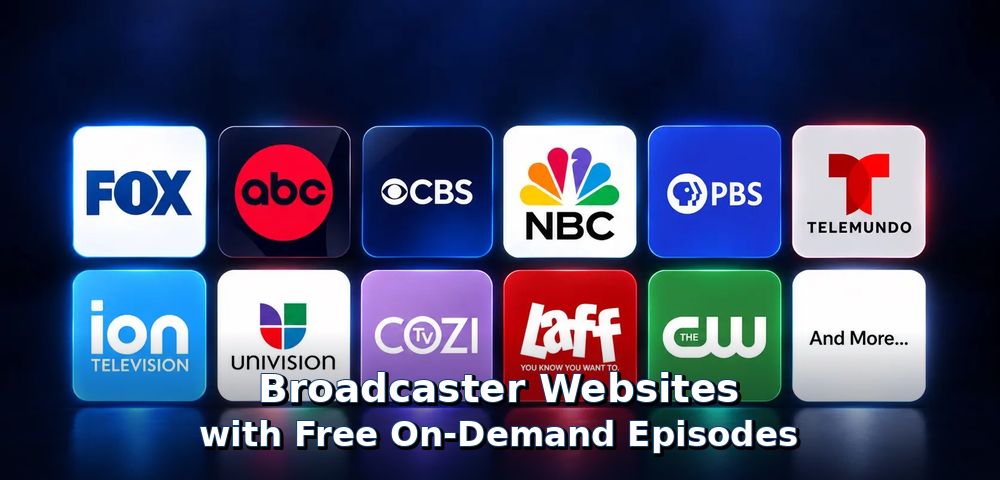
Major US networks including ABC, NBC, CBS, and FOX offer free streaming of recent episodes through their official websites and apps. These services typically make the most recent five episodes of current shows available without login requirements. Geographic restrictions apply to live streams and some premium content, but a significant portion of on-demand programming remains accessible internationally. Combining these free network apps with ad-supported platforms creates a surprisingly comprehensive viewing library before considering any paid subscriptions.
Troubleshooting Common US Streaming Errors
Even properly configured streaming setups encounter occasional technical problems. Understanding common error messages and their solutions prevents frustration when trying to watch US TV in the UK consistently.
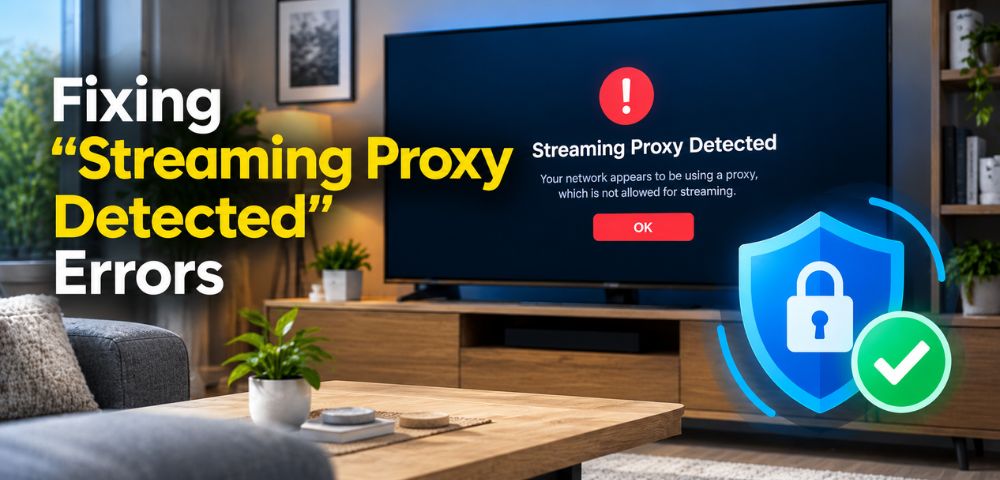
Fixing “Streaming Proxy Detected” Errors
The dreaded proxy detection message indicates streaming platforms have identified your connection as coming through a VPN or similar service. First troubleshooting steps include disconnecting and reconnecting to a different server location within the US, clearing browser cookies and cache, or switching to a different VPN protocol. Many VPN providers offer specialty “stealth” or “obfuscated” servers designed specifically to avoid detection systems. If problems persist across multiple servers, the issue likely involves the VPN service itself being broadly blacklisted, requiring a switch to a different provider with better platform compatibility.
Speed Optimization Tips to Eliminate Buffering
Buffering during streaming typically stems from insufficient bandwidth rather than geographic access issues. The FCC recommends minimum speeds of 25 Mbps for 4K streaming, but real-world performance often requires higher speeds when using VPNs or other connection routing. Optimization strategies include connecting streaming devices via ethernet cable instead of WiFi, closing background applications consuming bandwidth, reducing stream quality settings during peak usage hours, and verifying that router firmware remains current. For persistent buffering issues on otherwise fast connections, the problem may involve VPN server congestion requiring switching to less crowded server locations. For more detailed solutions, check this guide on why does streaming buffer with fast internet.
Frequently Asked Questions
Can I watch US TV in the UK without a VPN?
Yes, viewers can stream US TV using dedicated Android TV streaming boxes, Smart DNS network settings, or by accessing free ad-supported streaming platforms that don’t enforce geographic restrictions. Hardware solutions particularly offer straightforward alternatives that work without ongoing VPN subscriptions.
Why does Hulu or Peacock reject my UK credit card?
Most US streaming platforms require payment cards issued by American banks with US billing addresses to prevent international account creation. Viewers can bypass this restriction using US gift cards purchased from digital retailers, US app store accounts, or dedicated hardware solutions that don’t require direct platform payment processing.
Can I watch live US cable channels and sports in the UK?
Yes, live channels remain accessible through live TV apps available on Android streaming platforms, broadcaster websites offering simultaneous streaming, or dedicated streaming boxes that support live television applications without requiring cable subscriptions.
Will buying a US Smart TV allow me to watch American channels in the UK?
No, streaming services determine content availability based on internet IP address location rather than where television hardware was originally purchased. A US-purchased TV operating on a UK internet connection faces the same geographic restrictions as UK-purchased devices.
What is the easiest way to watch US TV on a big-screen TV in the UK?
A plug-and-play Android streaming box represents the simplest solution because it connects directly via HDMI cable and provides an easy-to-navigate TV interface without complex app installations or network configurations on the television itself. The SuperBox official website offers devices designed specifically for hassle-free international streaming with pre-configured app access.
The Most Practical Path Forward
After analyzing software solutions, network configurations, and hardware options for how to watch US TV in the UK, patterns emerge clearly. Software-only approaches like VPN subscriptions work best for mobile and computer viewing but create friction on television screens where most viewers prefer watching content. Router-level configurations solve multi-device problems but require technical knowledge many households lack. Free platforms offer legitimate no-cost options but with limited content compared to paid services.
Hardware-based streaming represents the sweet spot for most viewers prioritizing big-screen television viewing. One-time device purchases eliminate ongoing subscription costs while providing direct HDMI connectivity that works with any TV. Built-in app stores, voice controls, and parental management features match or exceed smart TV capabilities. Understanding what is cord cutting helps viewers evaluate whether hardware investments align with their viewing habits and budget priorities.