Many users struggle to understand the differences and which format offers the best viewing experience. In this article, we will compare SDR HDR and Dolby Vision for streaming on TV, taking a deep dive into their technical distinctions, practical impact on viewing, and user preferences, while considering expert opinions and real-world examples. When I first started experimenting with these formats, I noticed immediate differences even in the same movie. Colors pop differently, shadows reveal more detail, and the brightness levels change the overall mood of the scene. For anyone serious about getting the most out of their streaming experience, understanding these distinctions is essential.
Understanding SDR, HDR, and Dolby Vision
Let me go ahead and clear up some confusion about HDR and Dolby Vision here. Simply put, SDR, HDR, and Dolby Vision are color grading metadata standards that determine brightness levels and the number of colors in a piece of media. For a movie or TV show to support any of these formats, it must have been created, mixed, and graded in SDR, HDR, or Dolby Vision.
- SDR (Standard Dynamic Range) is the traditional standard, offering a consistent but limited color range and brightness. Many classic films and older TV shows are mastered in SDR.
- HDR (High Dynamic Range) typically uses static metadata, meaning a single brightness and color profile applies to the entire program. HDR enhances color depth and brightness compared to SDR.
- Dolby Vision utilizes dynamic metadata to adjust brightness, contrast, and colors scene by scene, providing a more precise and optimized viewing experience. This is why Dolby Vision is often considered superior to standard HDR.
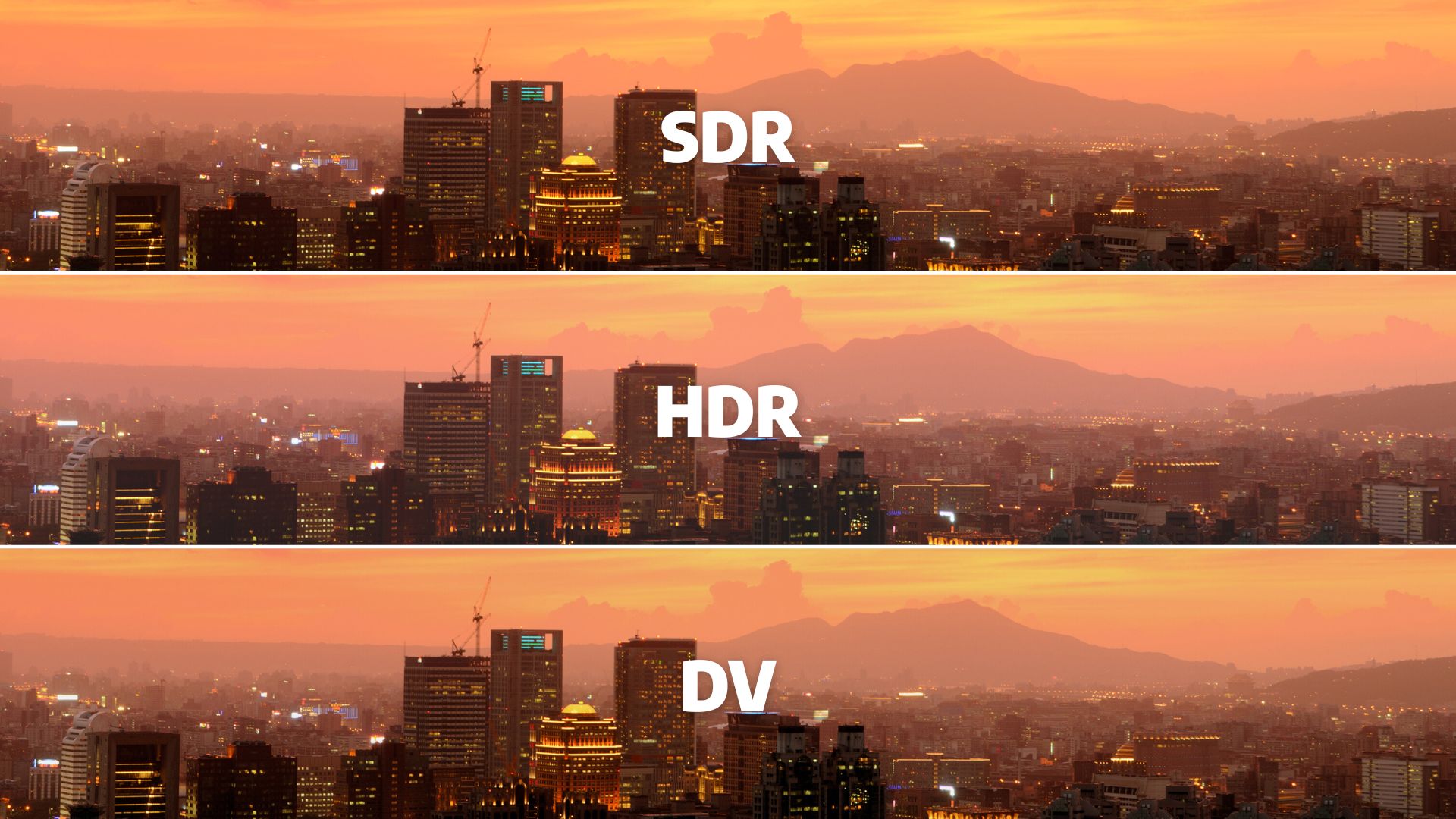
It’s crucial to understand that Dolby Vision is fundamentally HDR with dynamic enhancements. Neither Dolby Vision nor HDR can magically improve content mastered in SDR. Similarly, SDR will not ruin content created for it. Your TV will automatically switch to the appropriate mode when it detects the format of the media being played.
Compare SDR HDR and Dolby Vision: How Each Format Performs
The first thing most viewers notice is how bright and colorful the content appears.
- SDR (Standard Dynamic Range): The classic standard, typically limited to around 100 nits peak brightness and the Rec.709 color gamut. Older films or TV shows mastered in SDR often rely on the skill of color grading for a pleasing image, despite the narrower range. Shadows may appear flatter, and bright scenes may lack punch, but SDR is consistent and comfortable for long viewing sessions.
- HDR (HDR10): Introduces a wider color gamut (Rec.2020) and higher peak brightness, usually up to 1,000 nits. HDR allows highlights to pop without washing out details in shadows. For example, an explosion scene in an action movie or bright stadium lights during a sports match look more realistic compared to SDR. When you look at HDR vs Dolby Vision, it becomes clear how dynamic metadata can make a scene feel more lifelike compared to static HDR10. However, HDR10 uses static metadata, meaning the same brightness profile applies throughout the movie or show.
- Dolby Vision: Expands on HDR with dynamic metadata, allowing per-scene or per-frame adjustment of brightness and color. This ensures both dark scenes and bright sequences maintain detail and balance. For instance, in animated films or concerts with rapidly changing lighting, Dolby Vision maintains clarity without overexposing highlights. Peak brightness can reach up to 4,000 nits on supported displays, although most consumer TVs max out lower.
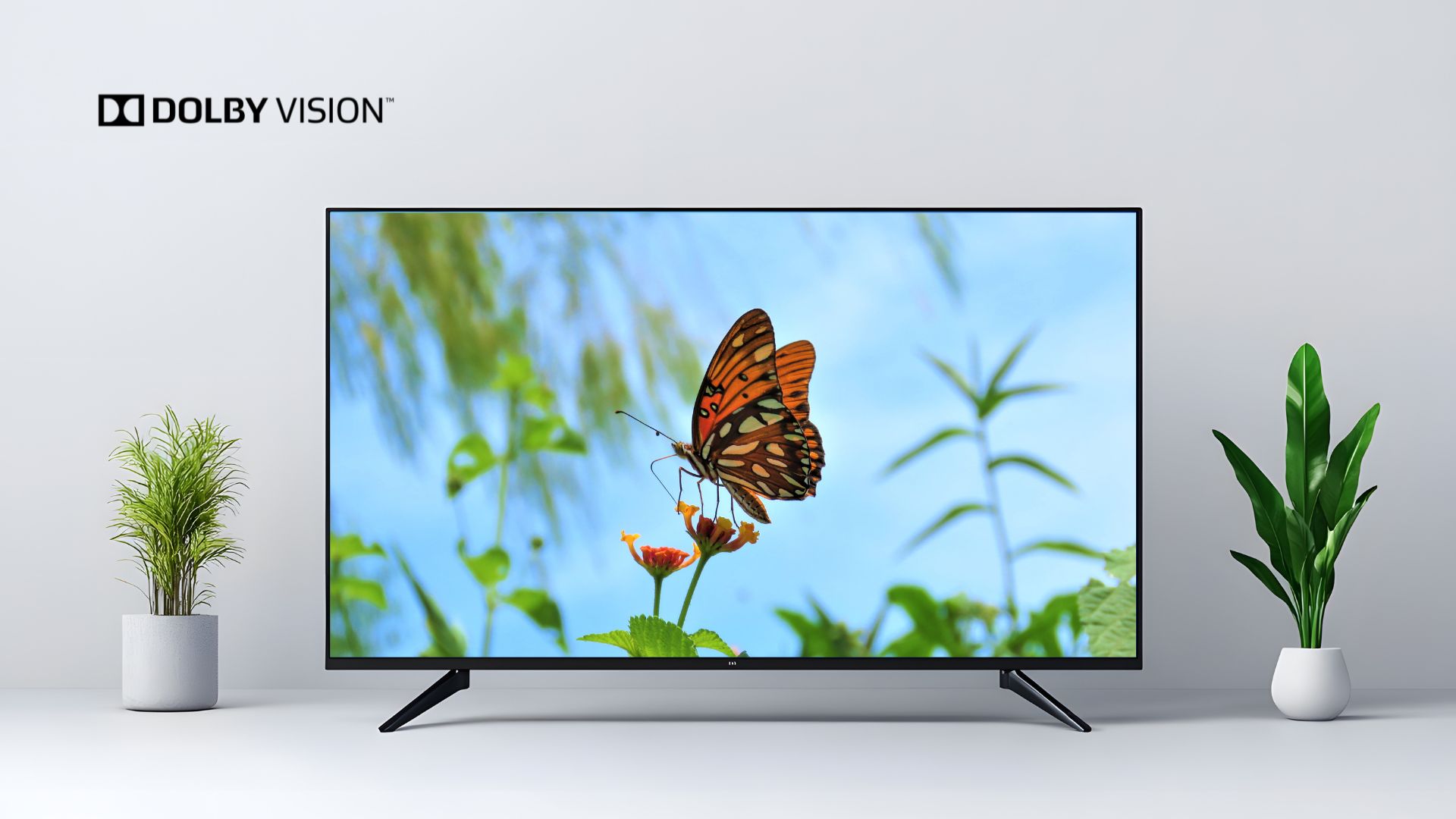
Overall, Dolby Vision provides the most precise visual experience, followed by HDR10, with SDR being reliable for classic content or viewing in dim environments. Understanding these SDR HDR Dolby Vision differences helps decide which format is ideal for your viewing setup.
Technical Comparison Table
Here’s a detailed comparison for a clearer understanding:
Feature | SDR | HDR10 | Dolby Vision | Notes |
Metadata | N/A | Static | Dynamic | DV adapts scene-by-scene |
Peak Brightness | ~100 nits | ~1,000 nits | ~4,000 nits (device-limited) | DV can maximize dynamic range |
Color Gamut | Rec.709 | Rec.2020 | Rec.2020 + dynamic tone mapping | DV tone mapping preserves details |
Best Content Type | Older shows/movies | Modern 4K content | Premium dynamic content | Depends on content & device |
Eye Comfort | High | Medium | Low-Medium | HDR/DV can feel bright in dark rooms |
Device Support | Universal | Most 4K TVs/Streaming | High-end TVs & devices | DV fallback to HDR if unsupported |
This table helps illustrate why content, device, and environment all influence which format is best for you.
Compare SDR HDR and Dolby Vision: Real-World Viewing Insights
From my own testing, I’ve seen how content type heavily influences which format looks best:
- Old TV shows and movies: Many classics are mastered in SDR. Forcing HDR or Dolby Vision can sometimes make colors look unnatural or overly bright. For example, watching Friends in Dolby Vision on my OLED felt slightly off because the original content was SDR, and the TV tried to compensate.
- New 4K films: Most modern streaming originals are mastered in HDR or Dolby Vision. Watching them in SDR can lose some intended contrast and vibrancy.
- Action films or sports: High dynamic scenes benefit the most from Dolby Vision, which can make explosions, bright stadium lights, or sun reflections look more lifelike.
HDR and Dolby Vision are not universal solutions. Many professionals in the movie-making industry have far more experience grading SDR content than HDR or Dolby Vision. This explains why some SDR content can visually outperform HDR versions, particularly older shows or films not mastered with HDR in mind. And when you compare SDR HDR and Dolby Vision in real-world viewing, you’ll notice that the “best” format often depends heavily on how the content was originally graded.
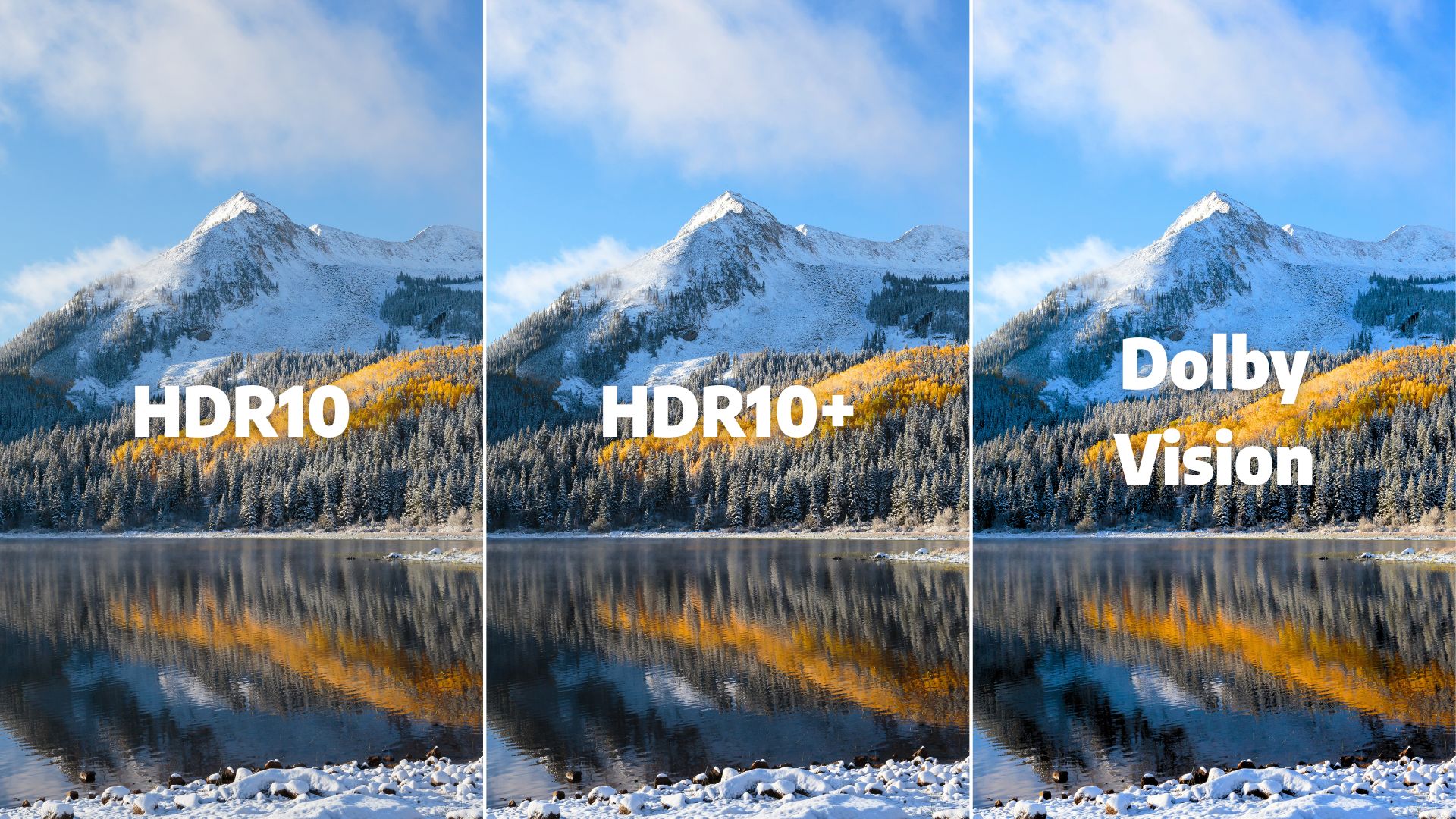
For instance, I often watch content in SDR on my OLED TV because HDR or Dolby Vision can feel excessively bright, especially in dark scenes. On earlier 4K LCD TVs, HDR helped extract more contrast, but with OLED’s infinite contrast, I prefer SDR for certain content. Users online echo this sentiment.
Streaming Device Considerations
Your TV and streaming device are key to the experience. OLEDs like LG C1 and C2 automatically detect the content format and adjust between SDR, HDR, and Dolby Vision. Even if your streaming device doesn’t support Dolby Vision, HDR usually provides a solid experience.
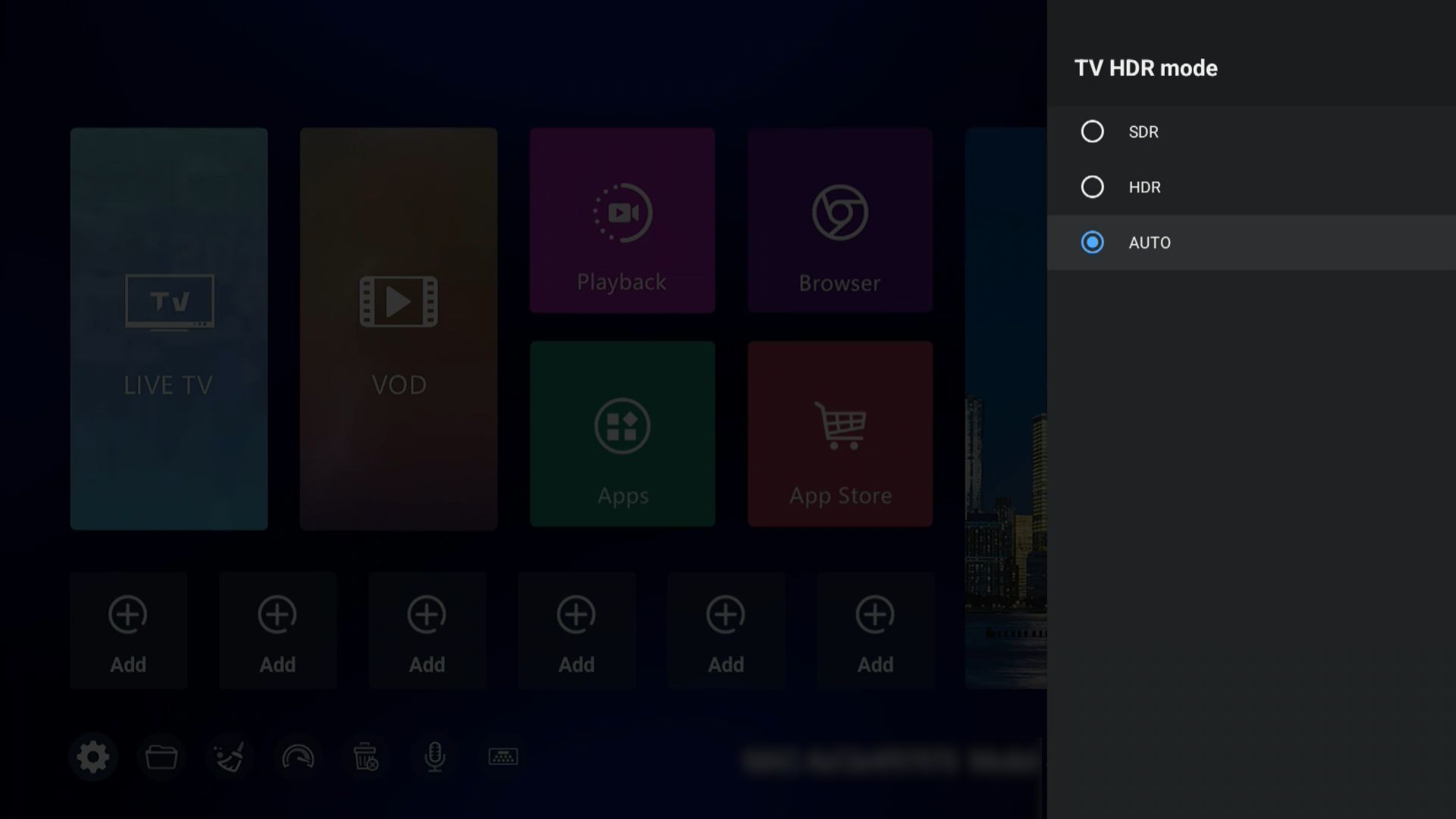
Different devices behave differently:
- Netflix, Disney+, Apple TV, Fire Stick: Most apps detect the TV’s capabilities and select the optimal format automatically.
- Older TVs: May only support HDR10, so Dolby Vision content is played as HDR10.
This highlights the importance of device compatibility when you compare SDR HDR and Dolby Vision for streaming on TV. It’s best to check your device and leave the settings on auto unless you have a specific reason to override them.
Practical Recommendations
When deciding which format to use, consider the following:
- Content format matters most: Play media in the format it was mastered for. Forcing SDR into HDR or Dolby Vision often results in suboptimal visuals.
- Dolby Vision is optimal for dynamic brightness and color adjustments.
- HDR enhances color and brightness over SDR but with static settings.
- SDR remains reliable, especially for older content.
- Device compatibility ensures content is displayed in the best possible format.
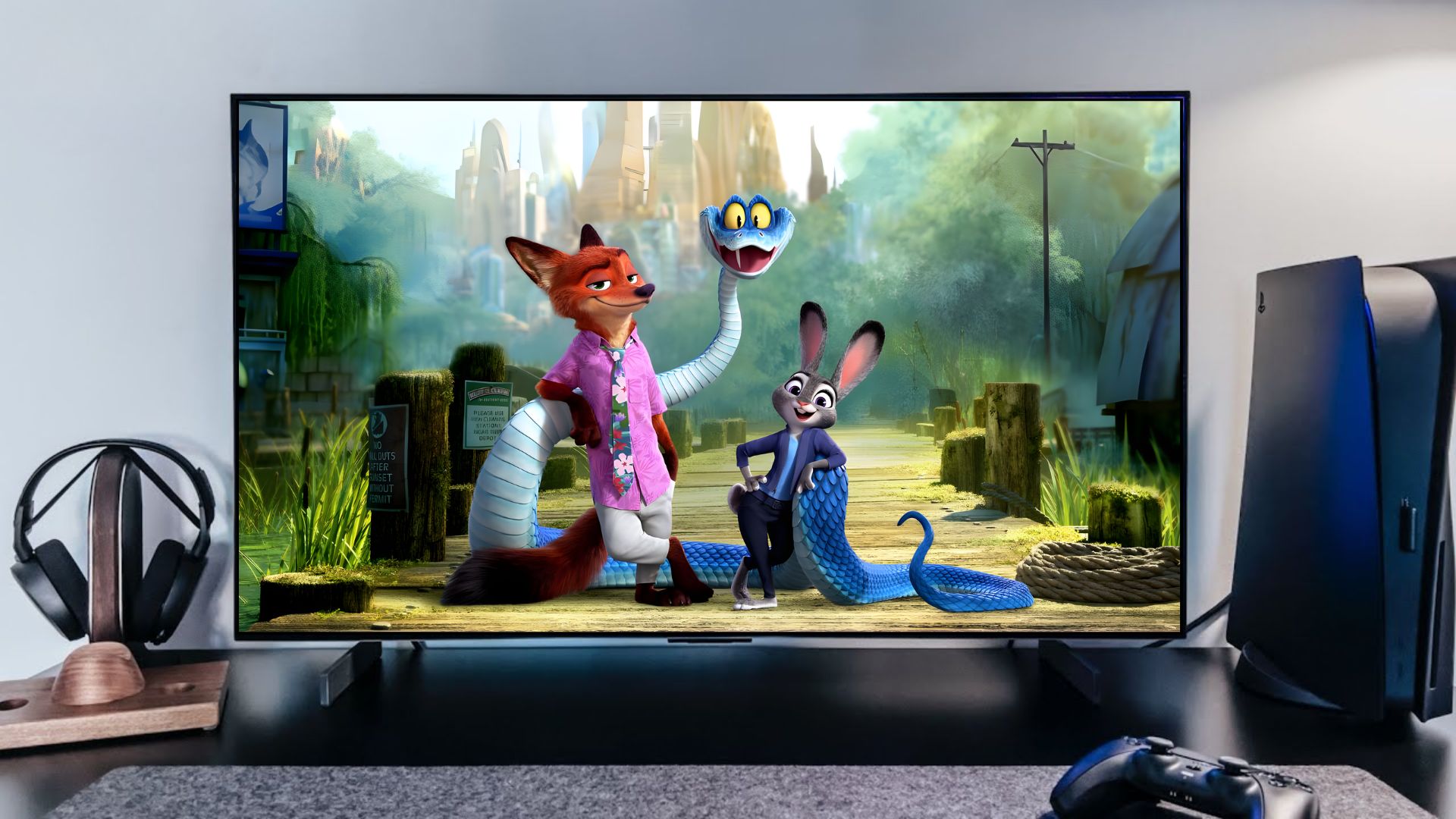
I recommend letting your TV handle the format selection automatically. My own experience with LG C2 and C1 models shows that the TV optimally switches between SDR, HDR, and Dolby Vision depending on the content, providing the best viewing experience without any manual adjustments. For those looking to stream and get the full experience, you can consider streaming on SuperBox, which supports SDR and HDR formats with up to 6K resolution and makes it easy to enjoy content as it was intended.
SDR vs HDR vs Dolby Vision: My Final Take
To sum up, when you compare SDR HDR and Dolby Vision for streaming on TV, it’s not about choosing the most advanced format but understanding what works best for your content, TV, and personal preferences. Dolby Vision generally offers the highest quality, followed by HDR and SDR. However, proper playback depends on content mastery, device support, and individual viewing comfort.