If you just bought a smart TV and you’re already asking “do I need an antenna for a smart TV?” The short answer is no, you don’t necessarily need one anymore. Modern cord-cutting has moved well beyond plastic rabbit ears and signal boosters. Today you can stream local news, sports, and network broadcasts over the internet, or invest once in a streaming box that handles everything without monthly bills or signal headaches.
The Short Answer: Do You Need an Antenna for a Smart TV?
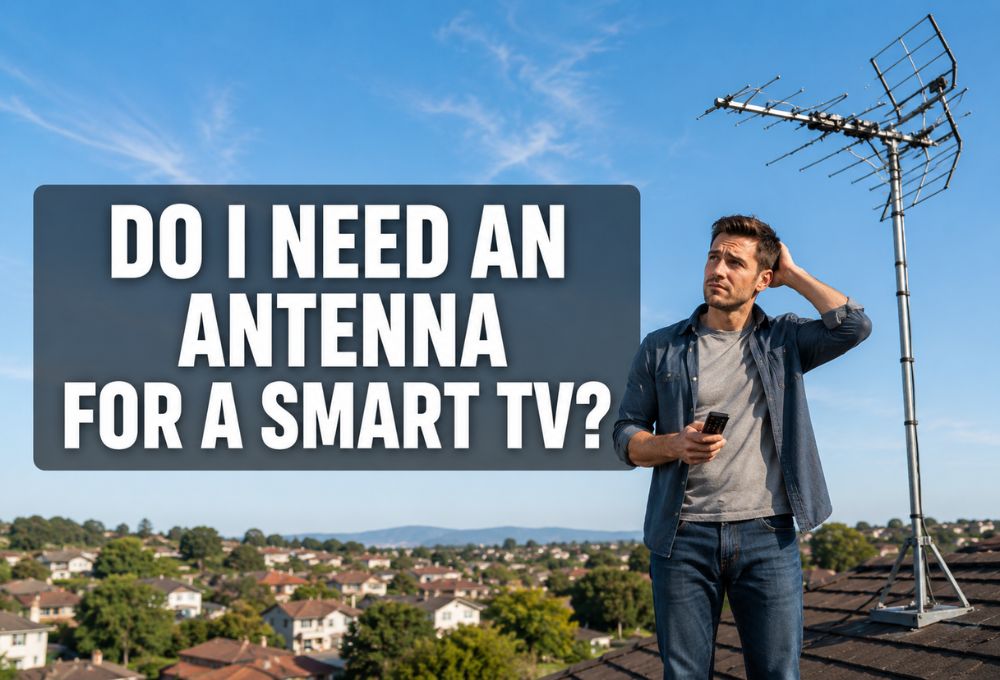
Let me be blunt. You do not need a physical antenna for a smart TV unless you specifically want to receive over-the-air signals broadcast from local towers. Smart TVs come with built-in digital tuners, which means they can decode antenna signals if you plug one in. But here’s the catch: the tuner is useless without that external antenna. Your TV doesn’t have invisible radio-wave-catching magic inside. So technically, do I need an antenna for a smart TV to watch local channels? Only if you’re committed to old-school broadcasting.
What You Can Do with Just a Smart TV and Wi-Fi
Most people forget that their smart TV can already stream local content without any antenna. Free ad-supported streaming TV apps, or FAST channels as we call them in the industry, give you access to local news streams, live weather, and even major network programming through apps like Pluto TV, Tubi, and The Roku Channel. These platforms have exploded in popularity over the last few years because they deliver channels without subscriptions or hardware hassles. You just download the app, connect to Wi-Fi, and start watching.
When a Physical Antenna Is Still Useful
That said, if you live close to broadcast towers and you want crystal-clear, uncompressed live feeds of ABC, NBC, CBS, and FOX without any internet dependency, then yes, a cheap indoor antenna can work. It’s one of the few genuinely free solutions that doesn’t require a monthly bill or a stable Wi-Fi connection to function.
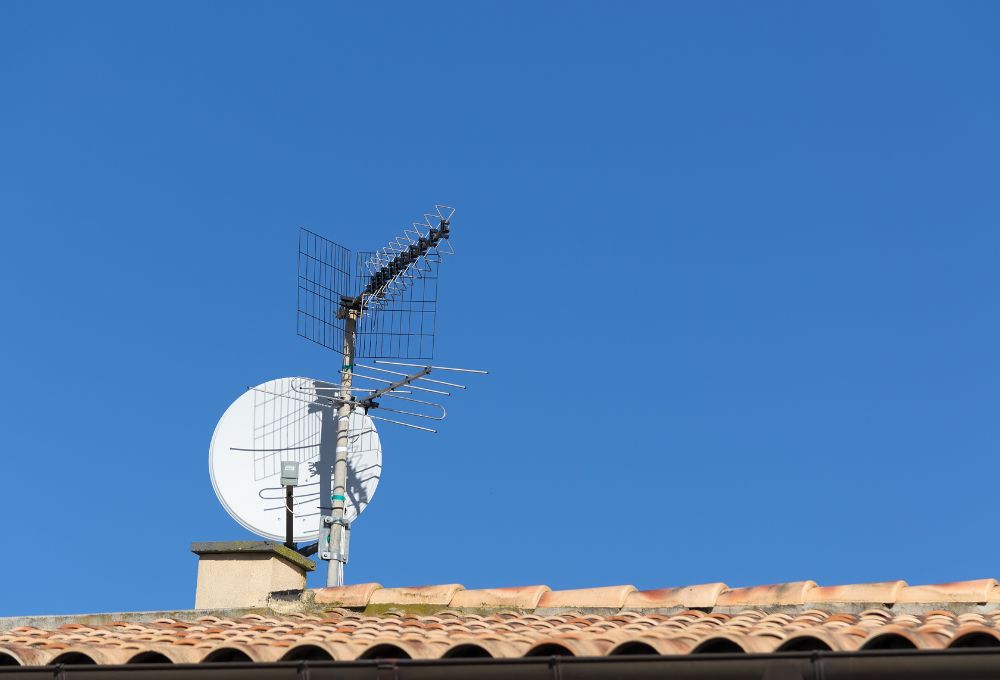
The problem is that this setup works flawlessly for maybe thirty percent of households. The rest deal with poor reception, pixelated screens during storms, and frustrating channel scans that pull in hundreds of junk channels mixed with the real ones.
The Hidden Frustrations of Using a TV Antenna Today
Let me tell you what customers don’t hear from the big-box stores pushing those fifteen-dollar antennas. From running a streaming business and talking to real users every day, I see the complaints pile up fast.
Spotty Reception, Weather, and Blind Spots
Indoor antennas are wildly inconsistent. If you live in a valley, behind tall buildings, or more than twenty miles from a tower, you might get zero usable channels. Even worse, storms and high winds knock signals out completely. You’ll sit down to watch the big game and suddenly see frozen frames or a black screen. That’s not a smart TV problem. That’s physics.
Confusing Channel Scans and Bloated Guides
Here’s where it gets ridiculous. Modern smart TVs from Samsung and LG automatically mix free internet streaming channels with your scanned over-the-air antenna channels. So you do a channel scan expecting to see channels 2 through 13, and instead you get a guide with 400 entries, half of which are low-quality FAST channels you didn’t ask for. Sorting through that mess every time you want to watch local news is maddening. Many users on Reddit complain bitterly about this exact issue, and honestly, I don’t blame them.
Recent Smart TV Updates Block Offline Browsing
This one really grinds my gears. Roku and Sony have pushed software updates in the past year that require an active internet connection just to browse your antenna channels properly. Think about that. You bought an antenna specifically to avoid relying on the internet, and now your TV forces you online anyway to use its guide. It’s a cash grab disguised as a feature update, and it leaves users feeling like they don’t actually own their hardware anymore. Exploring what is cord cutting reveals how much frustration traditional TV setups still cause for everyday viewers.
How to Get Local Channels Without an Antenna
If you’re asking yourself again, do I need an antenna for a smart TV, let me give you three practical alternatives that skip the signal struggle entirely. However, nothing is perfect. Every alternative comes with its own trade-offs.
Free Ad-Supported Streaming TV (FAST) Apps
FAST apps are the unsung heroes of modern cord-cutting. Services like Pluto TV, Tubi, Xumo, and Samsung TV Plus offer dozens of live channels including local news feeds, 24-hour weather, and even network programming blocks. They’re completely free, supported by ads, and they stream over your existing Wi-Fi. No antenna, no subscription, no fuss. Just download the app from your smart TV’s app store and start browsing.
The trade-off is the ads — and they’re getting worse. Pluto TV averages around 15 minutes of ads per hour, close to traditional cable. Tubi officially claims lighter ad loads, but user reports from 2025 and 2026 tell a different story — complaints about ad frequency dominated Trustpilot by late 2025, with users reporting breaks every 7 to 8 minutes and over 38 minutes of commercials in a 90-minute movie. Reddit users who’ve tracked Tubi confirm the escalation, noting the platform now runs two to three times as many ads as when it first launched.
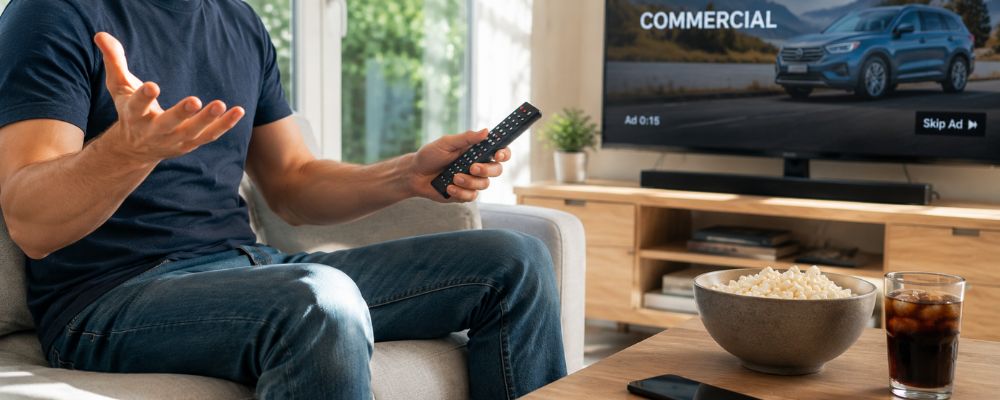
Content selection is also a limitation. Tubi leans heavily into cult classics, B-movies, horror, and older TV shows — more like a curated video store than a live TV replacement. Pluto TV skews toward news, reality, and reruns — great for background noise, less useful if you need current programming. Same-day network releases are rarely available, so if you need to catch last night’s episode the morning after, FAST apps typically won’t have it.
And like any streaming service, FAST apps don’t support offline viewing. You need a stable internet connection to stream anything. A slow or unstable connection means buffering, not a clear picture. The same dependency you were trying to escape with an antenna.
Local News Apps and Network Platforms
Most major networks now offer their own apps. NewsON is a fantastic free app that streams local newscasts from cities across the US and Canada. NBC News, ABC News Live, and CBS News all have standalone apps that stream live breaking news and local affiliate content. For anyone who mainly wants local news without paying for a full cable or live TV package, this combination covers most of the basics.
The limitations show up in real-world use though. NewsON is owned by Sinclair Broadcast Group, meaning station availability depends entirely on which local broadcasters have opted in — if your market isn’t covered, you’re out of luck. User reviews confirm frustrating playback issues after app updates, including streams that fast-forward randomly and audio that cuts in mid-story after a commercial break. Ad audio is also significantly louder than the broadcast itself, so viewers end up adjusting volume constantly throughout a newscast.
The network apps, NBC, ABC, CBS, are solid for national breaking news but inconsistent for local affiliate content. What’s available varies by market and by what each local station has licensed for streaming. You might get full live coverage in one city and nothing but clip highlights in another.
And across all of these apps, the experience is fragmented. Watching local news means switching between several different apps depending on what story you’re following. There’s no unified guide, no single remote control experience, just a collection of apps that each work slightly differently.
The Ultimate Cord-Cutting Hack: Android Streaming Boxes
Here’s where things get really smart. Instead of relying on your TV’s sluggish built-in operating system or juggling multiple apps, you can invest once in a dedicated Android streaming box. These devices run a clean, fast version of Android TV and give you access to every streaming app imaginable, all in one place. More importantly, they let you organize your channels, news sources, and live streams exactly how you want without the bloat and confusion that comes with modern smart TV interfaces.
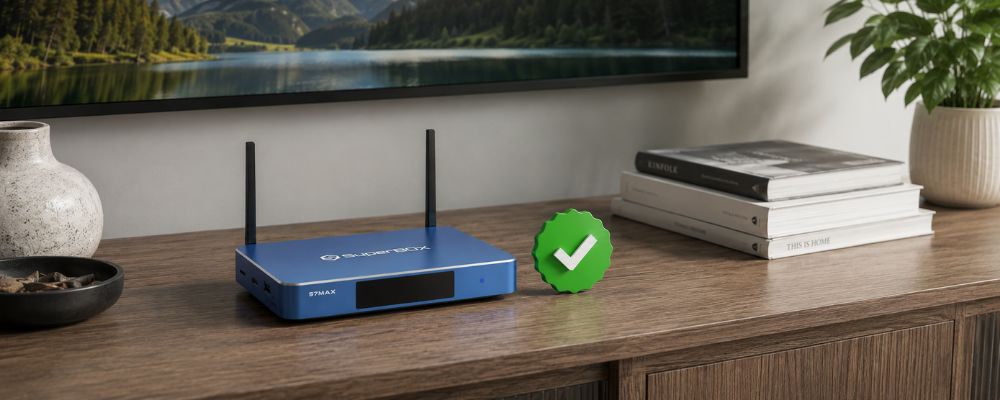
That said, the category comes with caveats worth knowing. The Android TV box market is flooded with cheap no-name devices that look identical to reputable ones on the outside but use inferior hardware underneath. Many budget models stop receiving software updates within 12 months, leaving apps incompatible and the device effectively obsolete. Performance on underpowered hardware degrades noticeably over time as apps grow more demanding.
Security is also a legitimate concern in the broader category. In July 2025, Google filed a lawsuit against operators of a botnet that had compromised over 10 million Android streaming devices, mostly cheap uncertified boxes sold through third-party marketplaces. The risk is real, but it’s concentrated in the no-name end of the market. Buying from an established brand with a track record, a real support team, and verified hardware is what separates a reliable setup from a potential security liability.
Why a Dedicated Streaming Box Like SuperBox Is the Perfect Setup
If you’ve ruled out antennas, FAST apps, and juggling multiple news apps, a dedicated streaming box is where the cord-cutting conversation usually ends for good reason.
Bypassing the Antenna Struggle Completely
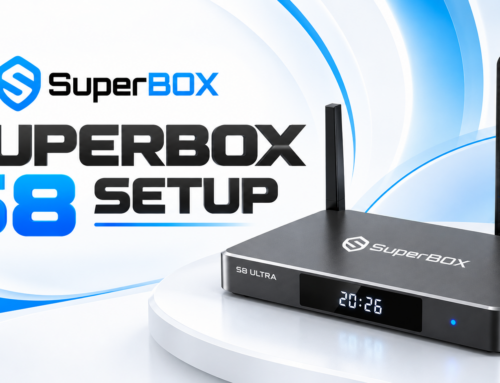
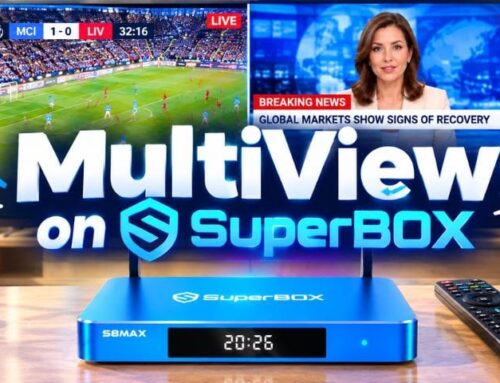
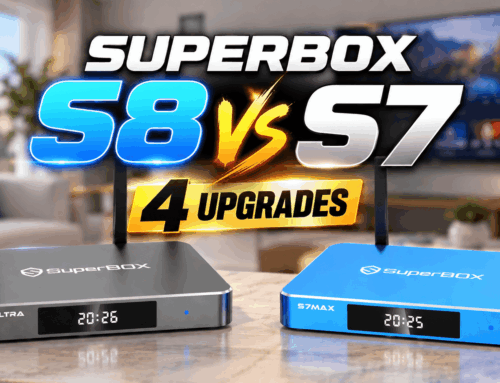
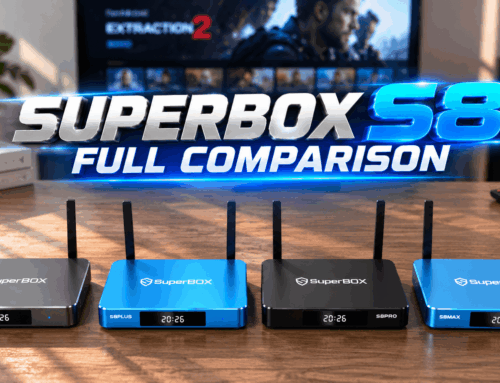
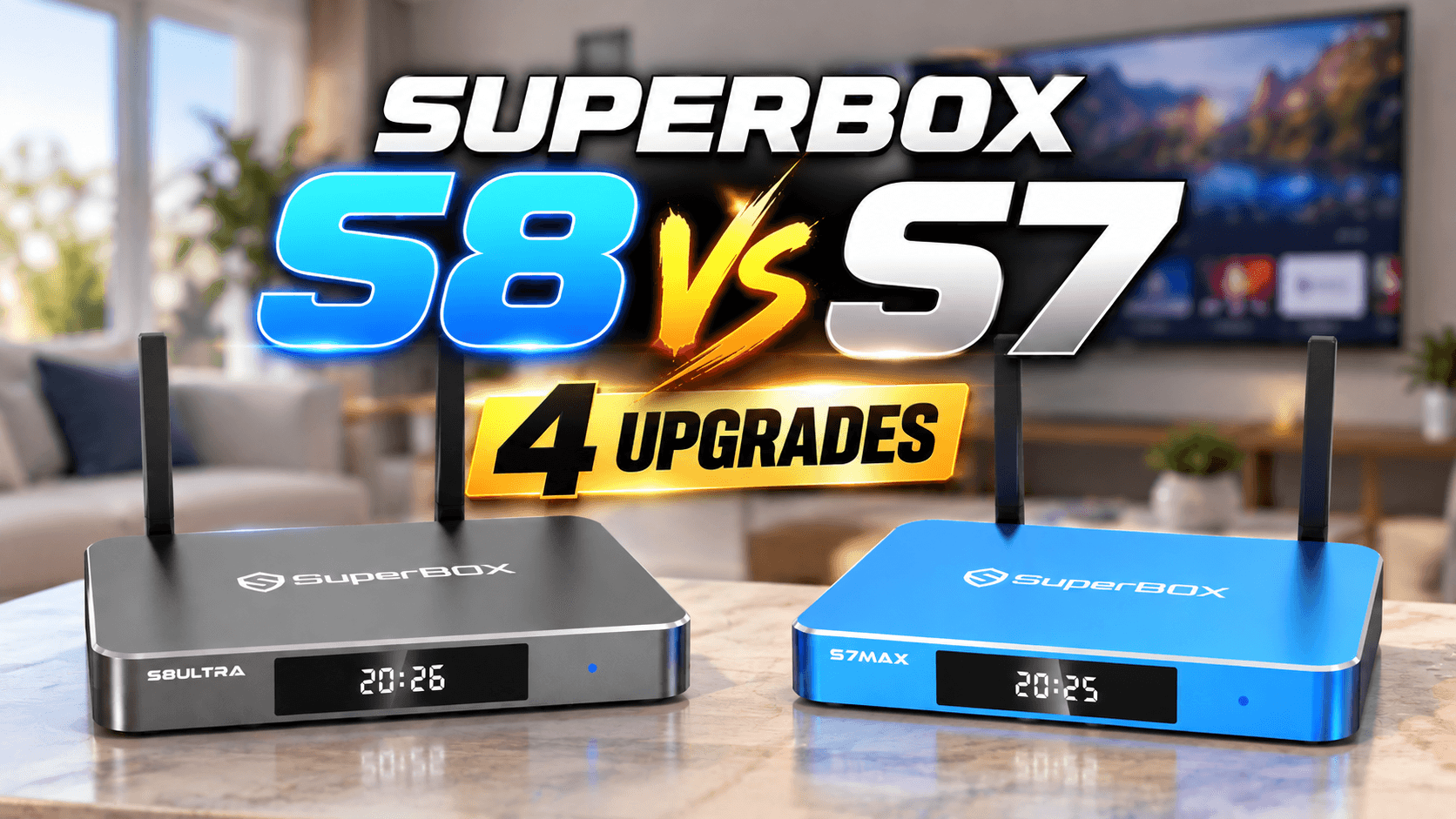
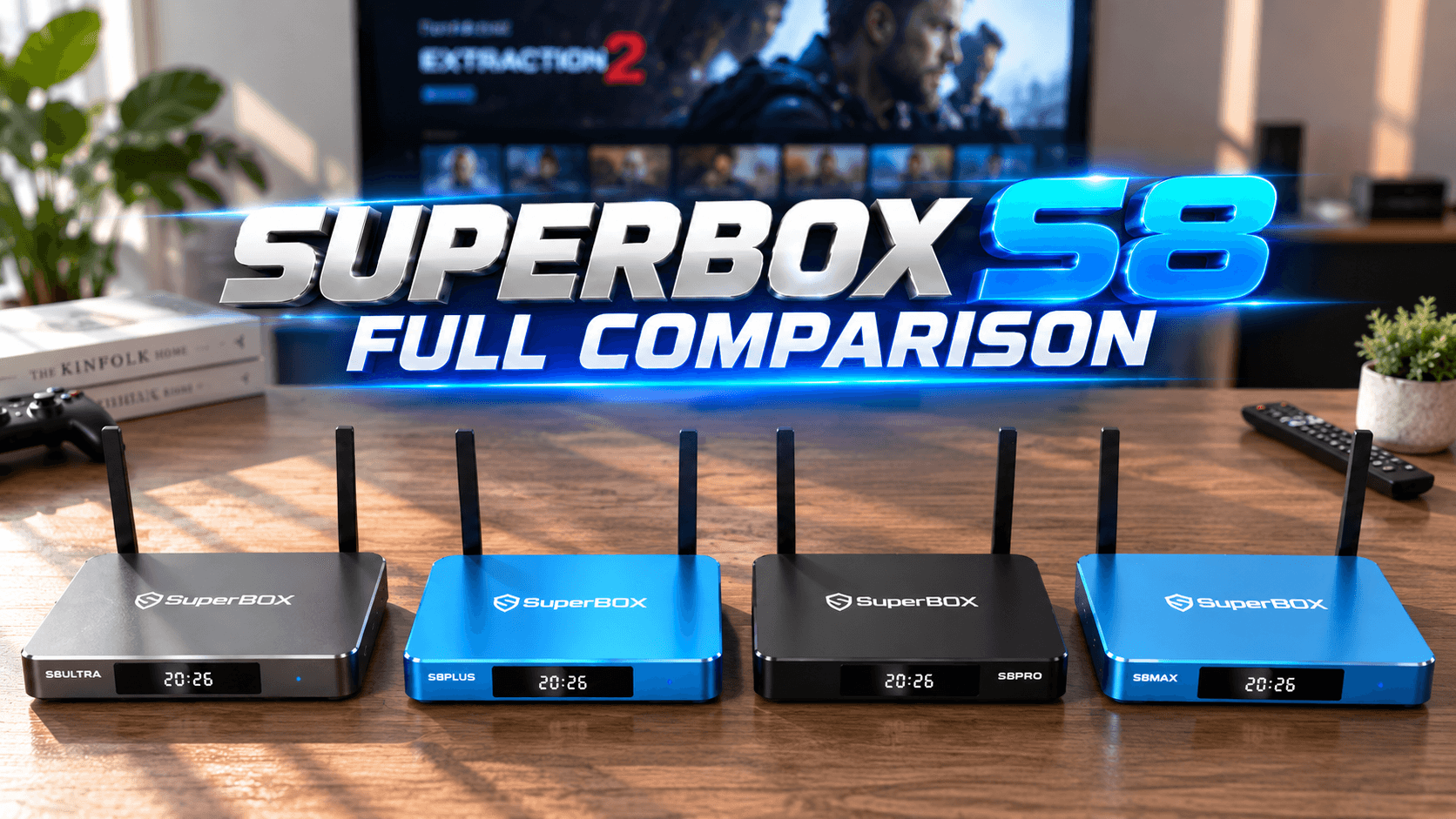
SuperBox eliminates the need to ever ask do I need an antenna for a smart TV again. It streams local and international content over your internet connection, so you’re not dependent on towers, weather, or line-of-sight. It’s plug-and-play simplicity that works for grandparents and tech enthusiasts alike. If you’re serious about cutting the cord and you want a setup that just works, SuperBox TV box approach beats antennas and cable bundles every single time.
One Device, Endless Customization
One of the biggest reasons customers choose SuperBox is the flexibility. Instead of being locked into whatever a cable provider or antenna decides to offer, users can customize their setup around the apps and streaming services that actually matter to them. Everything runs on one device, one remote, without paying for channels you never watch or dealing with the hardware limitations that hold smart TVs and antennas back. No surprise billing, no contracts.
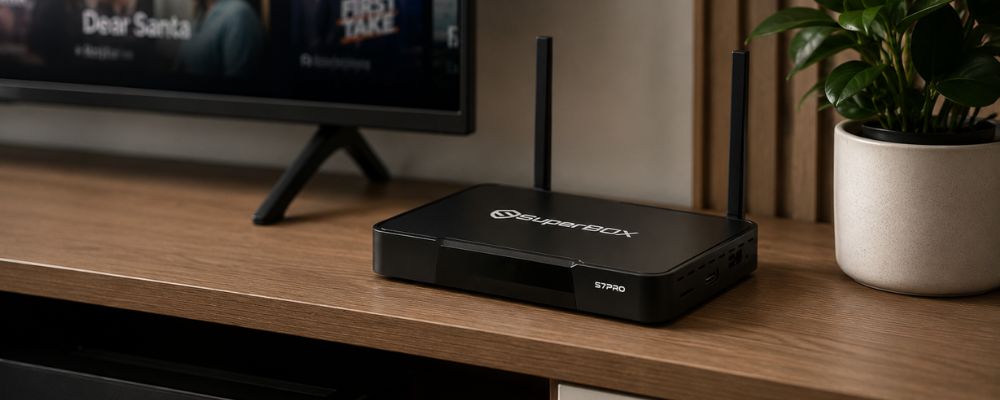
SuperBox has been in the market for nearly a decade, and it keeps getting better with regular updates and new features. Compare that to live TV streaming services like YouTube TV or Hulu Live, which now cost nearly as much as cable itself, and the math becomes pretty obvious. For anyone exploring how to lower cable bill for seniors or families trying to save money long-term, this is the smartest move.
Step-by-Step: Setting Up Your Smart TV for No-Antenna Streaming
If you decide to skip the antenna route entirely and go the streaming route, here’s how to set things up properly.
Connecting to High-Speed Wi-Fi
First, make sure your smart TV or streaming box is connected to a solid Wi-Fi network. You’ll want at least 25 Mbps download speed for smooth HD streaming, and ideally 50 Mbps or higher if you plan to stream 4K content or run multiple devices. Ethernet is even better if you can run a cable directly to your device.
Downloading the Right Live TV Apps
Next, head to your app store and download apps like Pluto TV, Tubi, NewsON, and any network-specific apps you want. If you’re using an Android streaming box, you’ll also have access to Google Play Store, which opens up even more options. Organize your apps on the home screen so the ones you use most are easy to reach.
Organizing Your Stream for Quick Access
Take ten minutes to set up favorites and customize your channel guide. Most FAST apps let you bookmark channels, and Android TV boxes let you pin shortcuts to your home screen. This small step makes a huge difference in daily usability. You want to turn on the TV and start watching, not spend five minutes hunting through menus. Understanding how to stream from tv properly can save you time and frustration every single day.
Wrapping Up: The Smartest Way to Cut the Cord
So do I need an antenna for a smart TV? Not unless you love dealing with signal issues, cluttered channel guides, and weather-dependent reception. The smarter move in 2025 and beyond is to embrace internet-based streaming. Whether you go the free FAST app route or invest in a dedicated Android streaming box like SuperBox, you’ll get better reliability, more content, and zero ongoing costs. I’ve watched thousands of customers make this switch, and the ones who regret it are the ones who waited too long.
Frequently Asked Questions
Do I need an internet connection to use an antenna on a smart TV?
Traditionally no, but some smart TV brands like Roku and Sony have pushed updates that require an active internet connection to fully use their interactive TV guides and scan channels properly. This has frustrated many users who wanted offline antenna viewing.
Can I get local channels on my smart TV without an antenna or cable?
Yes, you can stream local news and channels through free apps like NewsON, Tubi, Pluto TV, or through dedicated streaming TV boxes that stream channels over the internet without needing physical antennas or cable subscriptions.
Why are my antenna channels showing hundreds of random channels?
Many modern smart TVs, especially Samsung and LG, automatically mix free internet streaming channels with your over-the-air antenna channels, which can make your channel guide look cluttered. You can disable this in your TV settings under source or input preferences.
Do smart TVs have a built-in antenna?
No, smart TVs have a built-in digital tuner allowing them to process over-the-air signals, but you still must connect an external antenna to capture those signals physically. The tuner alone cannot receive broadcast waves.
What is the cheapest way to get local channels on a smart TV?
The cheapest physical way is a basic set of indoor rabbit ears, but the most convenient subscription-free way is streaming them via free local apps or investing in a reliable streaming box like SuperBox for a complete, hassle-free experience.