Across forums, social platforms, and user discussions, questions about potential risks on SuperBox come up quite often. Some users worry about privacy or network stability and mention that using a VPN for SuperBox might help reduce those concerns. But are these risks actually real, and is a VPN really necessary for everyday streaming? In this article, we look at whether a VPN for SuperBox makes sense in practice, and which free and paid VPN options people commonly consider. We focus on keeping streaming smooth without spending more than needed.
What a VPN Does on SuperBox
A VPN (Virtual Private Network) is commonly used on devices like TV boxes, smartphones, laptops, and tablets to create a more flexible and private internet connection. On Android TV boxes in particular, users often install a VPN for several practical reasons:
- Accessing restricted apps or websites: Some people use a VPN for SuperBox when certain apps or websites are blocked by their internet service provider or restricted by location. In these cases, a VPN can help bypass ISP-level limitations or regional access issues.
- Bypassing network throttling: Certain ISPs slow down (throttle) streaming traffic during peak hours. Using a VPN can sometimes help stabilize streaming performance.
- Enhancing online privacy: A VPN masks your IP address, helping reduce tracking and making your online activity less visible to third parties.
- General network protection: Many users feel more comfortable using public or shared networks with a VPN enabled, especially when streaming or browsing.
If you browse online forums and communities, you’ll notice that VPN usage is extremely common with streaming devices. In fact, most Firestick jailbreaking guides list a VPN as a must-have tool, mainly to reduce potential network restrictions and lower overall risk. Because of this, many users naturally assume that all TV boxes require a VPN to function properly.
Do You Really Need a VPN for SuperBox?
In most cases, you do not need a VPN to use SuperBox. SuperBox is designed to work normally in the majority of countries without requiring a VPN. Users can access live TV and on-demand content as usual with just a stable internet connection.
However, there are a few situations where using a VPN can be helpful:
- In rare cases, an ISP may temporarily block or interfere with certain traffic, which can cause channels to load slowly or fail to play.
- If this happens, a VPN can be used as a temporary workaround while our technical team investigates and resolves the issue.
- A VPN may also help if you are traveling or using a network with stricter content filtering.
It’s important to clarify that SuperBox itself does not pose security or privacy concerns. The device does not require users to log in, create accounts, or provide any personal information to function. There are no usernames, passwords, or personal credentials involved in the setup or daily use, so users can feel confident that there is no risk of personal data leakage from the device itself.
Because of this, whether or not to use a vpn for SuperBox mainly comes down to individual network conditions rather than security concerns. That said, using a VPN typically results in a slight reduction in internet speed, since traffic is routed through an additional server. For this reason, if your SuperBox is working smoothly and without interruptions, using a VPN is optional and not necessary.
In short:
- No issues? You don’t need a VPN.
- ISP blocking or slow loading? A VPN can be a helpful temporary solution.
Free VPN for SuperBox: Pros and Limitations
Using a free VPN for SuperBox is possible, but the experience can be inconsistent. Free VPN servers are often overcrowded, which means speeds can fluctuate, especially during peak hours. As a result, streaming movies or live TV without buffering isn’t always guaranteed, even if the VPN connects successfully.
- Proton VPN offers a user-friendly Android TV app that can be downloaded directly from the Google Play Store and used for free. However, the free plan comes with clear limitations. Server options are restricted, and it generally doesn’t work for bypassing geo-based restrictions. In speed testing, Proton VPN showed an average speed retention of around 83%, which is usable for basic streaming but may struggle with higher-quality or live content.
- VPN Super also provides a free version and works reasonably well for light use, making it a solid free VPN for SuperBox. Based on real-world usage, connections are generally stable, but content tends to load a bit slower compared to streaming without a VPN. For casual viewing, it may be acceptable, but it’s not ideal if smooth, instant playback is a priority.
Overall, free VPNs can work on SuperBox, but they are better suited for occasional use rather than long, uninterrupted streaming sessions.
Paid VPNs Commonly Used on TV Boxes
Several paid VPN apps are commonly used on TV boxes and are available directly through the Google Play Store. In testing, these options generally provide stronger privacy and more consistent speeds compared to free VPNs, with far less slowdown during streaming. While some may still display occasional promotional prompts, overall performance tends to be noticeably better.
Surfshark
Surfshark is frequently mentioned across forums and user discussions. User feedback often highlights its speed and reliability. In real-world testing, Surfshark delivered strong streaming performance and felt comparable to higher-priced options like NordVPN, while remaining more affordable. Several users report running Surfshark on multiple TV boxes without issues, and personal speed tests showed it handled streaming smoothly with minimal impact on playback quality.
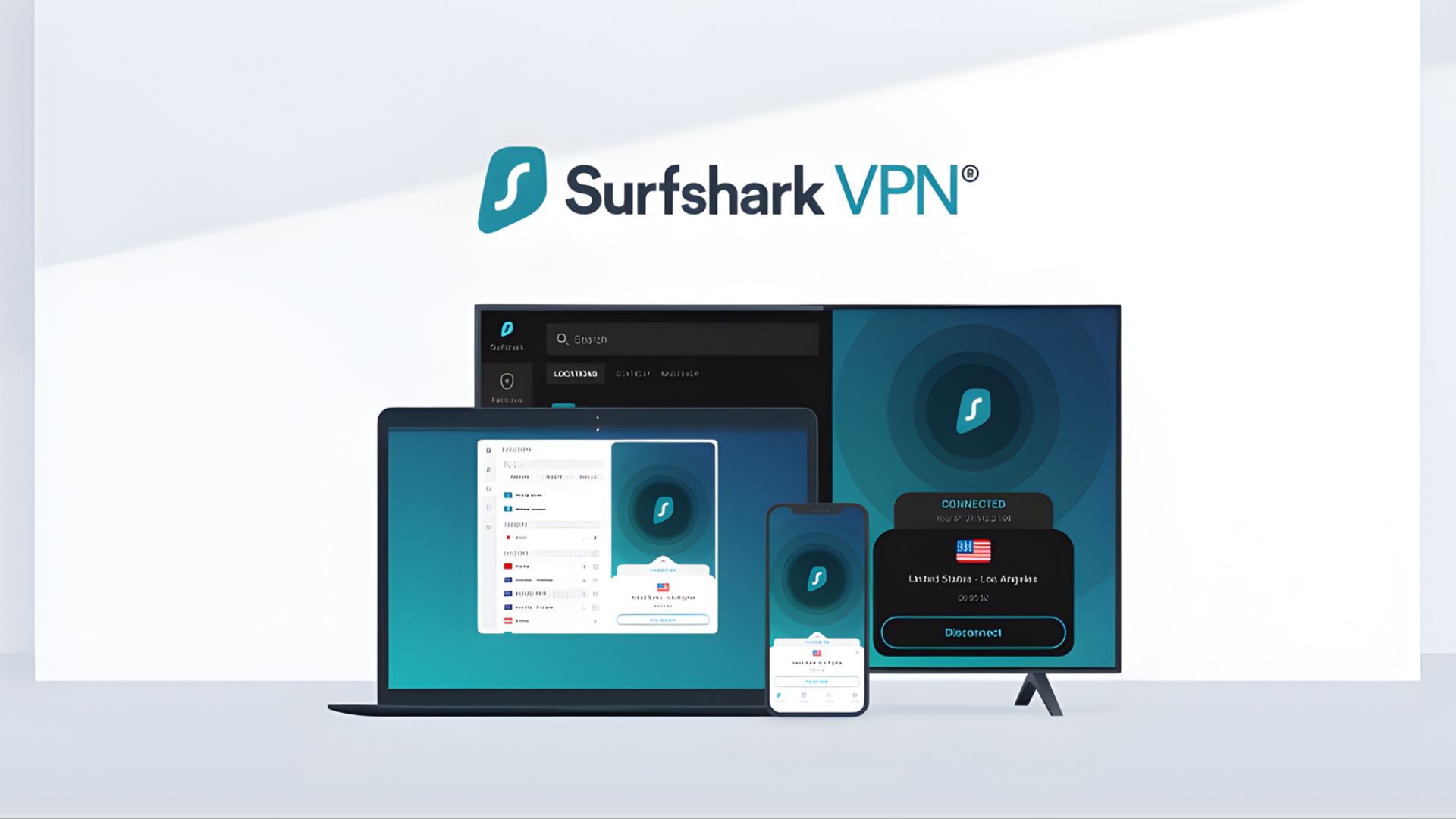
Entry-level plans start at around $1.69–$1.99 per month when billed upfront, making it one of the more affordable paid options available. Compared to free VPNs, Surfshark generally offers more stable speeds and unlimited connection limits. For users looking for a budget-friendly VPN for SuperBox, it provides a practical middle ground between free services and higher-priced premium VPNs.
ExpressVPN
ExpressVPN is another widely recommended option and is often mentioned for its stability and ease of use on streaming devices. In recent YouTube reviews and Reddit discussions, it’s frequently brought up as a popular VPN for SuperBox, with many users highlighting its consistent connections and overall reliability.

ExpressVPN currently offers long-term plans starting at around $2.79/month for the Basic plan, $3.59/month for Advanced, and up to $5.99/month for the Pro plan when billed upfront over a multi-year period. It is positioned at a higher price point compared to many budget VPNs. For users who prioritize smooth streaming over price, ExpressVPN can be a solid VPN for SuperBox.
NordVPN
NordVPN is also very popular and requires a paid subscription. It’s commonly used on Android TV boxes and is known for its broad server network and solid performance.
NordVPN offers competitive long-term pricing, with plans starting at around $2.99/month for the Basic tier, $3.89/month for Plus, and up to $4.89/month for the Complete plan when billed upfront with bonus months included. Compared to free VPNs, these plans provide more consistent speeds and added security features.
VPN for SuperBox: Final Thoughts
Whether you need a VPN for SuperBox depends on how you use the device and what you value most. Free VPNs can work in certain situations but often come with speed and reliability trade-offs. Paid VPNs tend to offer a smoother and more consistent streaming experience, especially for users who watch content regularly. The key is choosing an option that balances cost, privacy, and performance without overcomplicating your setup.
Beyond VPN choices, factors like network configuration and system optimization also play a role. If you want to fine-tune performance further, checking out the best settings for SuperBox can help you get a smoother experience without overcomplicating your setup. The key is choosing an option that balances cost, privacy, and performance.