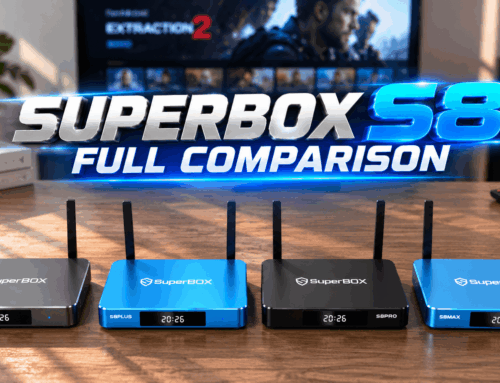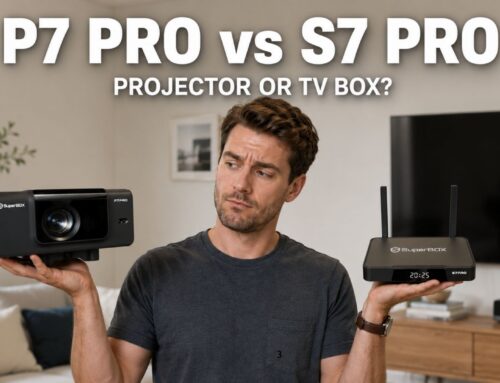
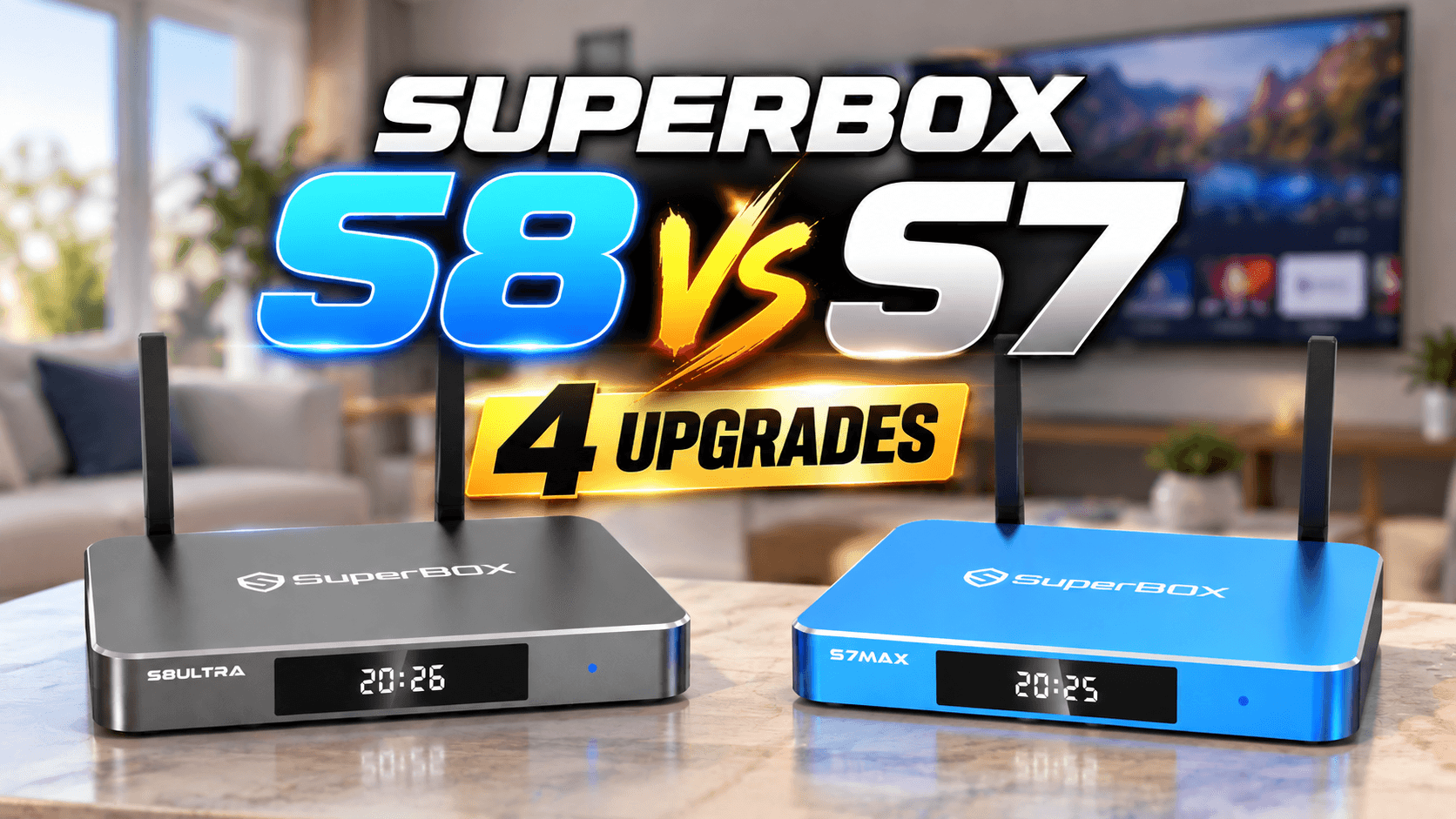
If you already own a SuperBox S7 and are wondering whether it’s time to upgrade, or you’re researching before buying your first Android TV box, this SuperBox S8 versus S7 breakdown will walk you through every real difference: hardware, new features, and the actual launch pricing. The goal here isn’t to declare that S8 is “better” in some vague sense, it’s to show you exactly what changed and what stayed the same between the two generations.
Overview: What Actually Changes Between SuperBox S8 vs S7?
At its core, comparing SuperBox S8 and S7 isn’t about a complete hardware overhaul. The SuperBox S7 launched in late 2025 and was SuperBox’s flagship for a good stretch of time, earning praise for its stability and smooth day-to-day streaming experience. When you line up SuperBox S8 versus S7 side by side, the underlying hardware philosophy is largely carried over, but the “brain” of the software and the overall day-to-day experience got a meaningful upgrade.
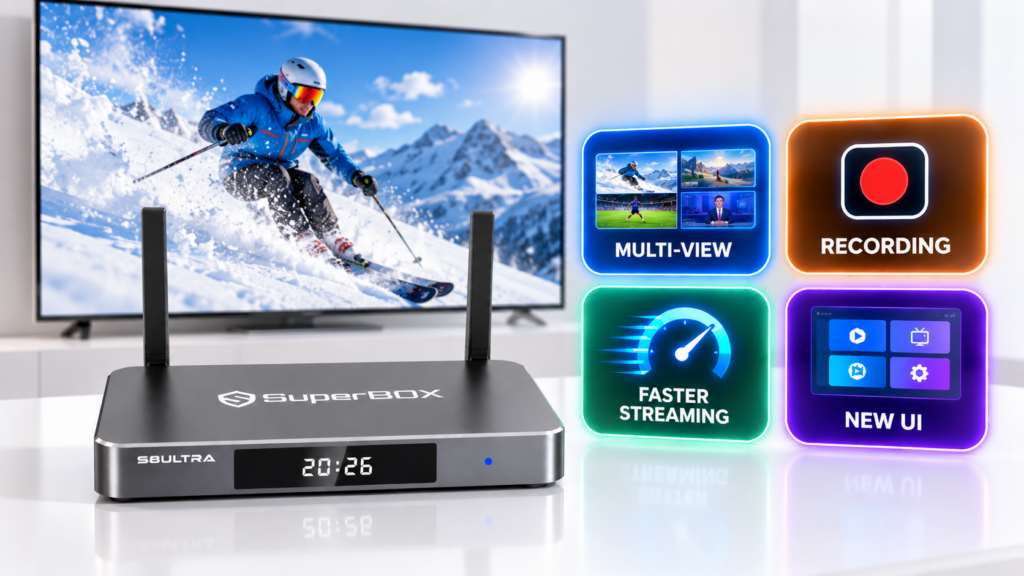
In other words, if you’re expecting a total transformation from this comparison, you might be a little surprised. But if you look at how people actually use the box every day, the changes on the S8 land exactly on the pain points S7 owners used to complain about.
Spec Comparison: SuperBox S8 vs S7
Spec | SuperBox S7 | SuperBox S8 |
Operating system | Android | Android 12 (upgraded interface) |
Processor | Quad-core ARM Cortex-A53 | Quad-core ARM Cortex-A53 |
GPU | Mali G31 MP2 | Mali G31 MP2 |
RAM | 4GB | 4GB |
Connectivity | Wi-Fi, Gigabit Ethernet, Bluetooth | Wi-Fi 6 (2T2R), Gigabit Ethernet, Bluetooth 5.2 |
Video output | HDMI | HDMI 2.1, decodes up to 6K/60fps |
Multi-viewing (PIP) | Not available | Yes, watch multiple channels at once |
Built-in recording | Not available | Yes, via the new recording app |
Launch price | Base price point | Same as the S7 launch price |
Looking at the table, the core hardware (chip, GPU, RAM) barely changes when you compare the two generations. That tells you raw processing power isn’t the reason to upgrade. Instead, three things actually create the gap: multi-viewing, the built-in recording app, and a streaming system that’s been retuned from the ground up.
Multi-Viewing Two Screens at Once: The Biggest Difference
This is probably the most noticeable difference in the whole SuperBox S8 versus S7 comparison. On the SuperBox S7, you could only watch one channel or one app at a time, just like most traditional Android TV boxes. The SuperBox S8 completely changes how you watch TV with a picture-in-picture (PIP) multi-viewing feature, letting you display two screens on the same interface at once.
Picture this: you want to keep an eye on a live game while also catching the evening news, or you simply don’t want to miss a second game airing at the same time slot. That’s exactly the scenario the SuperBox S7 couldn’t handle, but the SuperBox S8 manages it cleanly through split-screen viewing. For anyone who watches a lot of sports on weekends or likes following multiple content sources at once, this is the single most convincing reason in the entire SuperBox S8 versus S7 debate. Check out our step-by-step guide to using multi-viewing on the SuperBox S8 to see exactly how to set it up.
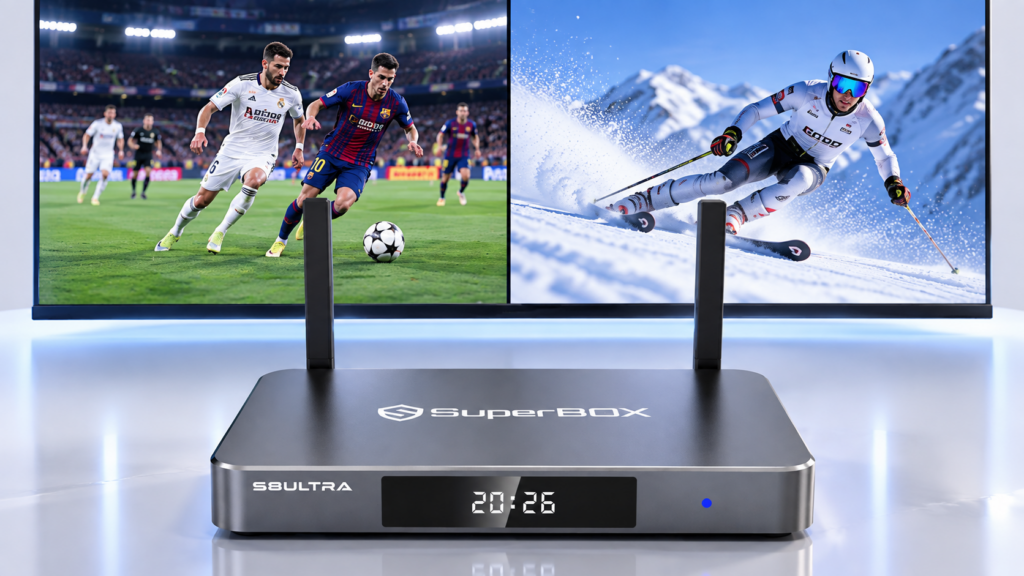
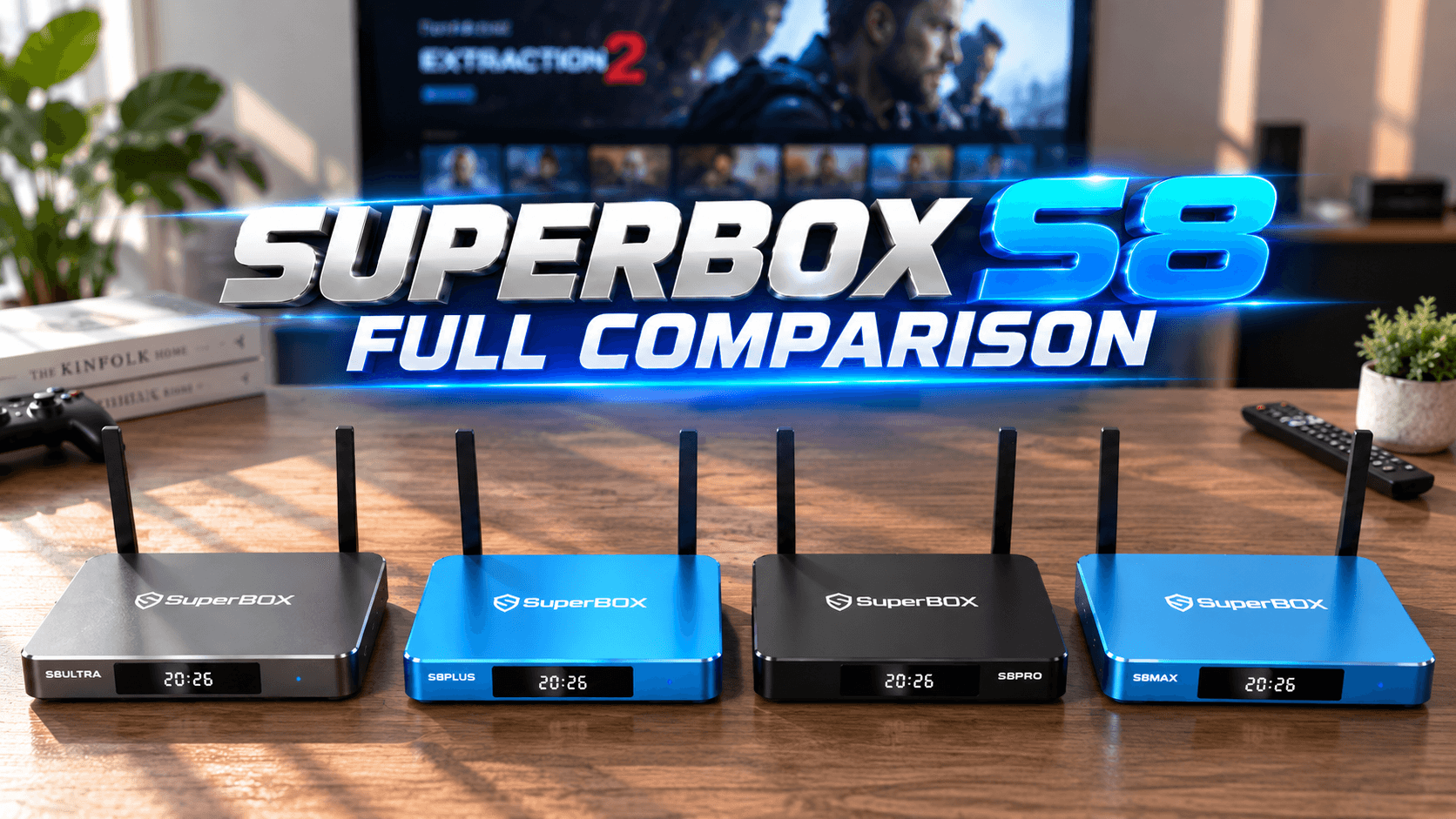
What’s worth noting is that this feature doesn’t require stronger hardware to run. It comes entirely from SuperBox re-optimizing the software and multitasking system. That’s exactly why, even though the chip and RAM are nearly identical across both generations, the real-world experience between SuperBox S8 and S7 still feels noticeably different. If you want to get the most out of multi-viewing along with the most storage headroom, the SuperBox S8 Ultra is currently the best model in the entire S8 lineup.
Built-in Recording: Capture Content Right From the Box
One common limitation of older-generation Android TV boxes, the SuperBox S7 included, was that recording live content required an external capture device plugged in over HDMI, which was clunky and inconvenient for the average user. When you break down SuperBox S8 versus S7 on this point, the difference is unmistakable: the SuperBox S8 ships with a built-in recording app baked right into the system.
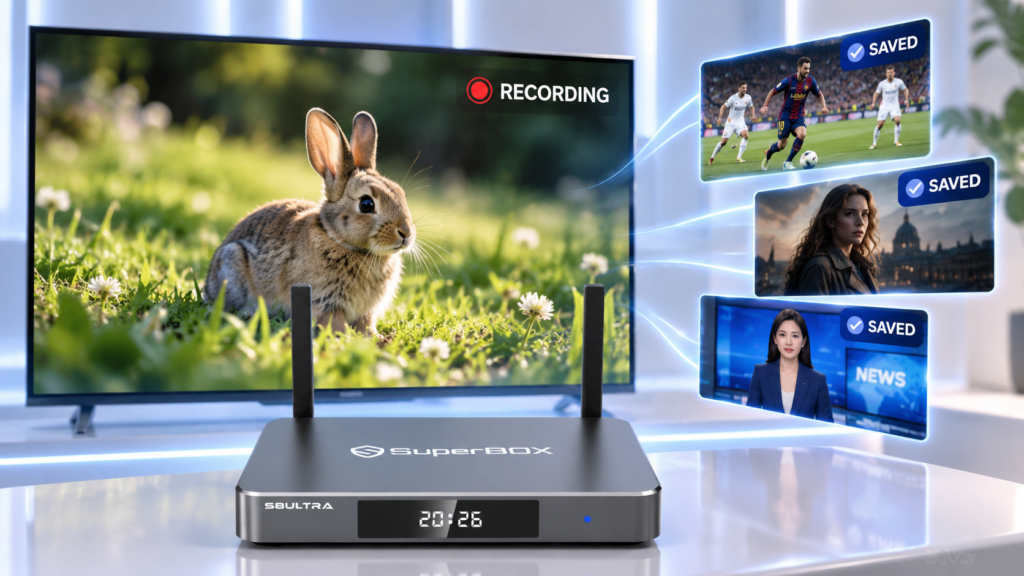
That means you can save a show, a game, or any live content directly from the box itself, with no extra hardware needed. This feature is completely absent on the SuperBox S7, and it’s one of the three pillars driving people to consider switching when they weigh SuperBox S8 against S7. For households who want to save their favorite programs or simply catch up later after missing something live, this feature pushes the SuperBox S8 much closer to a dedicated DVR experience than its predecessor ever managed. See our full guide on how to use the built-in recording app for the complete walkthrough.
A Fully Upgraded Streaming System
Beyond the two headline features above, another quiet but important change between SuperBox S8 and S7 is the underlying operating system. The SuperBox S8 runs on a refined Android 12 interface, making app switching, content loading, and menu navigation noticeably snappier than on the SuperBox S7.
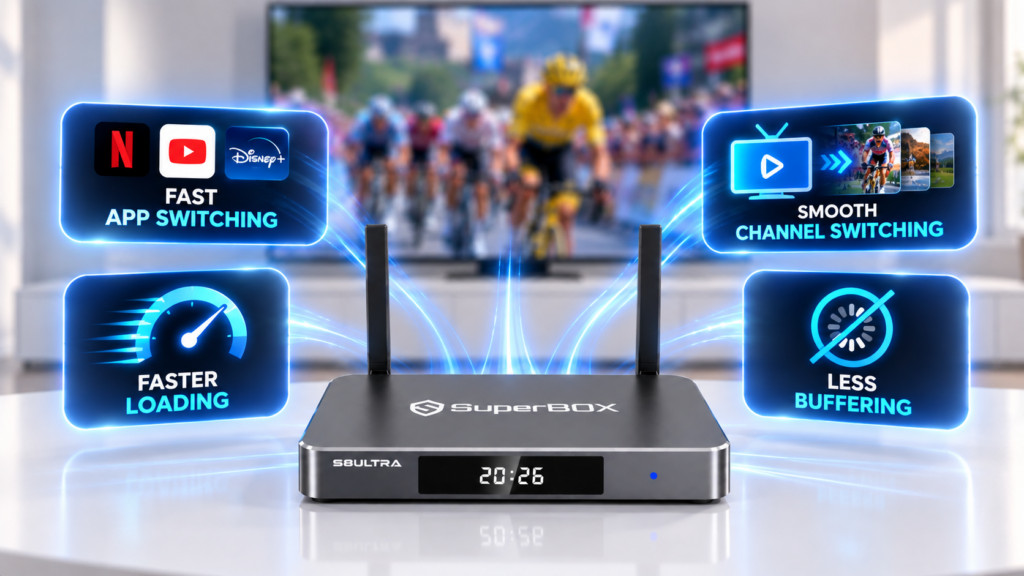
This isn’t the kind of upgrade that jumps out at you from a spec sheet. It’s the kind you only notice after a few days of daily use: apps open faster, channel switching feels smoother, and there’s less stutter when your home network is juggling multiple devices at once. On the SuperBox S7, heavier use could sometimes mean buffering mid-show, an app randomly getting kicked back to the home screen, or content taking a beat too long to load. The upgraded system on the SuperBox S8 addresses exactly that: less buffering, fewer unexpected drops back to the home screen, and everything from apps to live channels loading noticeably faster. Paired with Wi-Fi 6 and Gigabit Ethernet, the SuperBox S8 handles the toughest scenario for any streaming box well, live sports on a Sunday afternoon with a house full of people and everyone’s phones competing for bandwidth, a situation where cheaper boxes, and sometimes even the SuperBox S7, tend to struggle.
Pricing: Is SuperBox S8 More Expensive Than S7?
One of the biggest questions people have about SuperBox S8 vs S7 is pricing. The good news is that the SuperBox S8’s price stayed the same as the SuperBox S7’s original launch price. That means you’re not paying extra to get multi-viewing, built-in recording, and a smoother overall system, all of those upgrades arrive without a price hike.
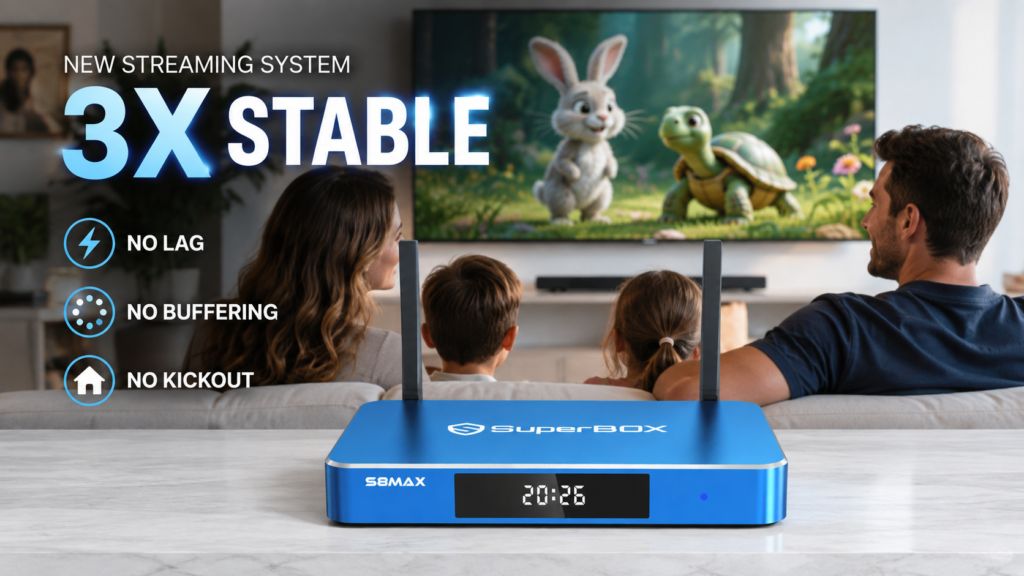
That’s a fairly rare move in the tech hardware world, where a new generation usually comes with a higher price tag. If budget is your main concern, the SuperBox S8 Plus is the most balanced pick in the lineup, offering the best price-to-value ratio for everyday use.
A Redesigned Interface
The SuperBox S8 also comes with a redesigned interface, cleaner and easier to navigate than the S7. Icons, the loading screen, and the color scheme have all been redesigned too.
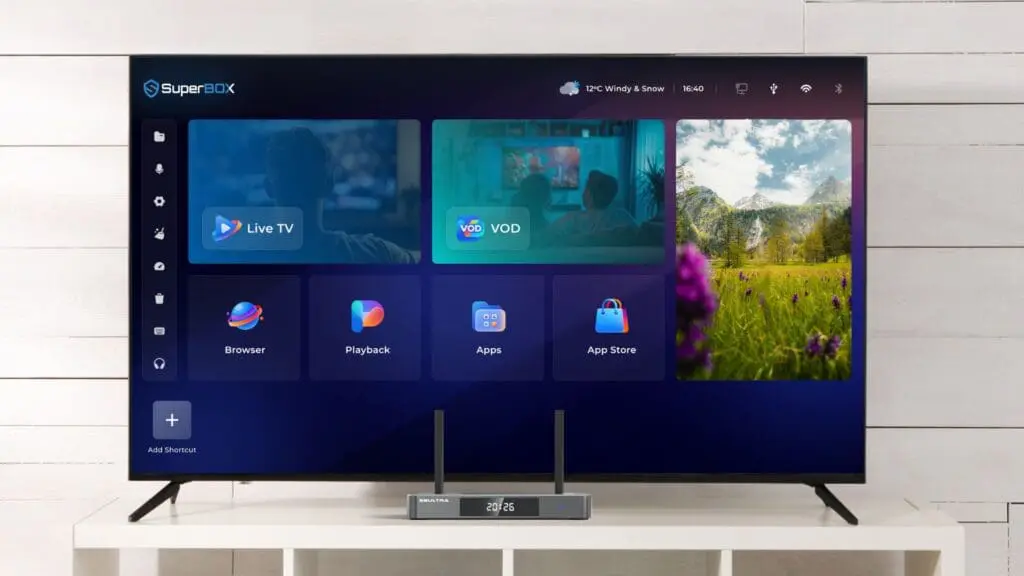
When watching TV, content is now organized into more categories, making it easier to find and manage what you’re looking for. Some of the shortcut keys for controlling the TV stay the same as before, so it’s still easy to use even after the redesign.
SuperBox S8 vs S7: Which One Should You Get?
If you already own a SuperBox S7 and you’re happy with your current setup, upgrading may not be urgent if you don’t need multi-viewing, recording, or a smoother system.
However, the S8 is worth considering if you:
- Want to watch multiple streams at once
- Want to record live content without extra hardware
- Want a smoother, faster day-to-day experience
For brand-new buyers, the S8 offers more features without an additional cost. Once you’ve decided on the SuperBox S8, the next step is choosing the right tier within the lineup to match how you actually use it. If you’re deciding between tiers within the S8 lineup, check out the full SuperBox S8 model comparison to find the best fit for you.
SuperBox S8 vs S7: Final Verdict
Looking at everything above, the SuperBox S8 vs S7 comparison really isn’t about which one has stronger internals, it’s about how the daily viewing experience has improved. Multi-viewing lets you follow more content at once, built-in recording means you never miss a show, and the upgraded streaming system makes every interaction smoother, and all of this arrives without costing a single extra dollar over what the SuperBox S7 cost at launch. That’s why, when you put SuperBox S8 vs S7 side by side, the newer generation comes out ahead, not because it’s dramatically more powerful, but because it understands how people actually use an Android TV box every single day.
Ready to Upgrade to SuperBox S8?
SuperBox S8 Series is now in stock and available for wholesale orders. Upgrade from the S7 and bring the latest generation to your customers.
Contact us today to discuss wholesale pricing and get started.