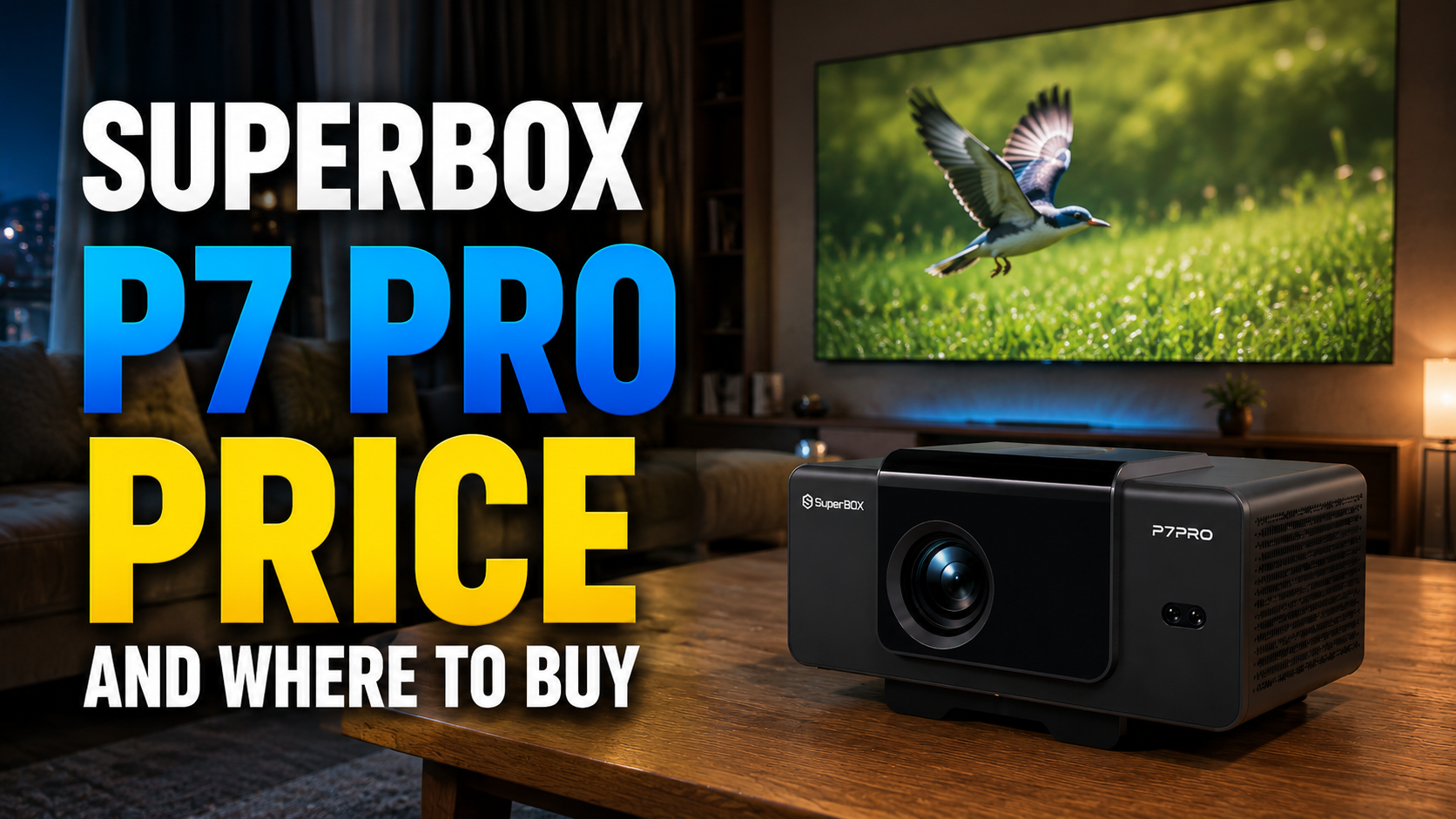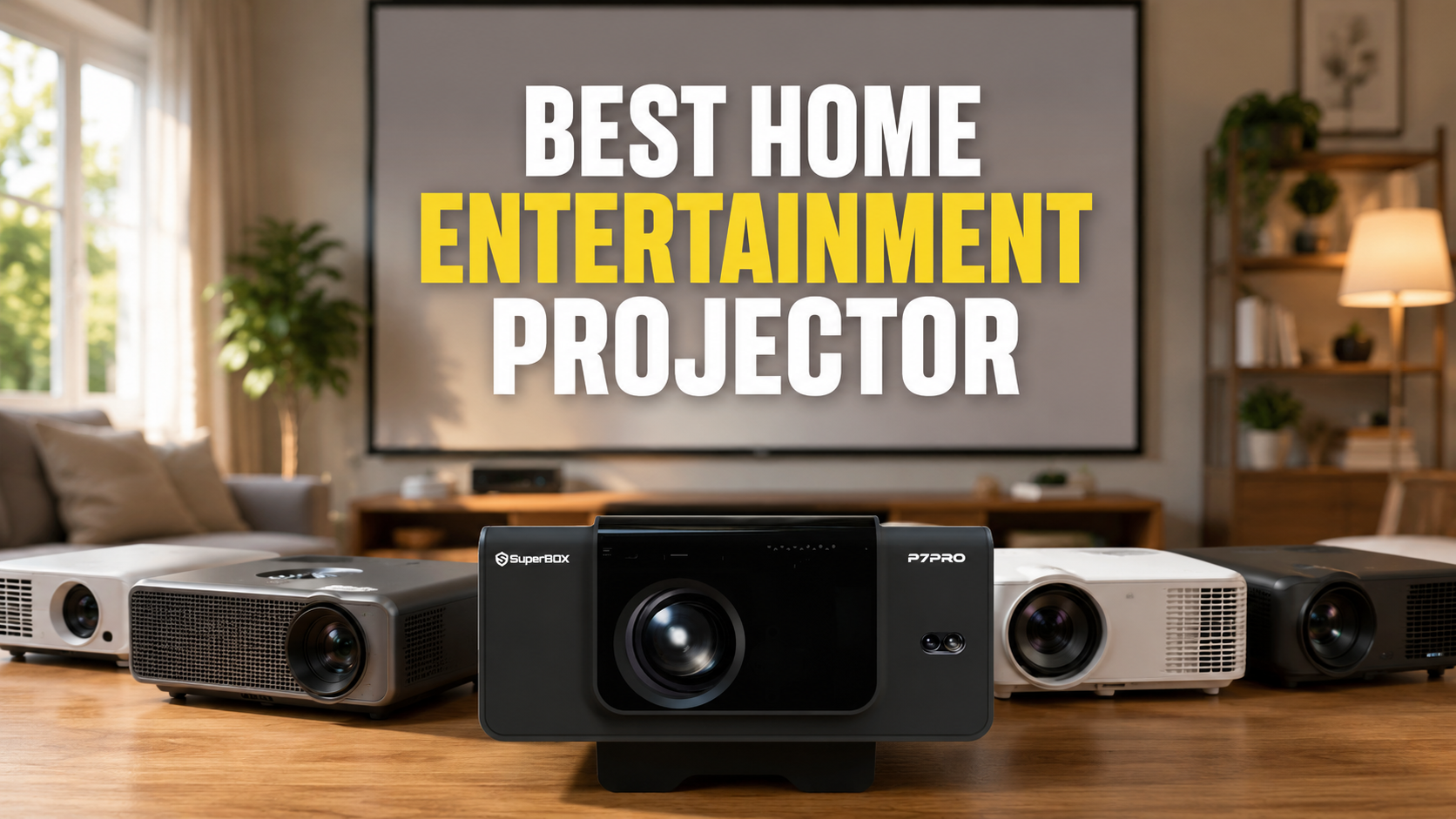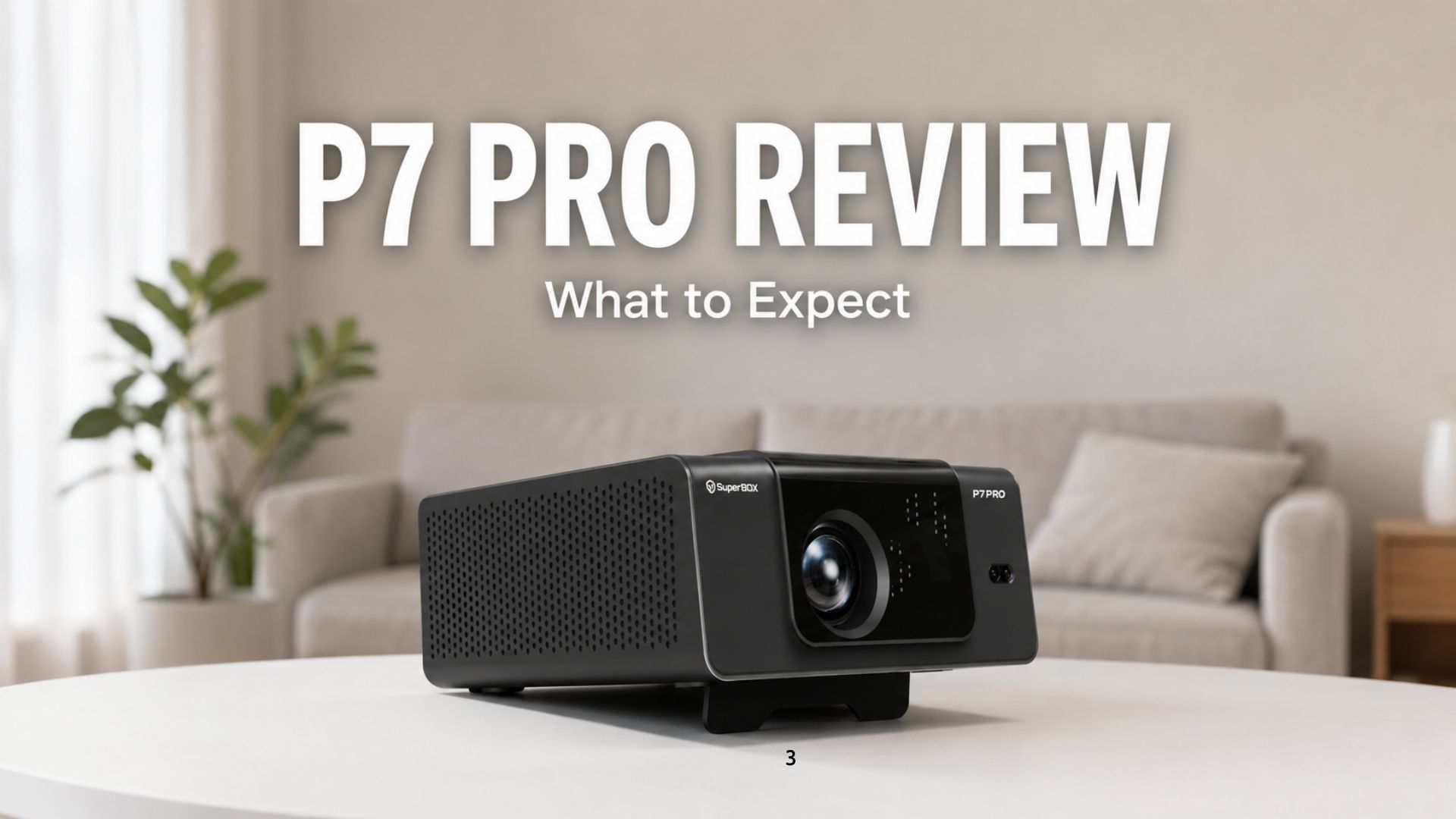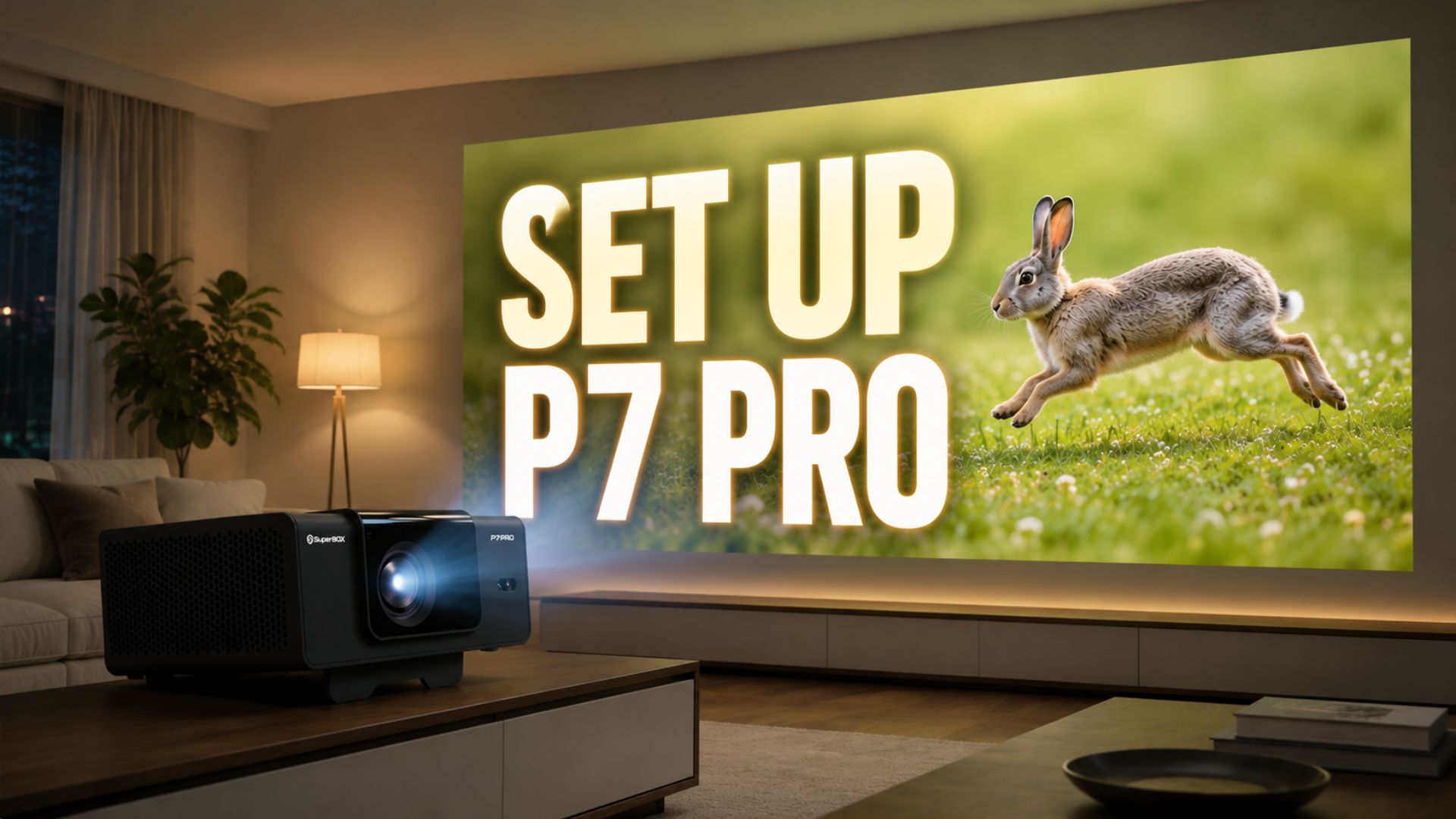
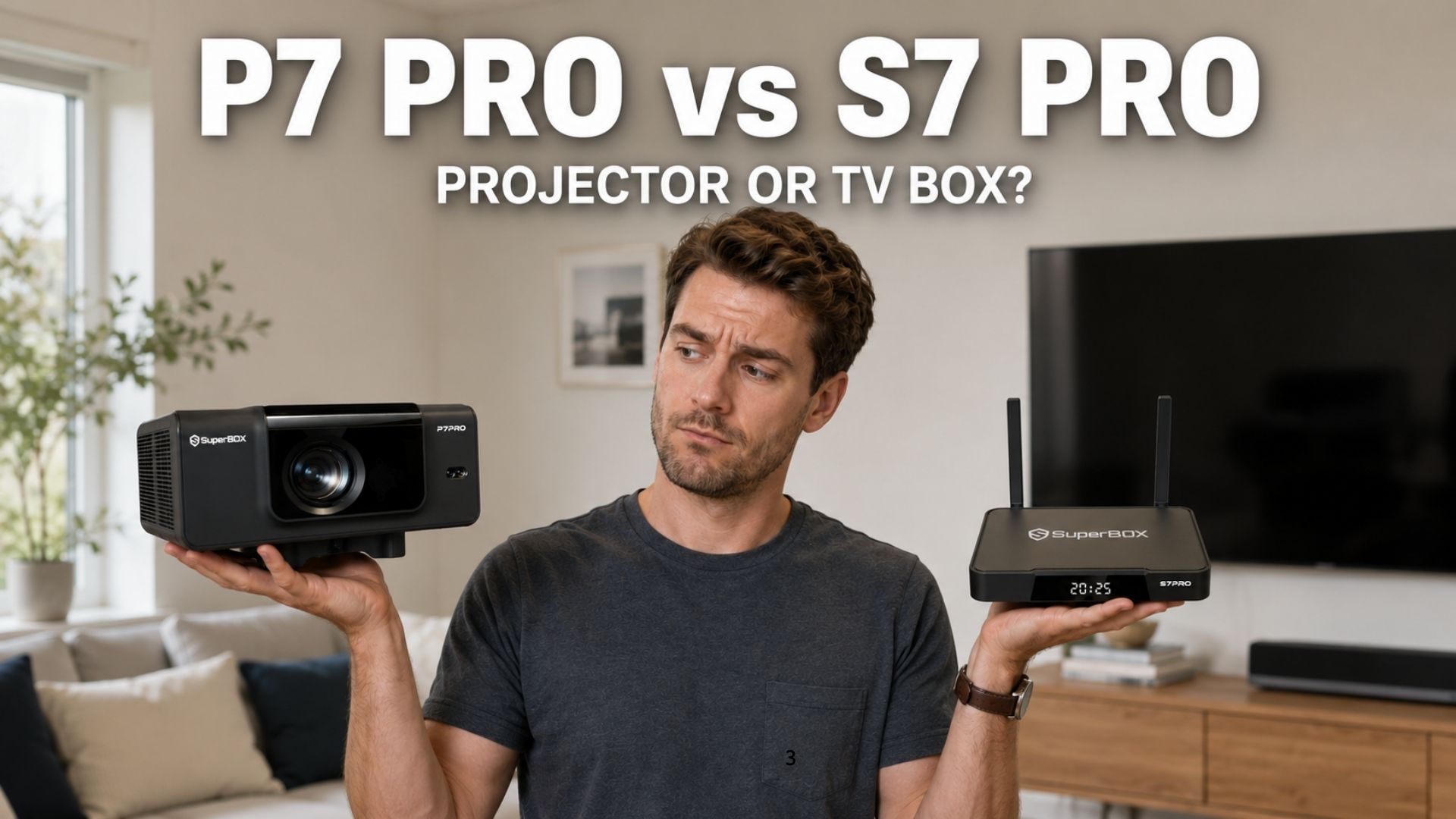
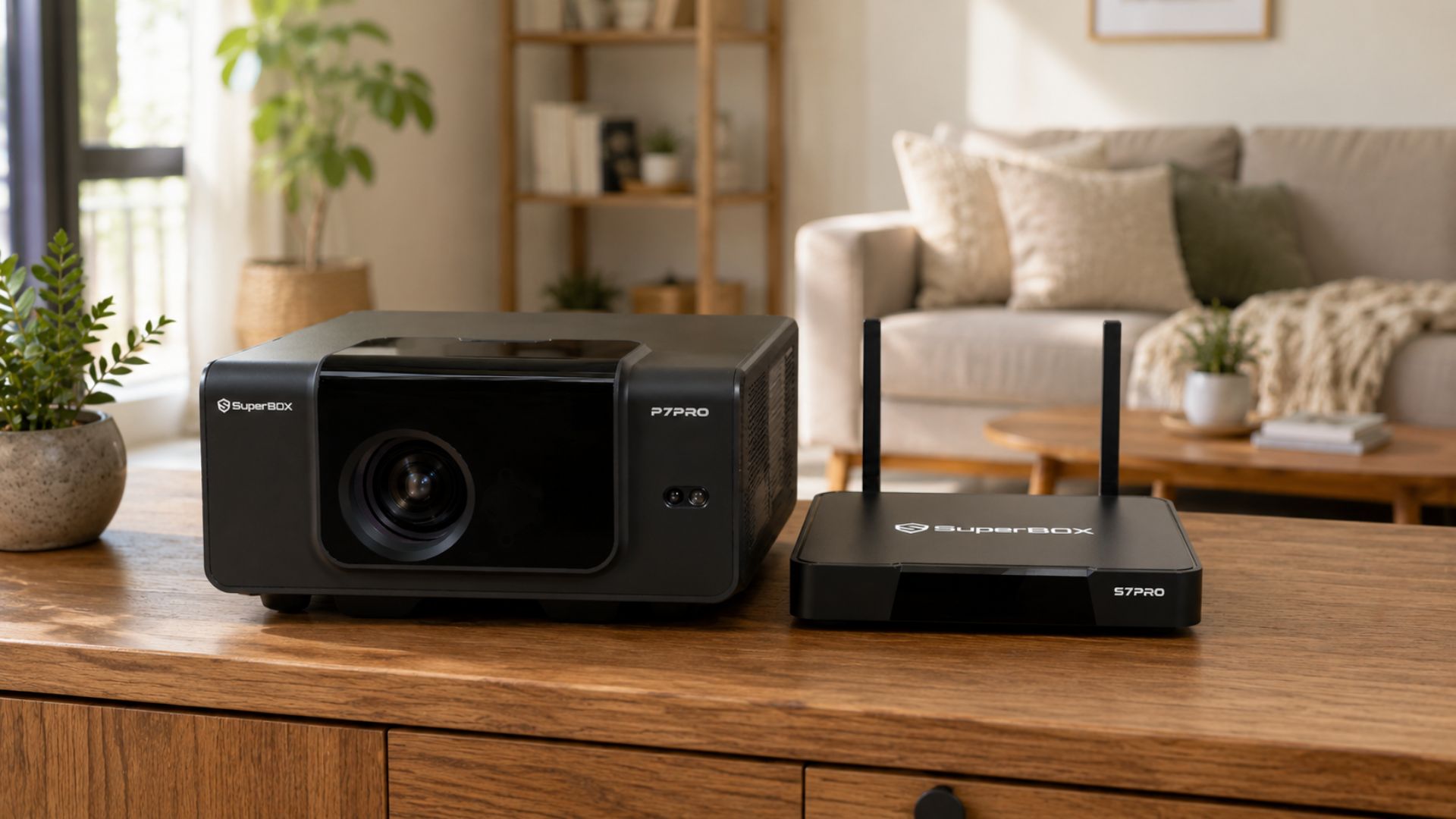
SuperBox just launched the P7 Pro projector in July 2026. If you don’t own this projector yet and are wondering how it’s different from the SuperBox S7 Pro (or TV boxes in general), this SuperBox P7 Pro vs S7 Pro guide will walk you through it. A lot of people assume the P7 Pro is just a newer version of the S7 Pro, but they’re actually built for different setups. We’ll cover what each device does, who it’s actually for, and how to decide which one makes sense for your room.
Quick Comparison: SuperBox P7 Pro vs SuperBox S7 Pro
Criteria | SuperBox P7 Pro | SuperBox S7 Pro |
Device type | Portable 4K projector | Android streaming box |
Requires a TV? | No — projects onto a wall/screen | Yes — needs an existing TV/display |
Portability | High — take it anywhere, indoor or outdoor | Compact and pocket/bag-friendly, but still needs a TV/display to actually use it |
OS & content | Android, same app ecosystem | |
Connectivity | WiFi 6, 1000Mbps Ethernet | |
Resolution support | Up to 4K | |
Standout features | Voice control, time-shift, parental lock, playback | |
Price | Higher — more hardware involved (projector, lens, light source) | Lower — no projection hardware needed |
Price isn’t really the deciding factor since the gap is small. What actually matters is whether you already own a TV and whether you need the device to travel with you.
What Is the SuperBox P7 Pro?
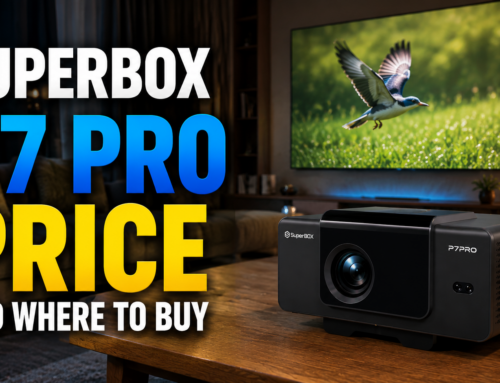
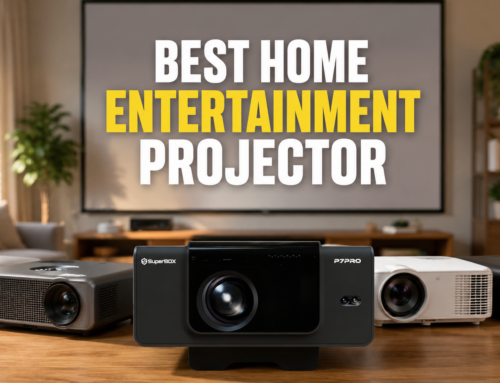
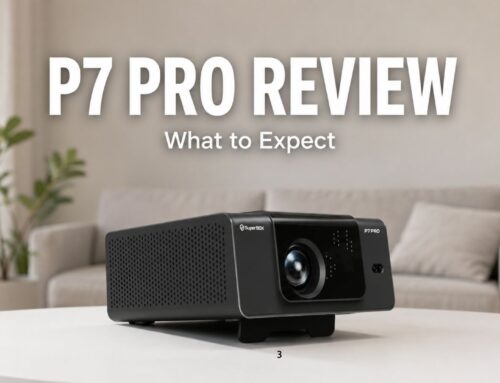
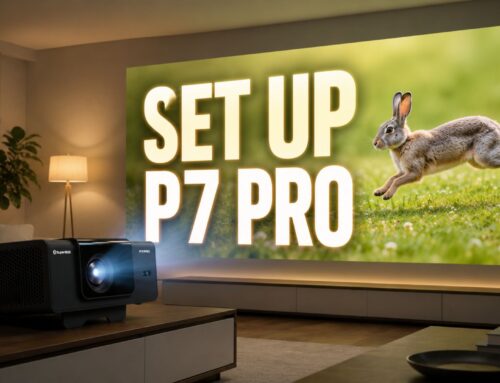
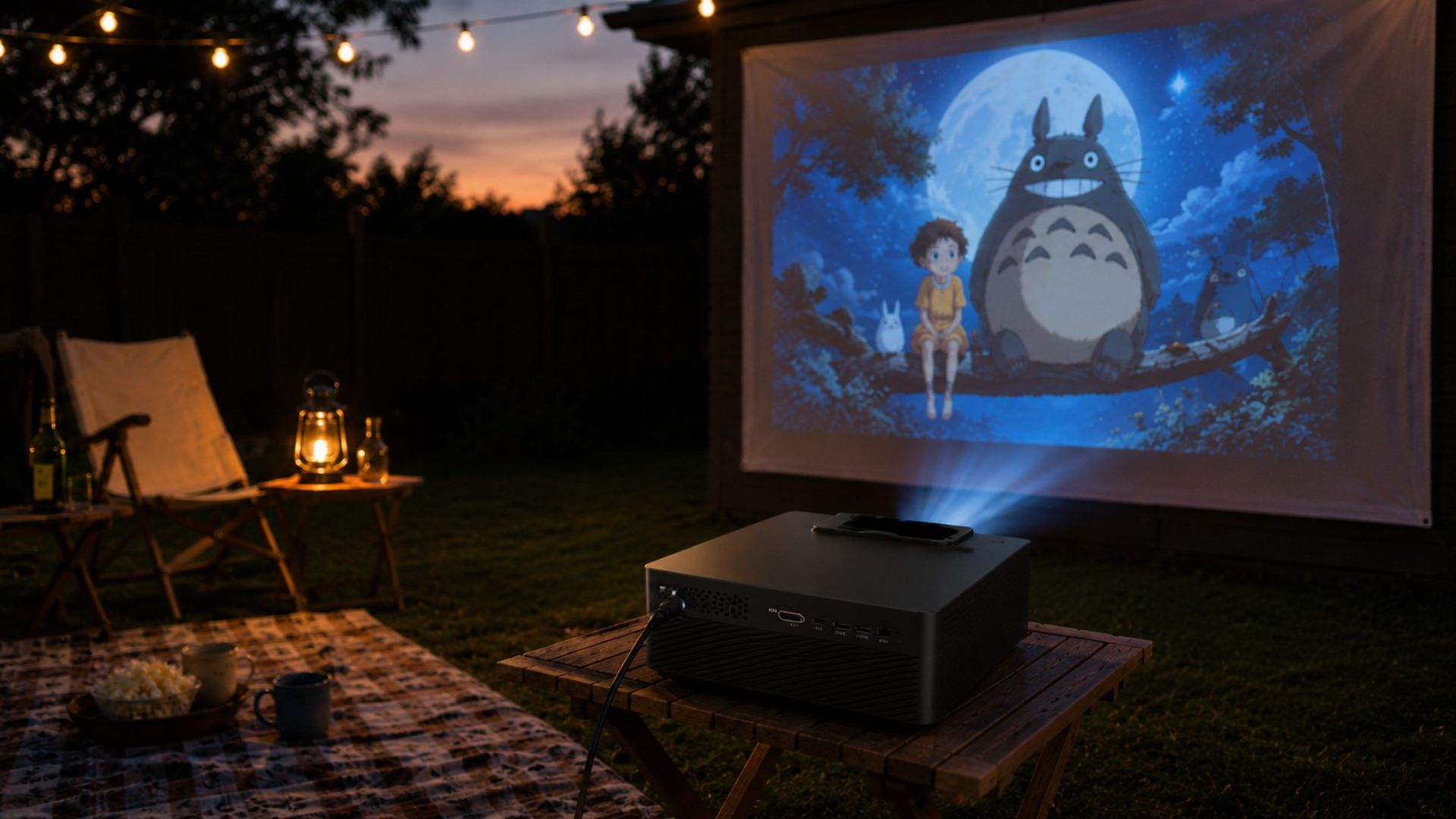
The SuperBox P7 Pro is a portable 4K projector built to turn any wall into a home theater, no TV required. It’s compact, boots up fast, and comes with WiFi 6 for smooth streaming, plus features like voice control, time-shift playback, and parental locks. When people compare SuperBox P7 Pro vs SuperBox S7 Pro, the P7 Pro is usually the pick for anyone who wants flexibility over a fixed setup.
Pros:
- No need to buy a separate TV — saves money if a bedroom, dorm, or outdoor space has no screen
- Highly portable: take it camping, into the backyard, a hotel room, or a rental apartment
- Flexible screen size, projecting up to 100–120 inches depending on the space
- Perfect for Friday night movie marathons without rearranging your living room
Cons:
- Picture quality depends on ambient light — the darker the room, the sharper and brighter the image
- Needs a white wall or projector screen for the best results
- Not ideal for daytime viewing in bright rooms
Best for: people without a TV, students/renters, families who love outdoor movie nights, or anyone who wants one device usable in multiple rooms.
What Is the SuperBox S7 Pro?
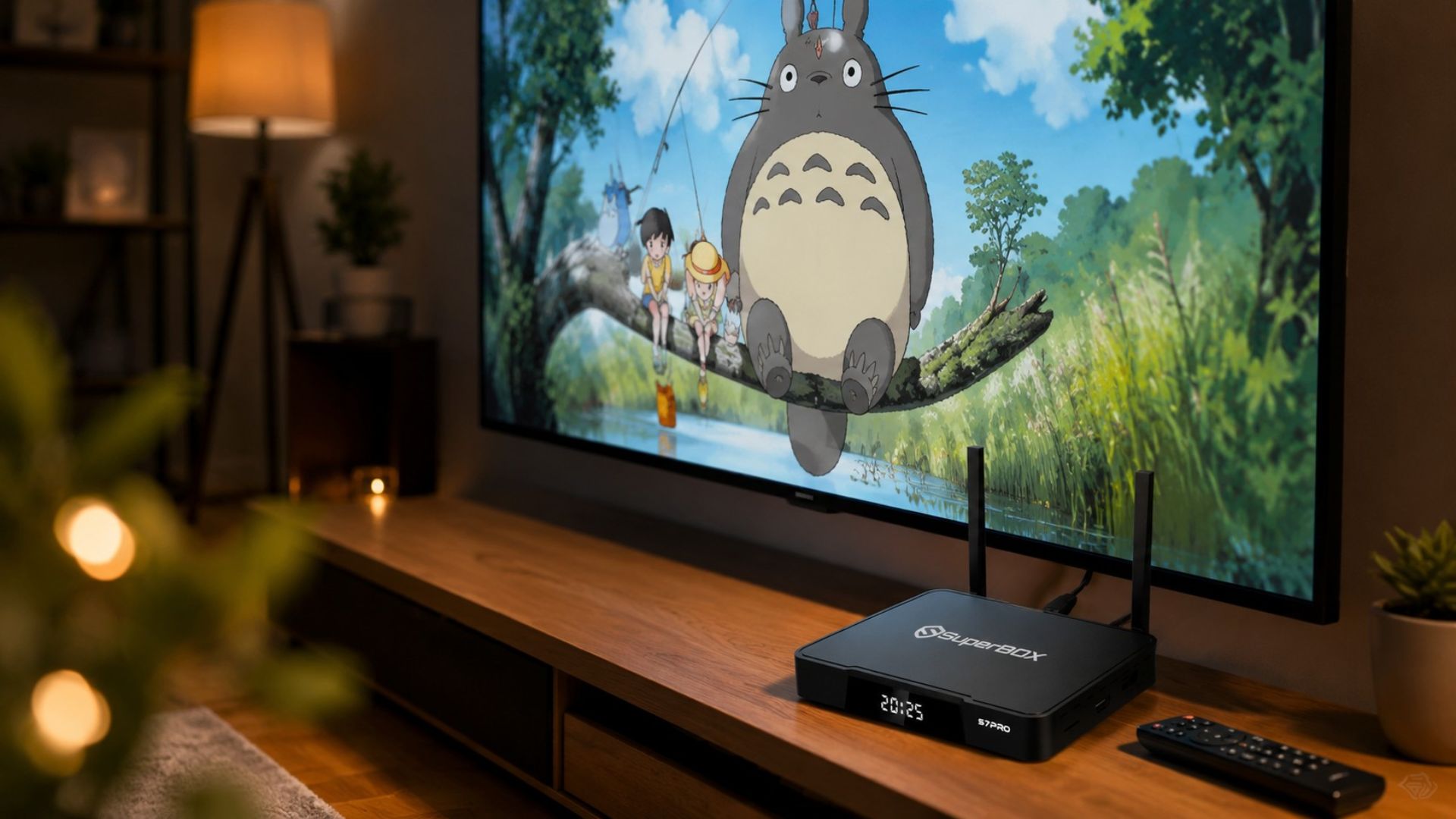
The SuperBox S7 Pro is an Android TV box from the S7 lineup, positioned as the most affordable option in the series while still packing premium specs: 4GB RAM, 32GB storage, 1000Mbps Ethernet, dual-band WiFi 6, support for up to 6K resolution, USB 3.0 + USB-C ports, and up to 7 days of time-shift playback — a 20x jump from earlier generations. The S7 Pro is the go-to choice for households that already have a TV set up.
Pros:
- Stable, sharp picture quality regardless of room lighting, thanks to a wired Ethernet option
- Reliable performance for high-resolution content without buffering
- Most budget-friendly option in the S7 lineup
- Compact, plug-in-once setup that runs long-term
Cons:
- Requires a TV or HDMI-capable display to work
Content Experience: SuperBox P7 Pro vs S7 Pro
Here’s an important point in: both devices run on Android with the same app ecosystem and a nearly identical interface. So if what you care about is what you can actually watch — the content, apps, and day-to-day experience — there’s essentially no difference. The real distinction is purely in the display hardware, not the content layer. That means you don’t need to worry about one device offering “more” than the other; the deciding factor should be your room setup, not the content library.
SuperBox P7 Pro vs SuperBox S7 Pro: Which One Should You Buy?
Since pricing between the two is close, use this simple rule of thumb to settle the SuperBox P7 Pro vs SuperBox S7 Pro question:
Choose the SuperBox P7 Pro if
- You don’t have a TV and don’t want to buy one
- You need a portable device usable in multiple rooms or on the go
- You enjoy outdoor movie nights, camping trips, or backyard screenings
- Your space can be dimmed for optimal projection quality
Choose the SuperBox S7 Pro if
- You already own a TV or HDMI-capable display
- You want a sharp, consistent picture regardless of ambient light
- You need stable, high-resolution streaming over a wired connection
- You prefer a set-it-and-forget-it setup with no need to move the device
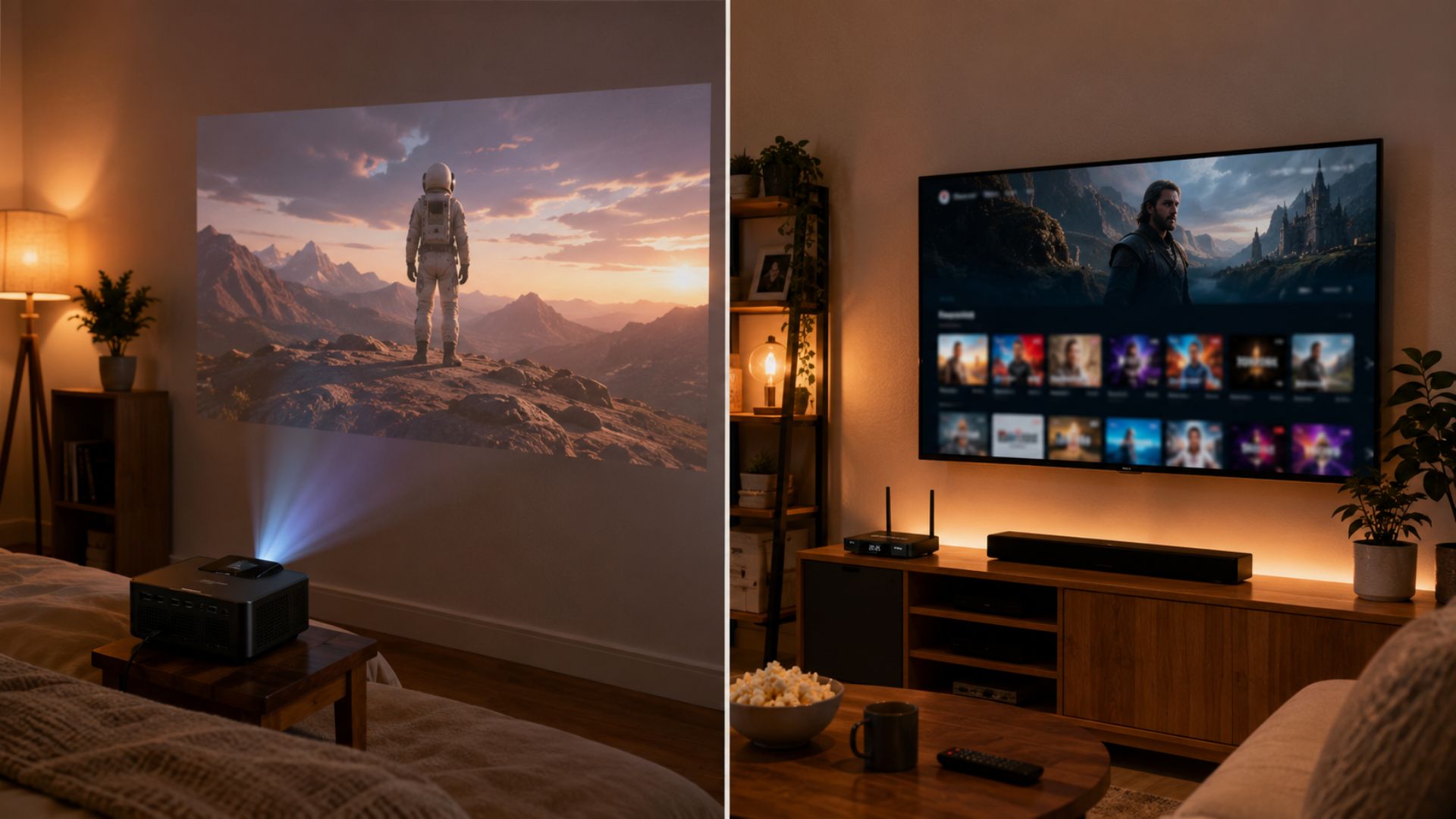
Working with a tight budget but still want full features? The S7 Pro is currently the most affordable option in the S7 lineup, while the P7 Pro saves you the cost of buying a new TV altogether. The simplest way to frame the SuperBox P7 Pro vs SuperBox S7 Pro decision: already have a TV → get the TV box; don’t have one yet → get the projector.
FAQ: SuperBox P7 Pro vs SuperBox S7 Pro
What’s the main difference between the SuperBox P7 Pro and S7 Pro?
The core difference is the hardware, not the content. The P7 Pro is a projector that creates its own screen on a wall, while the S7 Pro is a TV box that needs a screen already in place. Everything else like apps, streaming, features, runs on the same Android system.
So which one should you actually buy, the P7 Pro or the S7 Pro?
If you already have a TV, go with the S7 Pro. It’s the cheaper, simpler option. If you don’t have a TV, or you want something you can move between rooms or take outdoors, the P7 Pro is the better fit.
Does the P7 Pro projector need a TV?
No. The P7 Pro is a standalone projector. All you need is a white wall or a projector screen to use it right away.
Can the S7 Pro be used outdoors?
Technically it can connect to a portable display, but the S7 Pro is designed mainly for indoor use, fixed next to a TV.
Is there a big price gap between the SuperBox P7 Pro and S7 Pro?
Not really. That’s exactly why the SuperBox P7 Pro vsS7 Pro decision should hinge on whether you already have a TV, not on budget.
Is the content the same on both devices?
Yes. Both run Android with the same app ecosystem, so the content experience is essentially identical.
Can you use both at the same time?
Absolutely! Many households use the S7 Pro for a living room with a fixed TV, and the P7 Pro for a bedroom or outdoor movie nights.
Conclusion: SuperBox P7 Pro vs SuperBox S7 Pro
The SuperBox P7 Pro vs SuperBox S7 Pro comparison isn’t really about which device is better. They’re complementary solutions for different situations.
With pricing close enough that it’s not the deciding factor, the real question to ask yourself is simple: “Do I already have a TV?“ If yes, the S7 Pro is the better fit. If not, or if you need something portable, the P7 Pro is your answer.